Files stay on your device

Compare PDF Text Free Online Tool

Compare PDF Text Free Online Tool to run side-by-side text diffing across revisions, contracts, and legal drafts directly in your browser without uploading files.

Compare PDF text On this device

Opening tool…

Free to use No sign-up No daily quota

How to use Compare PDF text

To compare PDF Text Free Online Tool, choose the original first and the revised PDF second to see where the selectable text changed.

Review the change report alongside both files when layout or images also matter.

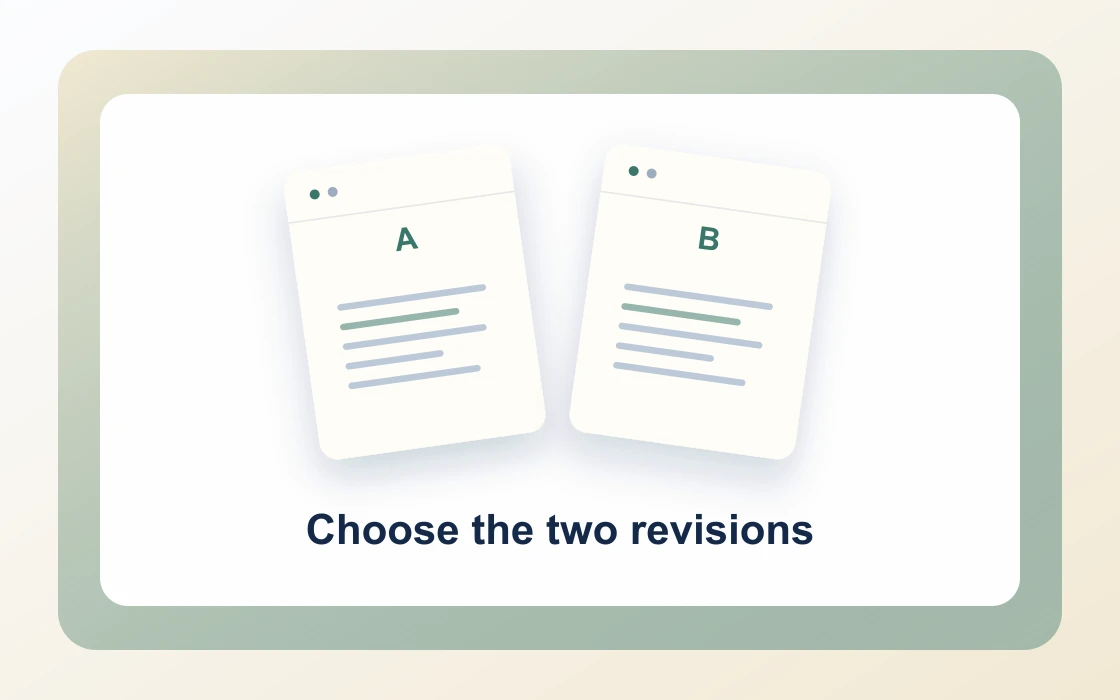
  1. Choose two PDFs.

    Use files that contain selectable text.

    Choose the two revisions
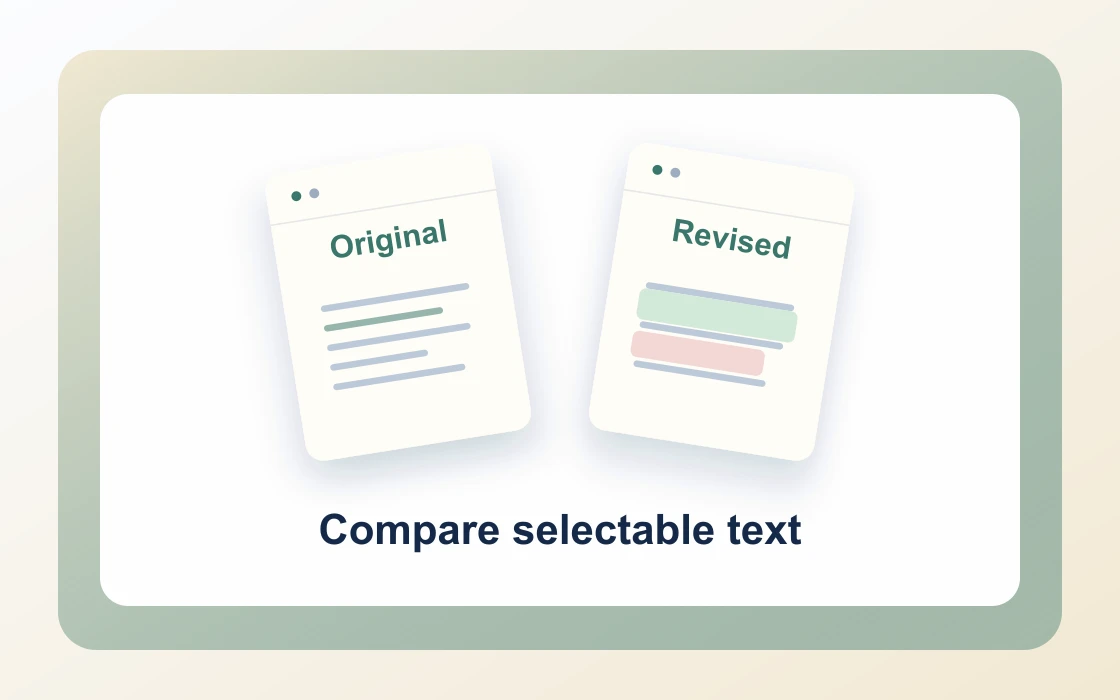
  2. Compare selectable text.

    Add exactly two PDFs. The first is the original. The comparison focuses on text.

    Compare selectable text
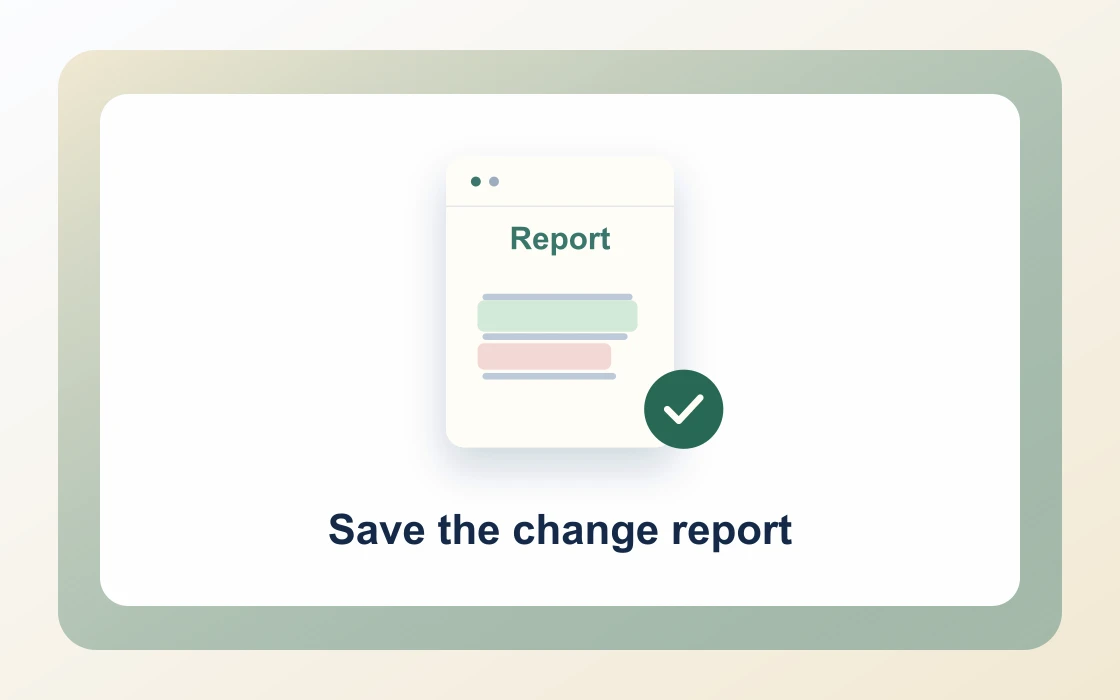
  3. Save the change report.

    Download the result and open it to check that it contains what you need.

    Save the change report
Visual Workflow Preview

Workflow example and result

See how compare pdf text free online tool works in practice: input Original + revised PDF and produce Text changes report directly on your device with complete privacy.

Compare PDF text · In-Memory Pipeline 100% Client-Side
Compare PDF Text Free Online Tool example showing Original + revised PDF and the output, Text changes report

Compare PDF Text Free Online Tool — Detect Every Change

Identify clause modifications, numerical discrepancies, and omitted text across revisions with side-by-side text diffing.

Side-by-Side Diff

Simple Way to Compare PDF Text for Free

Drop two revisions of the same contract, specification, or thesis into the workspace to inspect all textual differences.

Our engine analyzes selectable text streams to pinpoint added sentences, deleted clauses, and modified numbers.

Compare PDF Text Preview
Agreement_V1 & V2
Compare
Diff_Report.txt
Comprehensive text change summary highlighting added and deleted clauses
Precision Detection

Pinpoint Added, Removed, and Altered Clauses

Catch subtle contract modifications before signing, from altered payment terms to modified warranty clauses.

Download a clean text report summarizing every difference with page and line references.

1Inserted_TextAdditions
2Deleted_ClausesRemovals
3Modified_FiguresPricing Updates
100% Client-Side

Private In-Browser Revision Analysis

Keep confidential trade secrets, executive proposals, and legal amendments secure from third-party server logging.

PDF Chassis performs text comparison entirely inside your browser using WebAssembly with zero file uploads.

Zero Document Leaks

Proprietary trade secrets and legal drafts remain strictly in browser memory.

  • Instant zero-latency client-side text stream extraction
  • Side-by-side diff summary with downloadable report
  • Detects subtle changes across contract amendments and specs

Everything You Need in a Free PDF Compare Tool

Audit contracts, technical specifications, and academic papers with zero software installations.

Immediate In-Browser Processing

Use Compare PDF Text directly in your web browser with zero software installations, extensions, or account sign-ups.

Works Seamlessly on Any Device

Enjoy full cross-platform compatibility whether you work on Mac, Windows, Linux, iPad, or mobile Safari on iPhone.

100% In-Browser Privacy

Unlike server-upload platforms, our WebAssembly engine runs exclusively in your browser memory. Files never leave your device.

Preserves Document Integrity

Each document keeps its original vector curves, embedded fonts, and text searchability without visual degradation.

Precision Controls & Flexibility

Fine-tune page ranges, orientations, and output settings with intuitive, instant controls before saving.

100% Free with No Daily Limits

Process your documents without hitting arbitrary daily usage limits, subscription paywalls, or forced email registrations.

Recommended reading

Compare PDF text articles

See all Compare PDF text articles
Review4 min read

How to compare PDF versions

Learn how to compare PDF versions by preparing the original and revised files and reading a page-by-page report of text changes.

Read guide
Review4 min read

How to read a PDF text comparison report

Learn how to read a PDF text comparison report. A page-by-page report shows selectable text from changed pages in both versions.

Read guide
Review4 min read

How to compare revised PDF contracts

Learn how to compare revised PDF contracts. A text comparison can help locate wording changes for further review.

Read guide
Review4 min read

How to check shifted pages in a PDF comparison

Learn how to check shifted pages in a PDF comparison. Inserting a page can make several later pages appear different in a page-by-page report.

Read guide
Review4 min read

How to prepare searchable files for PDF comparison

Learn how to prepare searchable files for PDF comparison. Image-only scans cannot be compared as selectable text.

Read guide
By deviceiPhoneMacWindows

Compare PDF text FAQ

How to compare PDF text online free?

Add two PDF documents (the original and the revised version) into our Compare PDF Text Free Online Tool, click Compare, and view or download the side-by-side diff report.

What does the Compare PDF Text Free Online Tool detect?

The tool analyzes selectable text streams to highlight added paragraphs, deleted clauses, modified numbers, and punctuation discrepancies.

Can I compare legal contracts and revised agreements?

Yes. Easily compare master services agreements, lease revisions, and contract amendments to spot unflagged edits before signing.

How does PDF Chassis protect proprietary documents during comparison?

Text extraction and diff algorithms run 100% inside your local browser memory using WebAssembly. Neither document is ever uploaded to a server.

How to compare PDF text on Mac free?

Open Safari or Chrome on Mac, visit PDF Chassis Compare PDF text, drop both versions from Finder, and review the detailed text diff report.

How to compare PDF text on iPhone free?

In Safari on iPhone, select both PDF revisions from the Files app, tap Compare, and examine the text modifications directly on screen.

Does the tool compare scanned PDFs or images?

The tool compares selectable vector text streams. For scanned documents, run OCR or text extraction first to ensure text layers are readable.

Can I download the text comparison report as a separate file?

Yes. You can review the diff highlights in the browser and download a clean summary text report of all detected changes.

Is there a limit on file size or page count for text comparison?

PDF Chassis handles large documents up to 100 MB directly in client memory without daily usage caps or subscription paywalls.

How does this compare to Adobe Acrobat Pro document compare?

PDF Chassis offers instant in-browser text comparison without requiring paid $19.99/mo Acrobat Pro subscriptions or mandatory account logins.

Ready when you are.

Use Compare PDF text