Opening tool…
Free to use No sign-up No daily quota
How it works
How to use Recover PDF pages
To recover PDF pages, try rebuilding a damaged PDF when its pages can still be displayed.
Recovered pages are images. Check the result for missing pages and keep the original for reference.
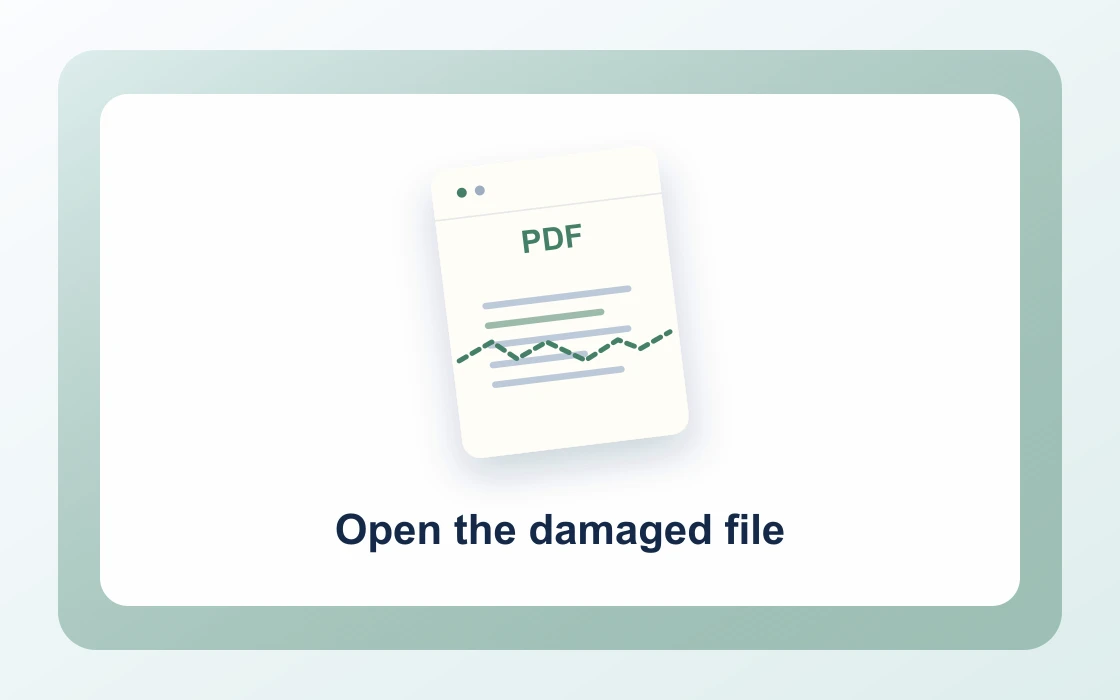
Choose your PDF.
Open the PDF you want to work on from your device.
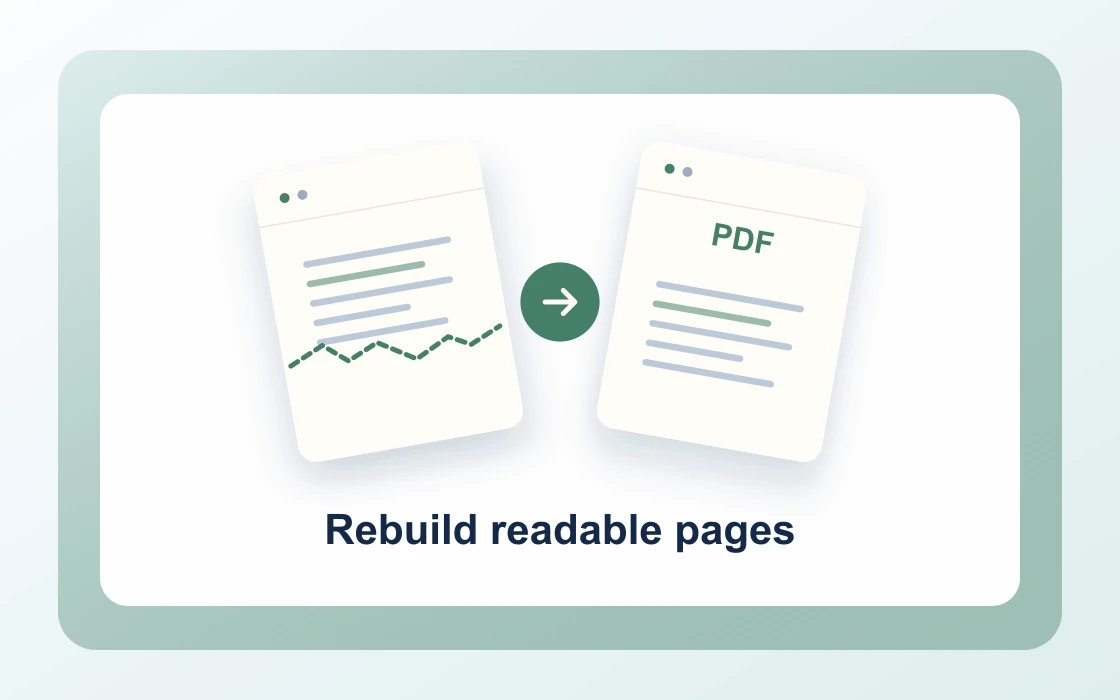
Rebuild readable pages.
Choose a PDF that can still be rendered. Recovered pages become images. Review the result for missing or incomplete pages.
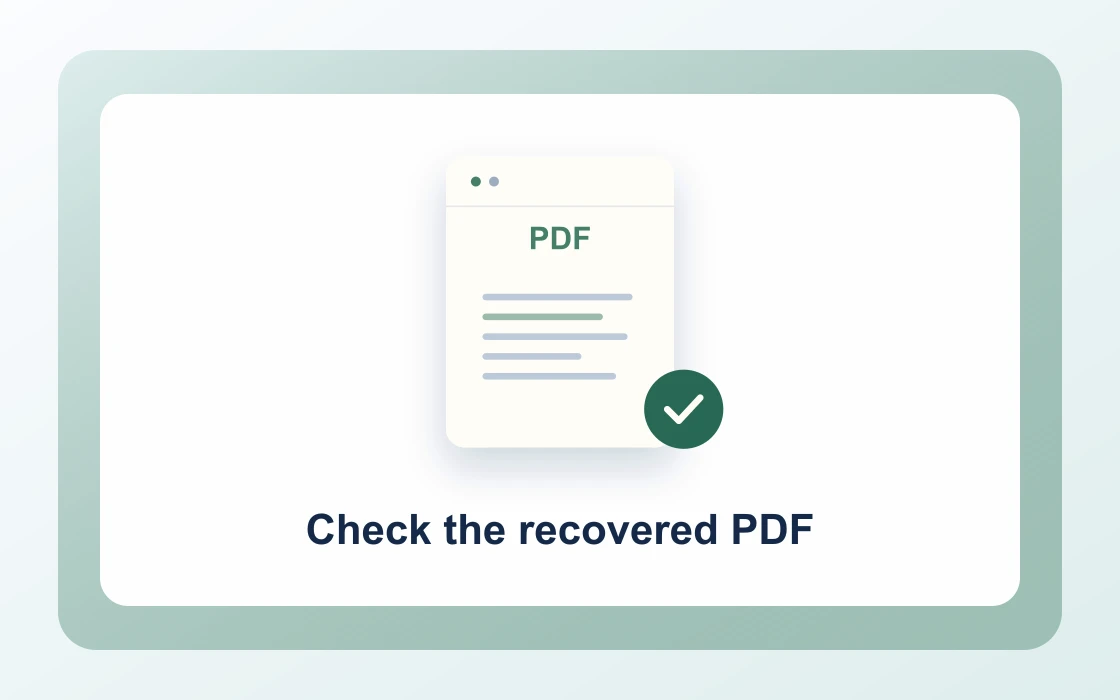
Check the recovered PDF.
Download the result and open it to check that it contains what you need.
Workflow example and result
See how recover pdf pages works in practice: input Readable damaged pages and produce Rebuilt PDF copy directly on your device with complete privacy.

Recover PDF pages articles
How to recover readable PDF pages
Learn how to recover readable PDF pages. A damaged download sometimes still opens and renders even when a PDF editor cannot rewrite it.
How to check a partially recovered PDF
Learn how to check a partially recovered PDF. A file that opens after recovery can still contain blank or incomplete pages.
How to check blank pages after PDF recovery
Learn how to check blank pages after PDF recovery. A blank page can be intentional, or it can indicate the viewer could not draw the original page.
How to check scan quality after PDF recovery
Learn how to check scan quality after PDF recovery. Recovery can rebuild a readable page as an image, which makes fine text and faint marks worth checking.
How to recover a damaged PDF before sharing
Learn how to recover a damaged PDF before sharing. A clean rebuilt copy can be useful for review when the sender’s PDF still opens but has structural problems.
Recover PDF pages FAQ
How do I use Recover PDF pages?
Choose a PDF that can still be rendered. Recovered pages become images. Review the result for missing or incomplete pages. Then run the tool and review the downloaded result.
Is Recover PDF pages free?
Yes. You can use Recover PDF pages without creating an account or using a daily allowance.
Are my files uploaded?
No. Supported files are processed inside your browser and stay on your device.
What is the file-size limit?
You can process files up to 100 MB in total. Large documents also depend on the available memory on your device.