Files stay on your device

Watermark PDF Free Online Tool

Watermark PDF Free Online Tool to brand contracts, protect proprietary drafts, and add transparent diagonal text stamps directly in your browser sandbox.

Watermark PDF On this device

Opening tool…

Free to use No sign-up No daily quota

How to use Watermark PDF

To watermark PDF Free Online Tool, add a short label such as Draft to selected pages or the whole document.

Adjust opacity so the watermark is visible and the underlying text remains readable.

  1. Choose your PDF.

    Open the PDF you want to work on from your device.

    Open the PDF
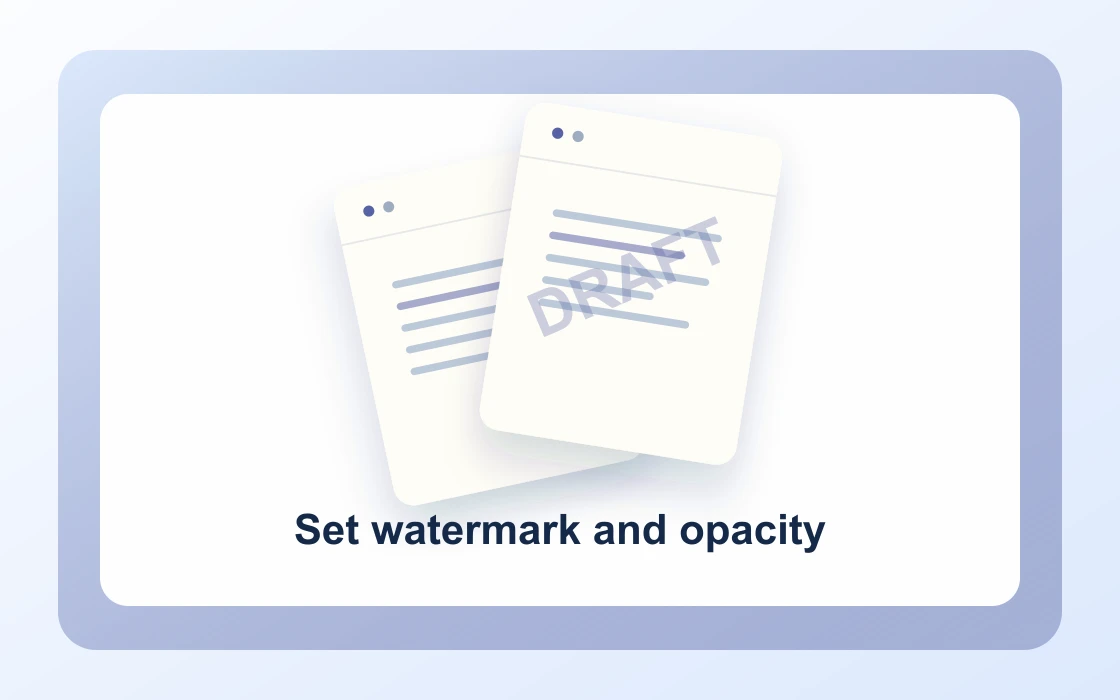
  2. Set watermark and opacity.

    Enter a short watermark and choose how strongly it should appear.

    Set watermark and opacity
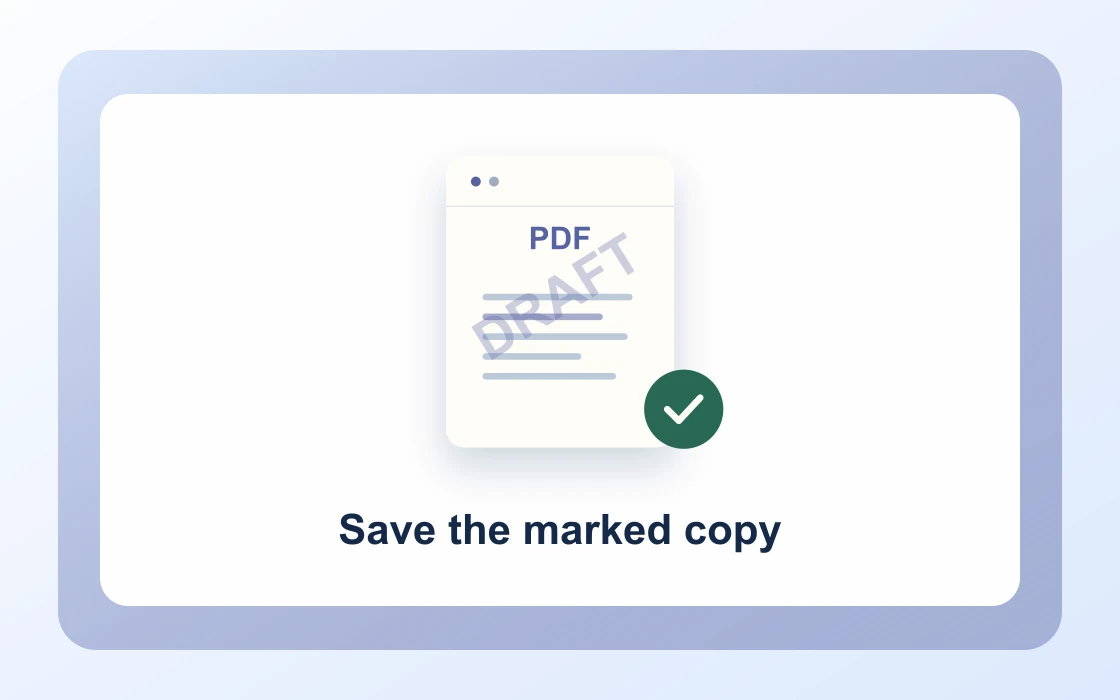
  3. Save the marked copy.

    Download the result and open it to check that it contains what you need.

    Save the marked copy
Visual Workflow Preview

Workflow example and result

See how watermark pdf free online tool works in practice: input Working copy and produce Draft watermark directly on your device with complete privacy.

Watermark PDF · In-Memory Pipeline 100% Client-Side
Watermark PDF Free Online Tool example showing Working copy and the output, Draft watermark

Watermark PDF Free Online Tool — Custom Text Overlays

Protect intellectual property, mark draft status, and apply forensic confidentiality stamps with adjustable opacity.

Custom Text Stamps

Simple Way to Watermark PDFs Online

Type any custom watermark text such as CONFIDENTIAL, DRAFT, DO NOT COPY, or client company names.

Our engine places a high-resolution 45-degree diagonal text watermark across pages without flattening vector text.

Watermark PDF Preview
Legal_Contract.pdf
Watermark
Watermarked_Copy.pdf
Diagonal semi-transparent text stamp applied across all pages
Precision Opacity

Adjust Opacity, Angles, and Page Selection

Tune opacity levels from faint background stamps to prominent forensic markings.

Apply the watermark across all pages or specify target page ranges to mark particular exhibits.

1CONFIDENTIAL45° Diagonal
2DRAFT_REVIEW25% Opacity
3COPYRIGHT_2026All Pages
100% Private

Secure In-Browser Watermarking

Protect confidential M&A agreements, scripts, and pre-release whitepapers from leaking over the internet.

PDF Chassis stamps watermarks locally in browser memory with zero cloud retention or server processing.

Zero Cloud Retention

Proprietary drafts never touch external servers or third-party storage.

  • Client-side canvas & vector text stamp overlay
  • Adjustable transparency from subtle to prominent
  • Leaves underlying text streams selectable and searchable

Everything You Need in a Free PDF Watermarker

Stamp sensitive drafts, contracts, and portfolios securely with zero software installation.

Immediate In-Browser Processing

Use Watermark PDF directly in your web browser with zero software installations, extensions, or account sign-ups.

Works Seamlessly on Any Device

Enjoy full cross-platform compatibility whether you work on Mac, Windows, Linux, iPad, or mobile Safari on iPhone.

100% In-Browser Privacy

Unlike server-upload platforms, our WebAssembly engine runs exclusively in your browser memory. Files never leave your device.

Preserves Document Integrity

Each document keeps its original vector curves, embedded fonts, and text searchability without visual degradation.

Precision Controls & Flexibility

Fine-tune page ranges, orientations, and output settings with intuitive, instant controls before saving.

100% Free with No Daily Limits

Process your documents without hitting arbitrary daily usage limits, subscription paywalls, or forced email registrations.

Recommended reading

Watermark PDF articles

See all Watermark PDF articles
Edit4 min read

How to add a draft watermark to a PDF

Learn how to add a draft watermark to a PDF. Label a working copy clearly before sending it for review.

Read guide
Edit4 min read

How to watermark selected PDF pages

Learn how to watermark selected PDF pages. Mark only the pages that need a warning or label.

Read guide
Edit4 min read

How to adjust watermark opacity in a PDF

Learn how to adjust watermark opacity in a PDF. The same mark may be too faint on one background and too distracting on another.

Read guide
Edit4 min read

How to check readability after watermarking a PDF

Learn how to check readability after watermarking a PDF. A mark that looks fine on a title page can obscure totals or signatures elsewhere.

Read guide
Edit4 min read

How to watermark an internal PDF copy

Learn how to watermark an internal PDF copy. A visible internal-use label can help recipients distinguish review copies from a final file.

Read guide
By deviceiPhoneMacWindows

Watermark PDF FAQ

How to watermark PDF online?

Open our Watermark PDF Free Online Tool, select your PDF file, enter your custom watermark text (e.g. CONFIDENTIAL or DRAFT), select opacity, and click Watermark PDF to download.

Can I add watermarks to PDF online for free?

Yes. PDF Chassis lets you stamp unlimited PDF files for free without registration, subscriptions, or watermarked tool advertisements.

Can I customize watermark text and opacity?

Yes. Type any custom label, status code, or company name, and adjust opacity from subtle transparent backgrounds to prominent forensic stamps.

Can I choose specific pages to watermark?

Yes. You can apply the watermark to all pages or enter a custom selection (such as 1, 3-7) to protect specific exhibits or appendices.

How does the Watermark PDF Free Online Tool protect file confidentiality?

All text rendering and vector overlay occurs in client-side WebAssembly. Documents never upload to cloud storage or third-party servers.

How to Watermark PDF on Mac free?

Open Safari or Chrome on Mac, upload your document into PDF Chassis, enter your watermark text, and save the stamped PDF to your downloads.

How to Watermark PDF on iPhone free?

On your iPhone or iPad, select your PDF in Safari, enter your watermark phrase, and save the watermarked PDF directly to your Files app.

Does watermarking flatten text or remove links?

No. The watermark is added as an overlay layer, preserving existing selectable text, fonts, bookmarks, and hyperlinks.

What angles and positions are used for the watermark?

The tool applies an elegant 45-degree diagonal center stamp across the page for optimal readability and security.

Can I watermark sensitive legal contracts and tax returns?

Yes. Because PDF Chassis operates 100% locally on your machine, it complies with strict enterprise privacy and GDPR zero-retention standards.

Ready when you are.

Use Watermark PDF