How to compare PDF text on Mac free
Here is how to compare pdf text on mac free using modern web browser utilities to audit contract revisions and spot unflagged edits on macOS.
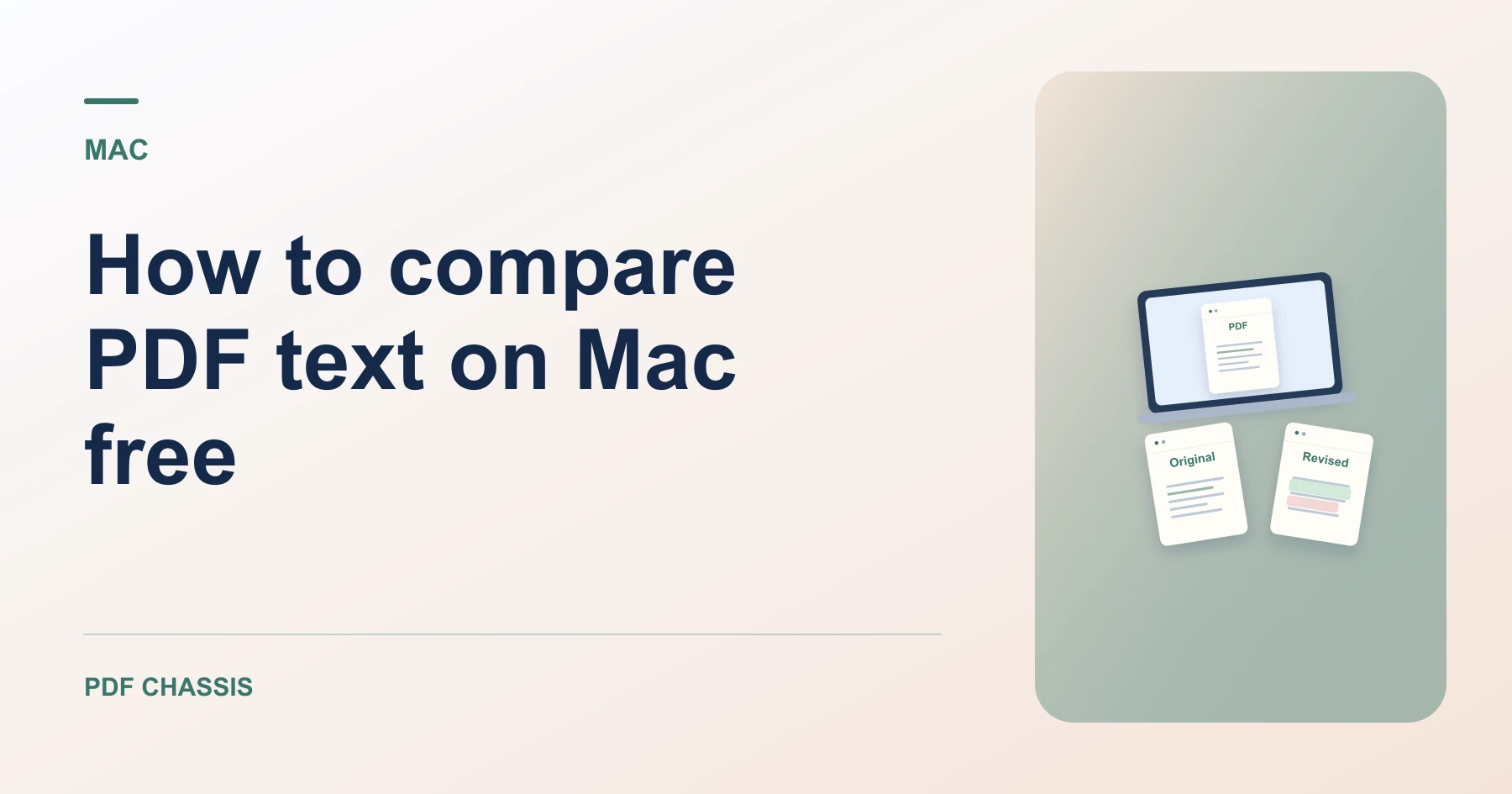
To discover how to compare pdf text on mac free, you can use PDF Chassis in Safari without purchasing expensive Acrobat Pro licenses.
Mastering how to compare pdf text on mac free helps you verify contract amendments and specification revisions with complete local privacy.
How to compare PDF text on Mac free in Safari
Mac users can audit contract revisions without installing bloated third-party software.
All processing executes locally in browser memory with zero cloud uploads.
For a related workflow, see How to compare PDF versions.
- On your Mac, launch Safari or Chrome and open Compare PDF text.
- Click Choose PDF and pick your original and revised files from Finder.
- Click Compare to analyze differences.
- Review the side-by-side diff and download your summary report.

Frequently asked questions
Does this work in Safari on Mac?
Yes. The client-side WebAssembly engine runs seamlessly in Safari and Chrome on macOS.
What if the result looks wrong?
Scanned pages can lack selectable text. Use text recognition or review those pages visually.
Where can I find the result on Mac?
Review the side-by-side diff and download your summary report.
Ready to try it?
Open Compare PDF textCompare PDF text