Files stay on your device

Rotate pdf free online tool

Rotate pdf free online tool to orient upside-down scans, adjust landscape tables, or rotate entire PDF files directly on your computer with complete privacy.

Rotate PDF On this device

Opening tool…

Free to use No sign-up No daily quota

How to use Rotate PDF

To rotate pdf free online tool, turn sideways pages upright using quarter-turn increments. Apply the change to selected pages or the entire file.

Check the saved copy for pages that were already upright and should stay that way.

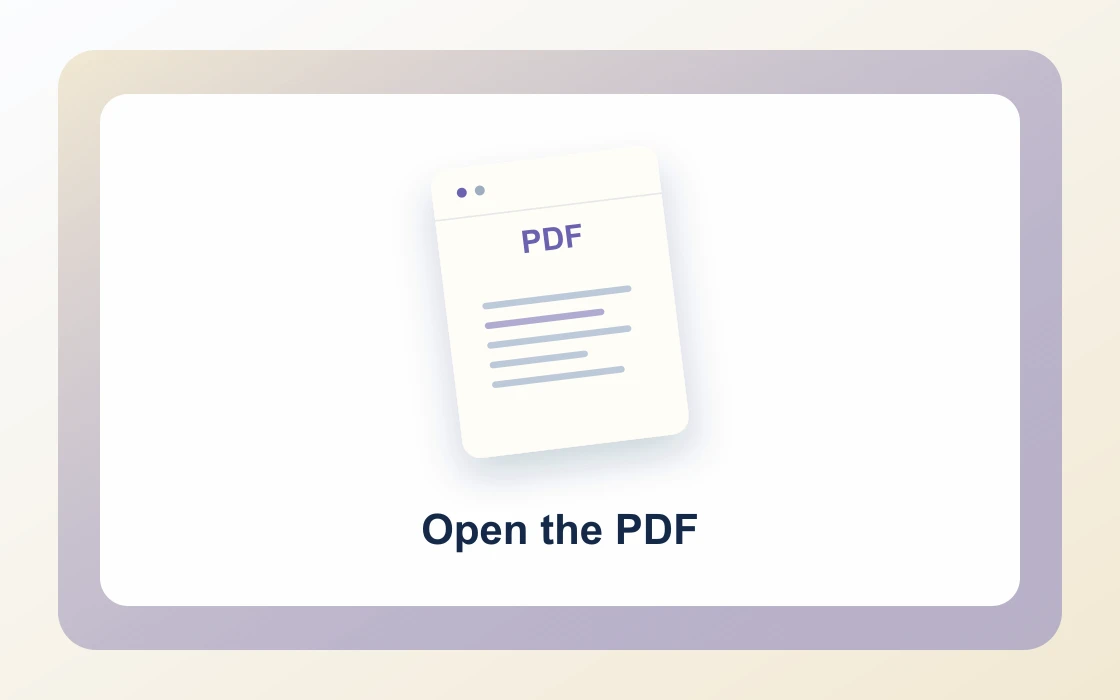
  1. Choose your PDF.

    Open the PDF you want to work on from your device.

    Open the PDF
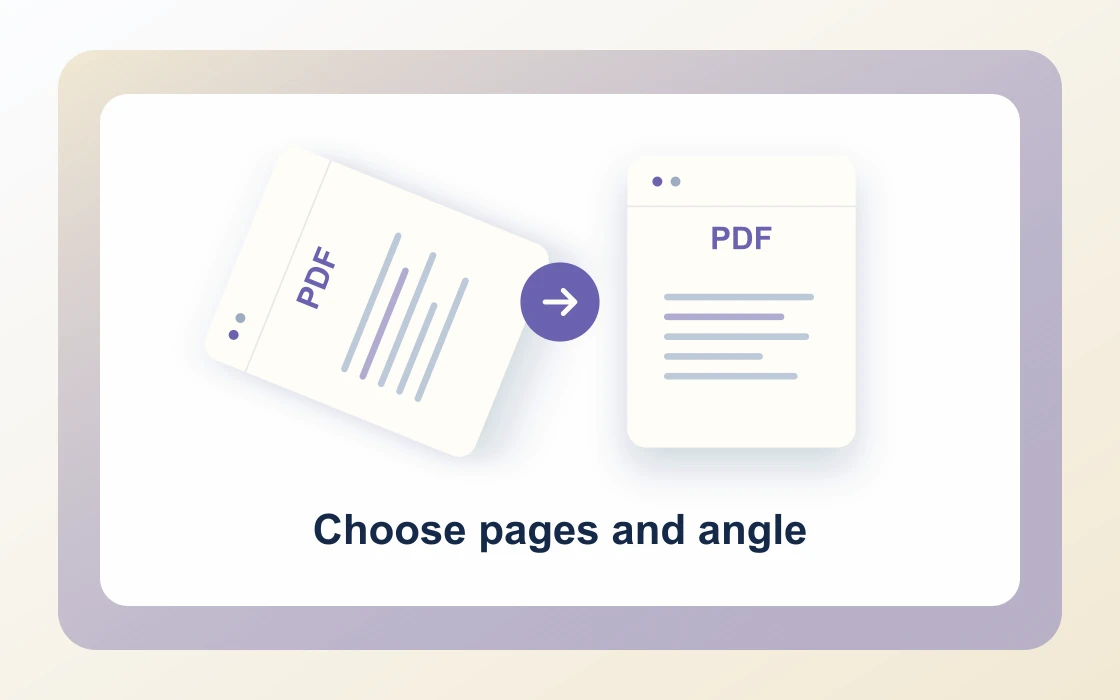
  2. Choose pages and angle.

    Pick an angle. Leave page numbers blank to rotate the entire document.

    Choose pages and angle
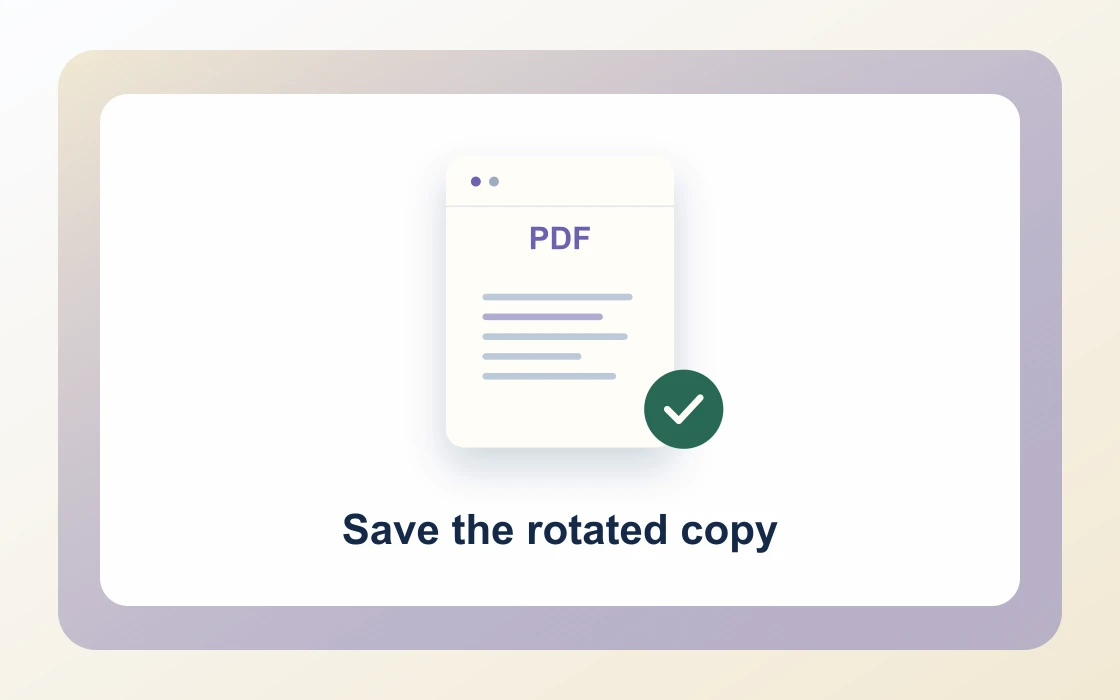
  3. Save the rotated copy.

    Download the result and open it to check that it contains what you need.

    Save the rotated copy
Visual Workflow Preview

Workflow example and result

See how rotate pdf free online tool works in practice: input Sideways page and produce Page rotated 90° directly on your device with complete privacy.

Rotate PDF · In-Memory Pipeline 100% Client-Side
Rotate pdf free online tool example showing Sideways page and the output, Page rotated 90°

Rotate PDF Free Online Tool — Turn Pages in Seconds

Reorient upside-down mobile scans, align wide landscape spreadsheets, or rotate entire documents with permanent vector angle preservation.

Instant 90° / 180°

Simple Way to Rotate PDF Pages for Free

Select your PDF file and pick an angle: 90 degrees clockwise, 180 degrees flip, or 270 degrees counter-clockwise.

Our engine updates the internal PDF orientation flags without rasterizing or re-encoding pages, preserving crisp vector text.

Rotate PDF Preview
Sideways_Scan.pdf
Rotate
Upright_Doc.pdf
All pages turned with permanent ISO 32000 orientation flags
Flexible Selection

Rotate Specific Pages or Whole PDF Documents

Rotate individual pages, custom comma-separated ranges, or leave the input empty to rotate the entire document at once.

Download the updated copy with clean orientations ready for printing, presentations, or archiving.

1Cover_Page.pdf0° Normal
2Landscape_Table.pdf90° Clockwise
3Appendix_Sheet.pdf180° Flip
100% Client-Side

Private In-Browser Page Rotation

Traditional rotation tools upload your sensitive financial statements and medical scans to remote web servers.

PDF Chassis rotates your documents locally in browser memory using WebAssembly, ensuring complete confidentiality.

Zero Server Uploads

Pages rotate in browser memory without sending data to external clouds.

  • 100% In-browser WebAssembly execution
  • Original vector fonts, images, and form fields preserved
  • Permanent page rotation compatible with all PDF readers

Everything You Need in a Free PDF Rotator

Engineered for professionals who need fast, secure document orientation adjustments without software paywalls.

Immediate In-Browser Processing

Use Rotate PDF directly in your web browser with zero software installations, extensions, or account sign-ups.

Works Seamlessly on Any Device

Enjoy full cross-platform compatibility whether you work on Mac, Windows, Linux, iPad, or mobile Safari on iPhone.

100% In-Browser Privacy

Unlike server-upload platforms, our WebAssembly engine runs exclusively in your browser memory. Files never leave your device.

Preserves Document Integrity

Each document keeps its original vector curves, embedded fonts, and text searchability without visual degradation.

Precision Controls & Flexibility

Fine-tune page ranges, orientations, and output settings with intuitive, instant controls before saving.

100% Free with No Daily Limits

Process your documents without hitting arbitrary daily usage limits, subscription paywalls, or forced email registrations.

Recommended reading

Rotate PDF articles

See all Rotate PDF articles
Edit4 min read

How to rotate all pages in a PDF

Learn how to rotate all pages in a PDF. Apply the same rotation to a document whose pages all face the wrong direction.

Read guide
Edit4 min read

How to rotate selected pages in a PDF

Learn how to rotate selected pages in a PDF. Correct individual sideways pages without changing the orientation of the rest.

Read guide
Edit4 min read

How to fix upside-down scanned PDF pages

Learn how to fix upside-down scanned PDF pages. A batch scanner may feed some sheets upside down even when their images remain readable.

Read guide
Edit4 min read

How to correct mixed PDF page orientations

Learn how to correct mixed PDF page orientations. Different pages can require different turns in the same document.

Read guide
Edit4 min read

How to verify rotation in a saved PDF

Learn how to verify rotation in a saved PDF. A viewer may temporarily rotate its display without changing the file itself.

Read guide
By deviceiPhoneMacWindows

Rotate PDF FAQ

How to rotate pdf online?

Open the rotate pdf free online tool in PDF Chassis, select your PDF file, choose your desired rotation angle (90°, 180°, or 270°), and click Rotate PDF to download the upright document.

Can I rotate PDF online free with no sign up?

Yes. PDF Chassis requires zero sign-up, registration, or subscription. Every page rotation executes 100% locally on your computer with complete privacy.

Is it free to rotate PDF online?

Yes. Our rotate pdf free online tool is completely free with no daily caps, no page limitations, and no watermarks added to your files.

Can I edit and rotate PDF online for specific pages only?

Yes. You can rotate individual pages or comma-separated ranges (such as 1, 3-5), or leave the field blank to rotate the entire PDF at once.

How does the rotate PDF online tool protect my confidentiality?

Unlike traditional cloud upload converters, PDF Chassis runs on WebAssembly in your browser memory. Your confidential files are never uploaded to any remote web server.

How to rotate PDF on Mac free?

Open Safari or Chrome on your Mac, navigate to PDF Chassis Rotate PDF, select your document from Finder, choose your angle, and download the corrected PDF instantly.

How to rotate PDF on iPhone free?

On iPhone, open Safari, navigate to the rotate pdf free online tool, tap Choose PDF to select your file from the Files app, pick 90° or 180°, and save the rotated copy.

Will rotating PDF pages degrade visual quality or vector text?

No. The tool adjusts internal PDF page orientation matrices without rasterizing or re-encoding graphics, preserving crisp vector fonts and print quality.

What rotation angles are supported in PDF Chassis?

You can rotate clockwise by 90 degrees, 180 degrees (upside-down flip), or 270 degrees (counter-clockwise 90 degrees).

Can I rotate scanned receipts and landscape tables?

Yes. Whether you are correcting upside-down mobile camera scans or aligning wide landscape spreadsheets, our tool reorients pages seamlessly.

Ready when you are.

Use Rotate PDF