How to compare PDF text on iPhone free
Learn how to compare pdf text on iphone free using Safari on iOS to review contract modifications and audit document drafts on the go.
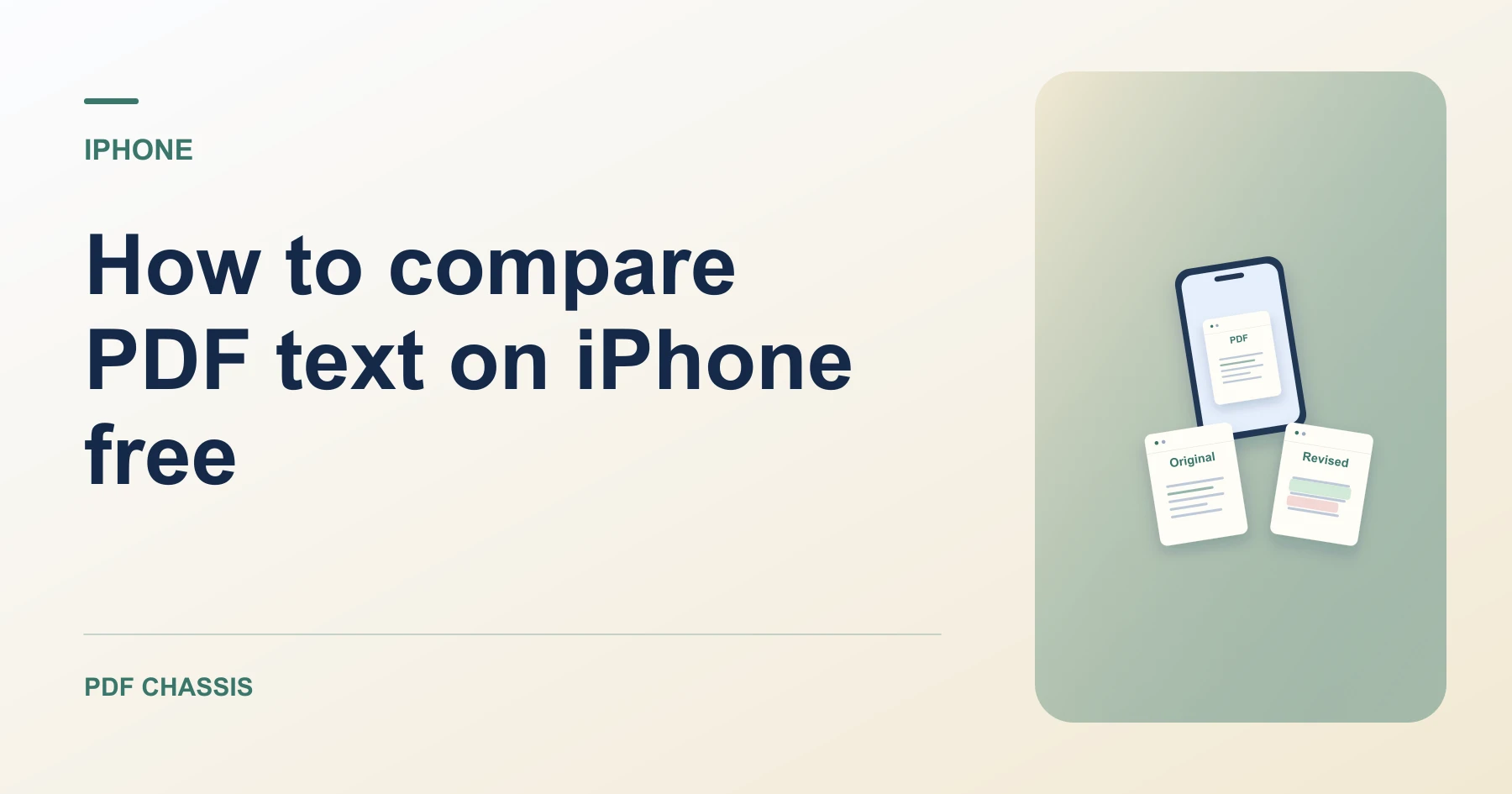
To discover how to compare pdf text on iphone free, open mobile Safari and select your revisions from Files with zero app downloads or account walls.
Understanding how to compare pdf text on iphone free lets you verify lease amendments and job offer updates on mobile with complete privacy.
How to compare PDF text on iPhone free in Safari
Compare revisions on mobile without paid app store subscriptions or cloud uploads.
All processing takes place in Safari sandbox memory with zero remote transmission.
For a related workflow, see How to compare PDF versions.
- On your iPhone, open Safari and navigate to Compare PDF text.
- Tap Choose PDF and select both document revisions from the Files app.
- Tap Compare to analyze text differences.
- Examine detected modifications directly on your phone screen.

Frequently asked questions
Does this require an iOS app?
No. The entire comparison process takes place directly in mobile Safari.
What if the result looks wrong?
Scanned pages can lack selectable text. Use text recognition or review those pages visually.
Where can I find the result on iPhone?
Examine detected modifications directly on your phone screen.
Ready to try it?
Open Compare PDF textCompare PDF text