PDF Chassis workspace
Free online PDF tools.Right in your browser.
Use 23 free online PDF tools to compress, convert, merge, split, organize, and edit documents directly in your browser. Because our utilities run entirely on your device with WebAssembly, your private files never touch an external server.
Free to use No sign-up No daily quota
How it works
Choose it. Set it. Save it.
Choose it.
Choose a tool, then add a file or paste content. The workspace tells you what each tool accepts.
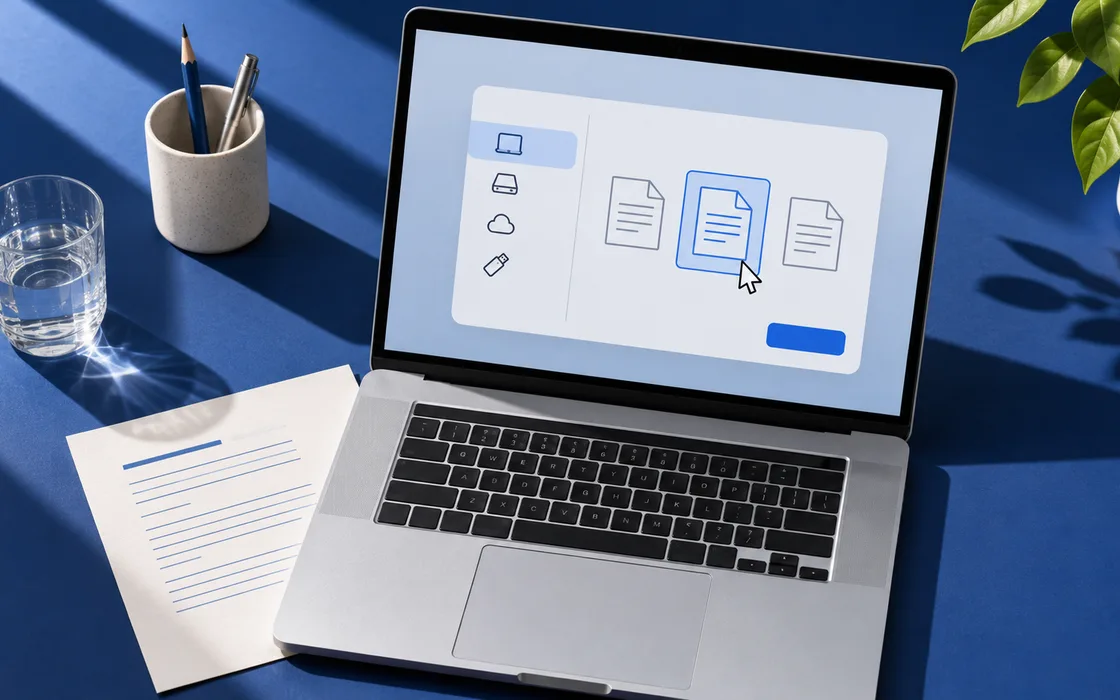
Set it.
Pick a compression level, arrange your pages, or choose a format. The options depend on the task.
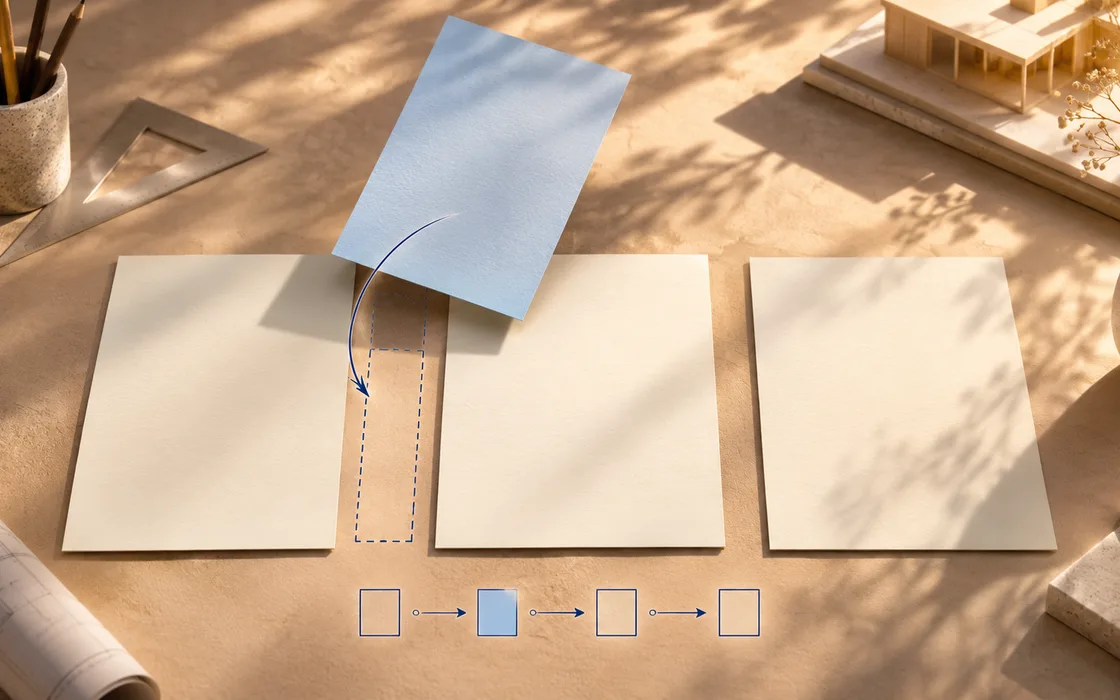
Save it.
Download the result and check it before sharing. Your original stays on your device.
Your result is readyReport.pdfReordered copy
23 PDF utilities
All 23 free online PDF tools.
Explore our full suite of free online PDF tools to compress, convert, organize, edit, sign, and review documents directly on your device.
Compress PDF
Compress PDF for free without losing quality with Lossless mode. Compare file sizes in your browser and save a copy without signing up.
Merge PDF
Merge PDF files for free online with PDF Chassis. Add at least two PDFs, arrange them in the order you want, and download one combined document from your browser.
Split PDF
Split PDF online for free with PDF Chassis. Choose where to divide your document, extract selected pages, or save each page separately. See which PDFs you’ll get before downloading.
Extract PDF pages
Extract PDF for free online with PDF Chassis. Choose the pages or ranges to keep and download them together as a new PDF. Your file stays on your device.
Remove PDF pages
Remove PDF pages free online with PDF Chassis. Enter the page numbers you want to delete and download a separate PDF with the remaining pages in their original order.
Organize PDF
Organize PDF files free online to rearrange page sequences, delete extras, and assemble a clean final document. All processing runs privately in your browser.
Scan to PDF
Scan to PDF free online by taking photos of documents with your device camera or selecting existing image scans to combine into a polished PDF document.
JPG to PDF
Free JPG to PDF converter to combine photos, receipts, and graphic files into one neat document with custom paper sizes.
PDF to JPG
Free convert PDF to JPG to export individual pages or entire documents as crisp image files directly from your browser.
PDF to Markdown
Convert PDF to Markdown free online to transform documentation, academic papers, and notes into clean text formatted with Markdown headings and lists.
PDF to Word
Convert PDF to Word free online. Extract structured text, relative headings, tables, and scanned documents into editable Microsoft Word DOCX files with free in-browser OCR.
Recover PDF pages
Rebuild readable pages from damaged or corrupt PDF documents and save them in a clean new file.
Rotate PDF
Rotate PDF pages free online. Turn selected pages or rotate an entire PDF in 90-degree increments and save a new copy.
Add page numbers
Add PDF page numbers free online with configurable starting numbers, positions, and page margins.
Watermark PDF
Watermark PDF free online. Add customizable diagonal text watermarks to all pages or a selection with adjustable opacity.
Crop PDF
Crop PDF free online. Trim visible margins and adjust viewing dimensions for selected pages.
Add text to PDF
Add text to PDF free online. Place custom notes, headers, or annotations directly onto your PDF pages.
Fill PDF forms
Fill PDF forms free online. Read existing interactive fillable fields, enter text and checkboxes, and save a completed copy.
Sign PDF
Sign PDF free online. Place a visible typed signature on any page and download a completed copy directly in your browser.
Compare PDF text
Compare PDF text free online. Compare selectable text across two PDF revisions and download a page-by-page change report.
Word to PDF
Word to PDF converter online free to transform Microsoft Word documents into shareable PDF files while keeping confidential text on your computer.
Text to PDF
Convert text to PDF online free by pasting raw notes or selecting TXT or MD files to generate clean, paginated PDF documents with custom margins.
HTML to PDF
Online HTML to PDF converter free to convert HTML markup, tables, and formatted text into a clean printable PDF document right on your computer.
On-device processing
Your PDFs stay on your device.
These PDF tools process your documents in your browser. When you download the result, you get a separate copy and keep your original.
Read our privacy policy- Choose your fileOpen a document from your device.
- Work in your browserPDF Chassis processes the file on your device.
- Save a separate copyDownload the result when it’s ready.
Practical PDF guides.
Walk through common tasks, from scanning paper to sending a finished document.
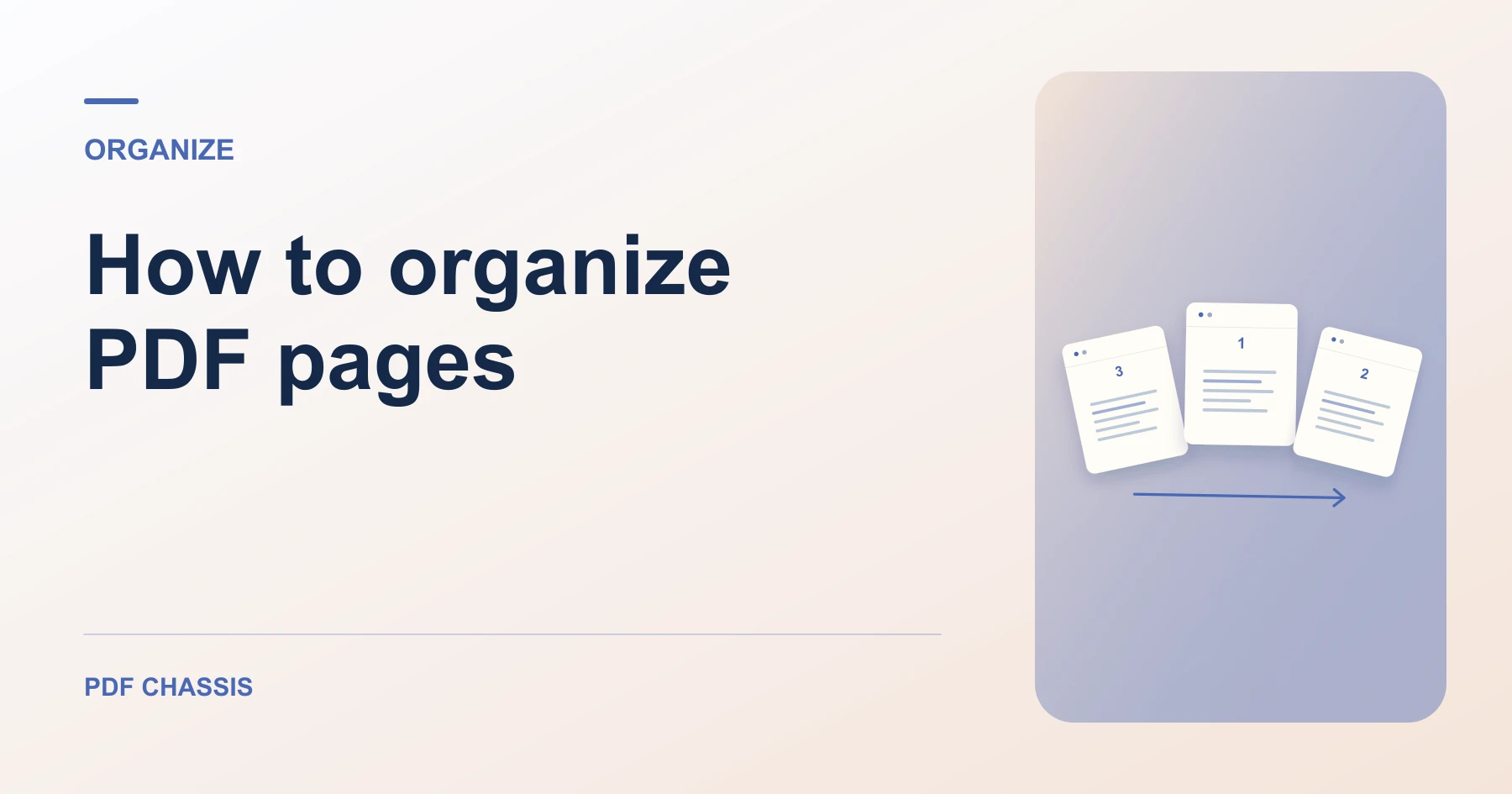
How to organize PDF pages
Learn how to organize PDF pages by merging, splitting, extracting, or reordering them. See a worked page-order example.
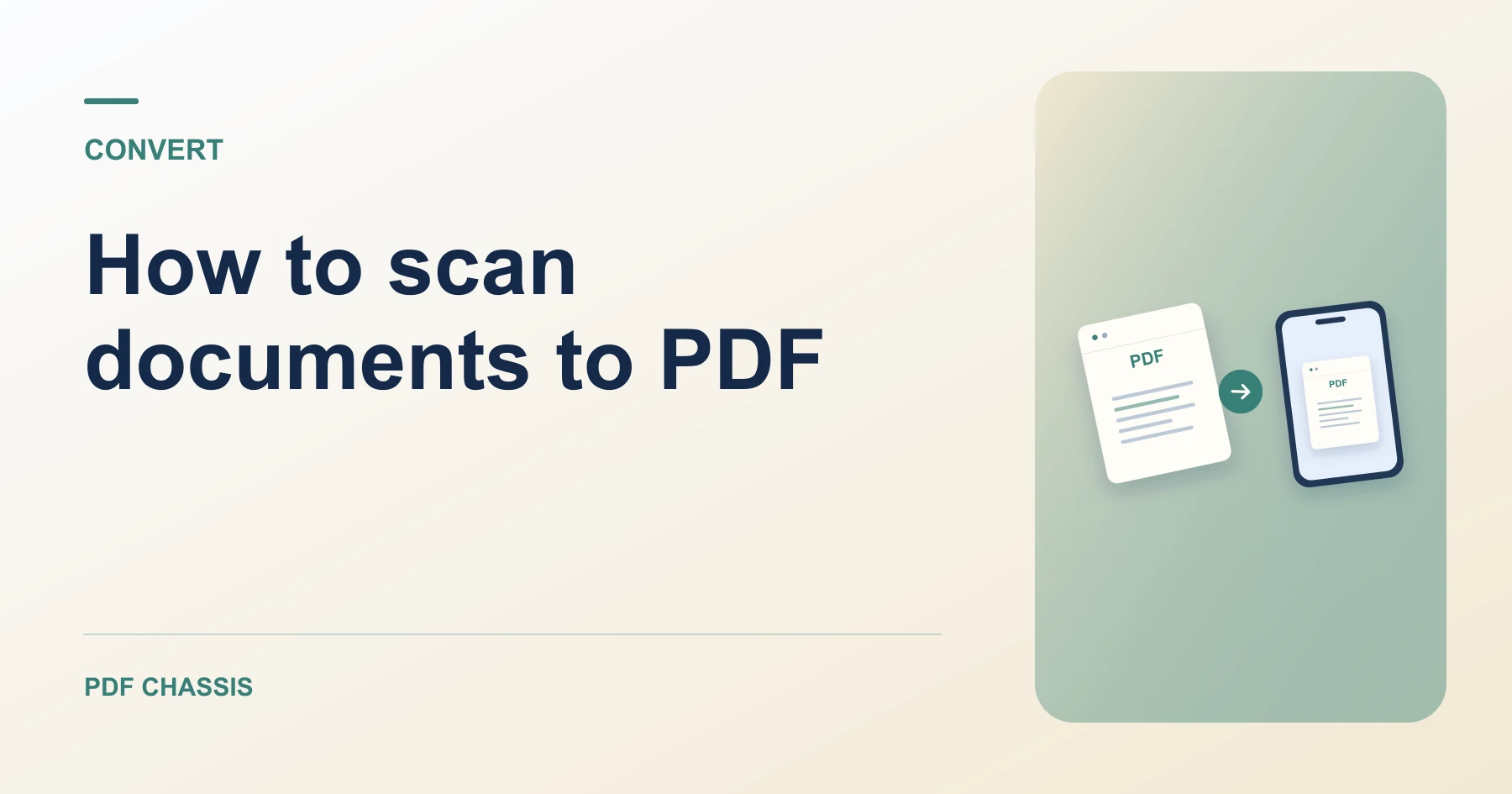
How to scan documents to PDF
Learn how to scan documents to PDF with a phone or existing photos, arrange pages, and check that small text is readable.
How to edit or sign a PDF copy
Learn how to edit or sign a PDF copy with form values, notes, page numbers, watermarks, or a visible signature.
Questions.Answered.
What can I do with PDF Chassis?
Compress a large attachment, merge documents, extract pages, convert files, add a typed signature, or turn photos into a PDF. Choose a tool in the workspace to get started.
Are these free online PDF tools safe to use?
Yes. PDF Chassis processes supported documents directly in your browser. Your files are not uploaded to remote servers, ensuring confidentiality for contracts, legal forms, and financial reports.
Do I need an account?
No. PDF Chassis’s PDF tools work without an account or a daily quota.
How do I compress a PDF without losing quality?
Use the Lossless or Moderate compression mode in our compressor. This repacks internal PDF object streams and optimizes embedded photos while preserving crisp vector text, fonts, and page geometry.
Are my documents uploaded?
PDF Chassis processes supported documents in your browser. Your working files stay on your device.
Will PDF Chassis change my original files?
PDF Chassis creates a separate result for you to download. The original file on your device stays as it was.
Can I use PDF Chassis on iPhone, iPad, or Android?
Yes. PDF Chassis runs smoothly in mobile Safari, Chrome, and Firefox on iOS and Android devices without requiring any app installation.
What is the maximum file size supported?
PDF Chassis handles PDF files up to 100 MB directly in your browser memory.
How does PDF to Word conversion work?
Our converter extracts selectable text streams from your PDF and generates an editable Microsoft Word DOCX document with separate sections for each page.
Do I need to install any software or extensions?
No software, plugins, or extensions are needed. Every tool runs directly inside your web browser on Mac, Windows, Linux, or mobile.