Files stay on your device

Add text to pdf free online

Add text to pdf free online to place custom text labels, headers, and dates onto any page while preserving original vector text and layouts with zero uploads.

Add text to PDF On this device

Opening tool…

Free to use No sign-up No daily quota

How to use Add text to PDF

To add text to pdf free online, place a note or label on selected pages while keeping the existing text in place.

Open the output and check that your new text fits and avoids overlapping other content.

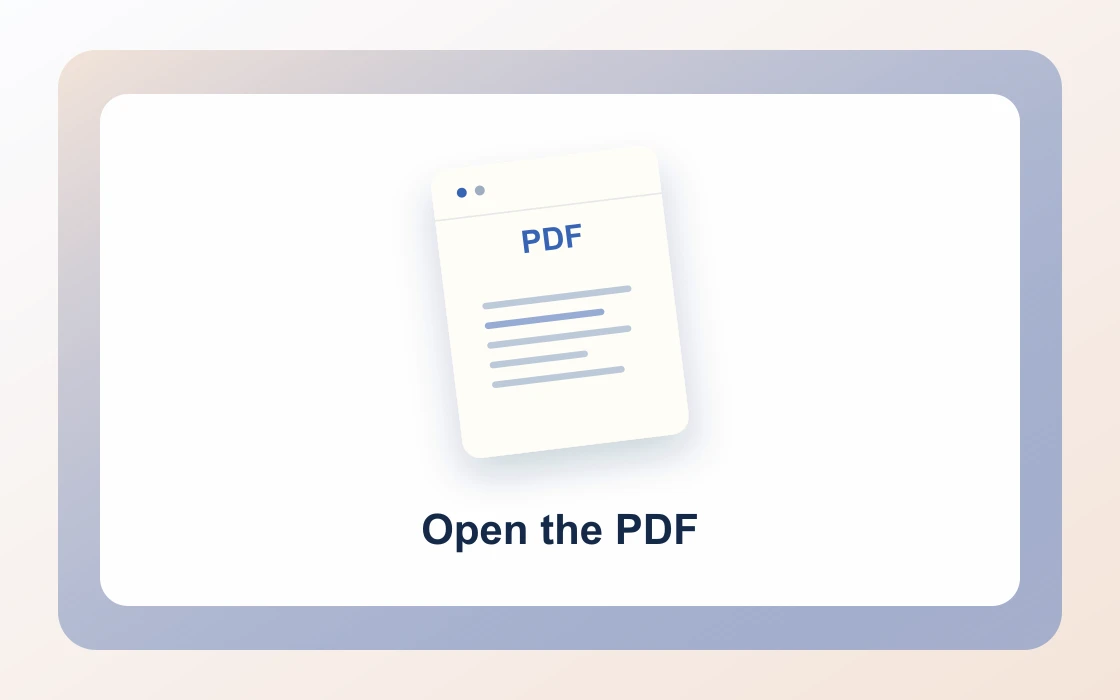
  1. Choose your PDF.

    Open the PDF you want to work on from your device.

    Open the PDF
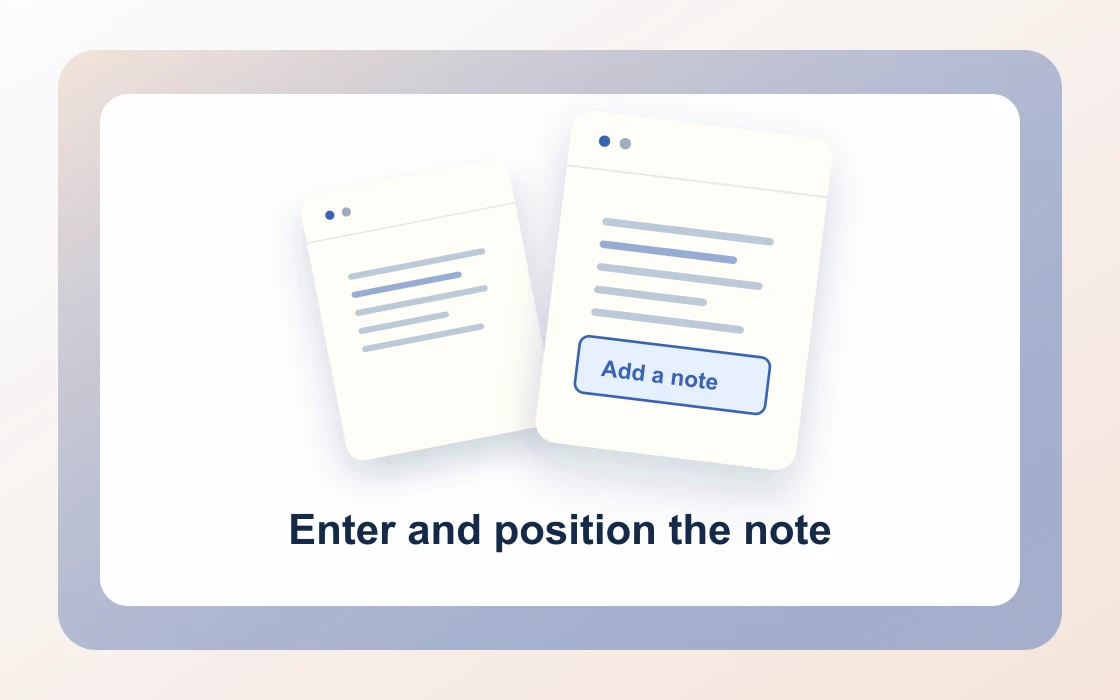
  2. Enter and position the note.

    Enter a note and choose its position. Existing PDF text stays in place.

    Enter and position the note
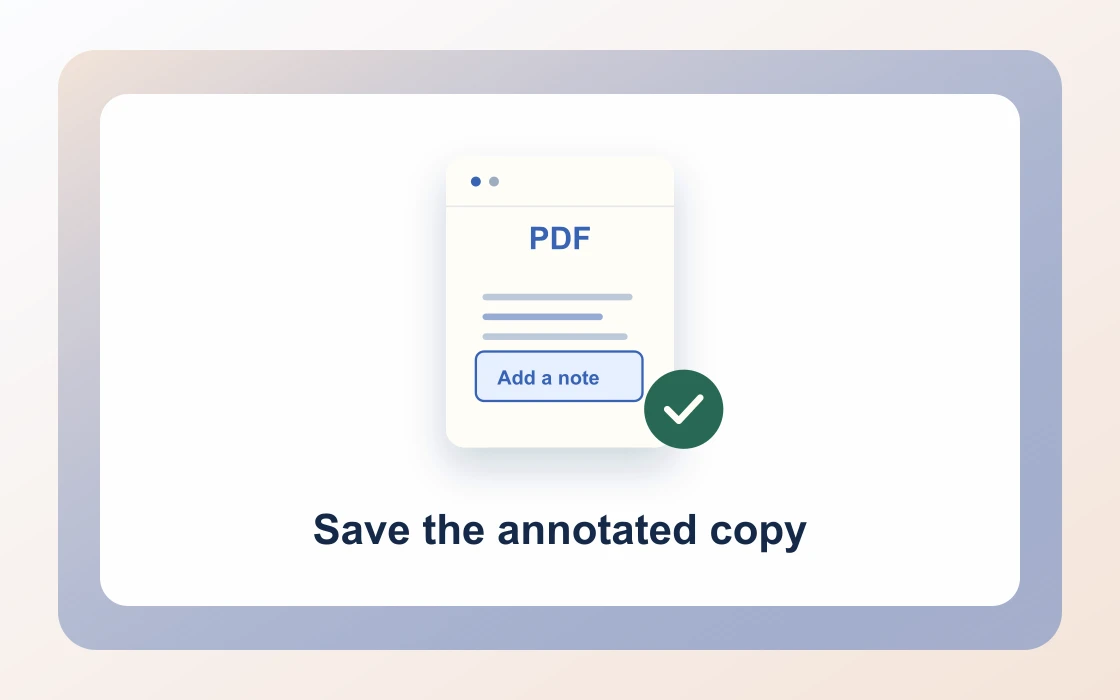
  3. Save the annotated copy.

    Download the result and open it to check that it contains what you need.

    Save the annotated copy
Visual Workflow Preview

Workflow example and result

See how add text to pdf free online works in practice: input Existing PDF page and produce Page with typed note directly on your device with complete privacy.

Add text to PDF · In-Memory Pipeline 100% Client-Side
Add text to pdf free online example showing Existing PDF page and the output, Page with typed note

Add text to pdf free online — Place Notes & Headers

Insert custom memos, dates, filing codes, or header remarks onto any PDF page without installing bulky desktop editors.

Instant Annotations

Simple Way to Add Text to PDF Online

Type custom text, select placement position (top or bottom corners), and stamp annotations onto your PDF.

Perfect for adding reference numbers, approval timestamps, client IDs, or personal notes.

Add Text to PDF Preview
Report_Draft.pdf
Add Text
Annotated_Report.pdf
Crisp typographic annotations positioned onto selected pages
Flexible Placement

Place Notes Anywhere with Margin Presets

Choose top-left, top-right, bottom-center, or corner margins with automatic boundary offsets.

Apply the annotation to all pages or enter specific page numbers to annotate single exhibits.

1Top_Header_NoteApproved
2Bottom_TimestampNov 2026
3Filing_CodeRef #104
Confidential

Private Client-Side Text Overlays

Annotate sensitive contracts and internal reports without exposing data to third-party cloud engines.

PDF Chassis renders text streams inside your local browser sandbox, keeping your information completely confidential.

Zero Network Leaks

Documents remain strictly inside your browser sandbox.

  • Non-destructive text overlay injection
  • Preserves underlying document structure and links
  • Compatible with all mobile and desktop viewers

Everything You Need to Add Text to PDF

Annotate agreements, insert filing codes, and mark approvals with zero account barriers.

Immediate In-Browser Processing

Use Add Text to PDF directly in your web browser with zero software installations, extensions, or account sign-ups.

Works Seamlessly on Any Device

Enjoy full cross-platform compatibility whether you work on Mac, Windows, Linux, iPad, or mobile Safari on iPhone.

100% In-Browser Privacy

Unlike server-upload platforms, our WebAssembly engine runs exclusively in your browser memory. Files never leave your device.

Preserves Document Integrity

Each document keeps its original vector curves, embedded fonts, and text searchability without visual degradation.

Precision Controls & Flexibility

Fine-tune page ranges, orientations, and output settings with intuitive, instant controls before saving.

100% Free with No Daily Limits

Process your documents without hitting arbitrary daily usage limits, subscription paywalls, or forced email registrations.

Recommended reading

Add text to PDF articles

See all Add text to PDF articles
Edit4 min read

How to place a note on a PDF page

Learn how to place a note on a PDF page. Add a short visible instruction or status label to a document copy.

Read guide
Edit4 min read

How to add the same note to multiple PDF pages

Learn how to add the same note to multiple PDF pages. Repeat a status note across selected pages in a review document.

Read guide
Edit4 min read

How to choose a position for text on a PDF

Learn how to choose a position for text on a PDF. Place an overlay in the part of the bottom margin that has room.

Read guide
Edit4 min read

How to label a PDF copy with text

Learn how to label a PDF copy with text. A visible label can distinguish a review file from a version prepared for submission.

Read guide
Edit4 min read

How to choose between PDF text and form fields

Learn how to choose between PDF text and form fields. A fixed note and an editable form response serve different purposes.

Read guide
By deviceiPhoneMacWindows

Add text to PDF FAQ

How to add text to PDF online free?

Open Add text to pdf free online in PDF Chassis, select your PDF file, enter the text you want to add, choose position and target pages, and download your annotated copy.

Can I add text to a PDF file without software installation?

Yes. Everything runs right inside your web browser on Mac, Windows, Linux, iOS, or Android with no plugins or desktop apps required.

Can I specify exact page placement for added text?

Yes. You can place custom text notes at top-left, top-center, top-right, bottom-left, bottom-center, or bottom-right margins.

Can I add text to specific pages only?

Yes. Leave page numbers blank to annotate every sheet, or specify pages like 1, 3, 5 to target particular sections.

How to add text to PDF on Mac free?

Open Safari or Chrome on Mac, choose your PDF in PDF Chassis, type your note or label, choose placement, and save the updated file.

How to add text to PDF on iPhone free?

In Safari on iPhone, select your document from Files, type your annotation note, and download the finished PDF directly to your device.

Will adding text overwrite existing PDF text?

No. The new text is injected as an overlay stream, keeping underlying paragraphs, tables, images, and fonts completely untouched.

Can I add dates, case numbers, or Bates-style notes?

Yes. Add reference codes, filing dates, approval remarks, or personal memos cleanly onto any PDF document.

Is my document uploaded to a remote server when adding text?

No. PDF Chassis processes text overlays in local browser memory. Files are never stored or inspected remotely.

Can I edit or print the PDF after adding text?

Yes. The output PDF conforms to international ISO 32000 standards and prints cleanly across all desktop and mobile PDF viewers.

Ready when you are.

Use Add text to PDF