Files stay on your device

Fill PDF Form free online

Fill PDF Form free online to enter text fields, toggle checkboxes, and save completed interactive PDF forms directly on your computer without printing.

Fill PDF forms On this device

Opening tool…

Free to use No sign-up No daily quota

How to use Fill PDF forms

To fill PDF Form free online, open a PDF that already has interactive fields, then enter your answers in the available controls.

Reopen the saved form to check that your entries and checkbox choices appear correctly.

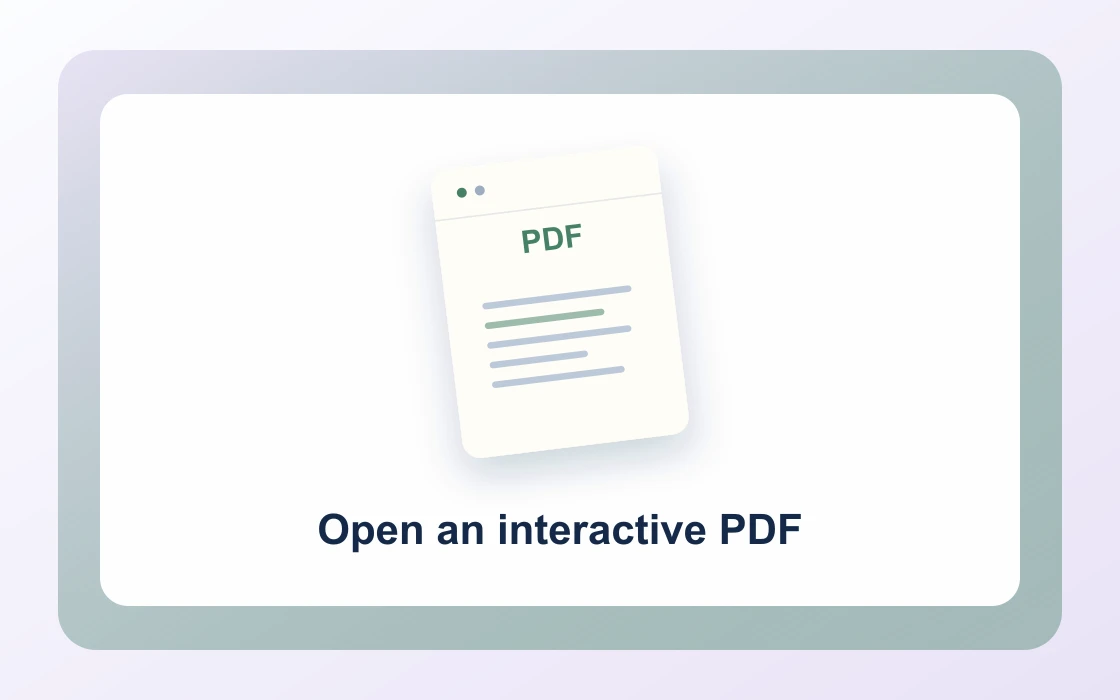
  1. Choose your PDF.

    Open the PDF you want to work on from your device.

    Open an interactive PDF
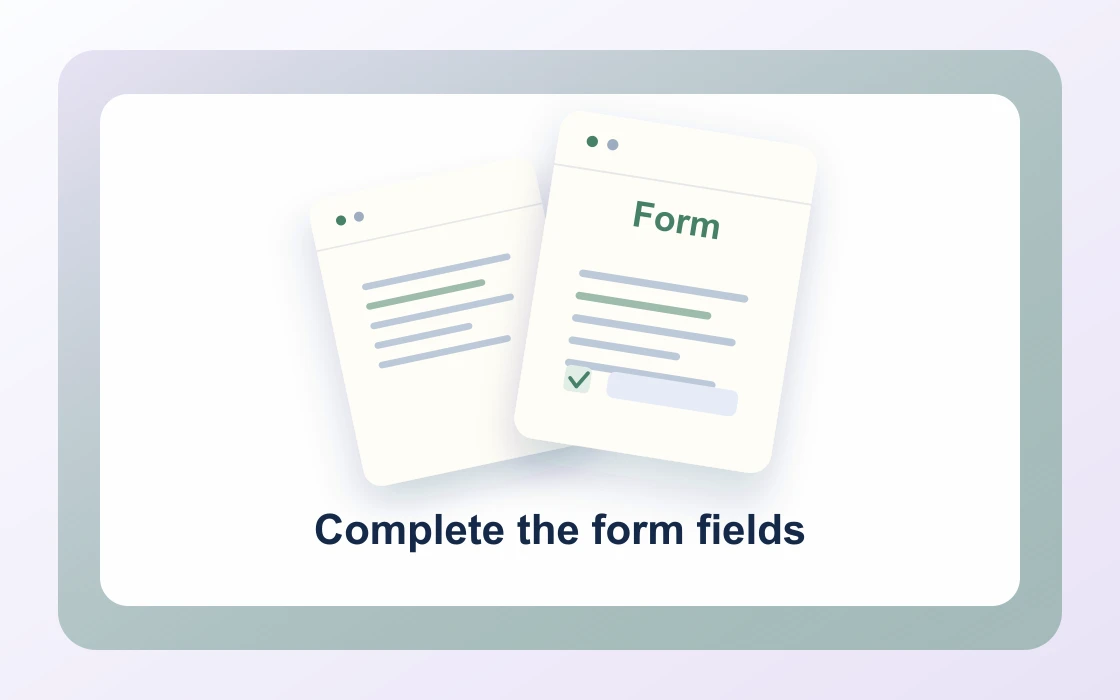
  2. Complete the form fields.

    Open an interactive PDF with text fields, checkboxes, or dropdowns. Scanned forms need a different tool.

    Complete the form fields
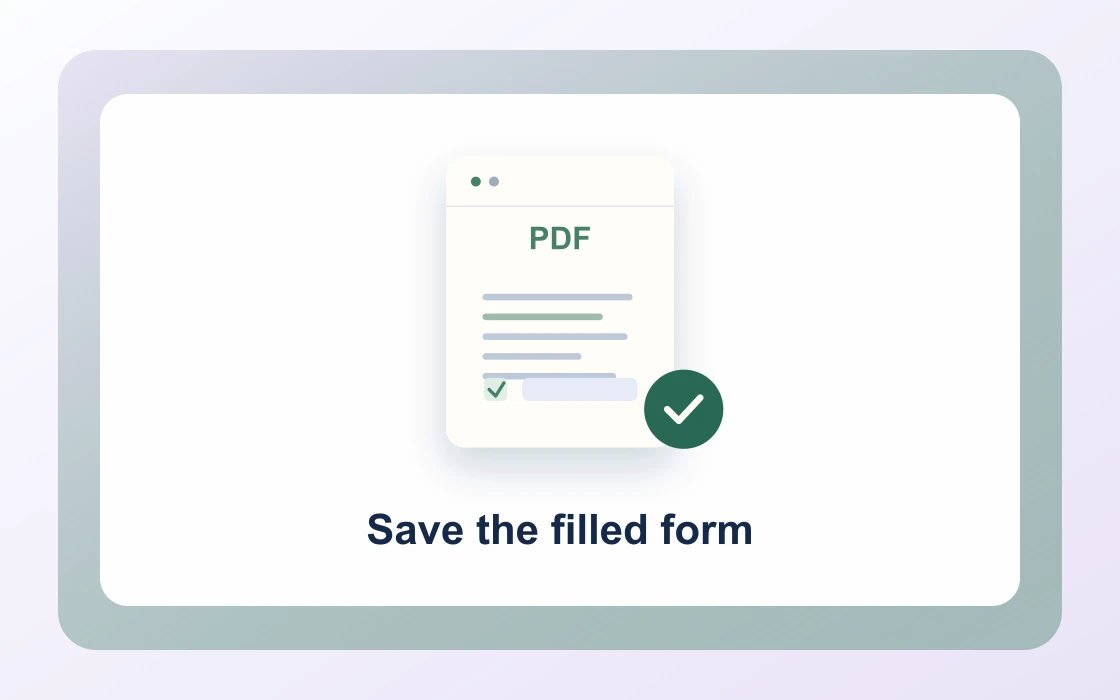
  3. Save the filled form.

    Download the result and open it to check that it contains what you need.

    Save the filled form
Visual Workflow Preview

Workflow example and result

See how fill pdf form free online works in practice: input Blank interactive form and produce Completed PDF form directly on your device with complete privacy.

Fill PDF forms · In-Memory Pipeline 100% Client-Side
Fill PDF Form free online example showing Blank interactive form and the output, Completed PDF form

Fill PDF Form free online — No Printing or Scanning

Complete interactive AcroForm fields, text boxes, and checkboxes directly in your browser with complete privacy.

AcroForm Support

Simple Way to Fill PDF Forms for Free

Open interactive PDF forms, click directly into form fields to type, and toggle checkboxes digitally.

Eliminate printing, handwriting, and scanning paperwork for tax forms, job applications, and tenant leases.

Fill PDF Forms Preview
W9_Form_Blank.pdf
Fill
W9_Form_Completed.pdf
Interactive fields filled and saved with full font and form fidelity
Full Field Types

Supports Text Boxes, Checkboxes, and Dropdowns

Fill single-line text inputs, address blocks, date pickers, and toggle checkboxes with ease.

The saved document preserves interactive form properties, allowing you to edit values later in any viewer.

1Text_InputApplicant Name
2CheckboxesTerms Agreed
3Date_PickerTimestamp
100% Private

Secure Form Filling for Personal Data

Never enter Social Security numbers, bank account details, or medical records on cloud form filling websites.

PDF Chassis processes form data 100% inside your local browser memory with zero network transmission.

Zero Cloud Transmission

Social Security, tax, and banking details never leave your device.

  • In-browser interactive field state rendering
  • Keeps form fields editable in standard PDF readers
  • Eliminates paper printing, hand-signing, and scanning

Everything You Need in a Free PDF Form Filler

Complete tax declarations, employment onboarding, and lease forms with zero subscription paywalls.

Immediate In-Browser Processing

Use Fill PDF Forms directly in your web browser with zero software installations, extensions, or account sign-ups.

Works Seamlessly on Any Device

Enjoy full cross-platform compatibility whether you work on Mac, Windows, Linux, iPad, or mobile Safari on iPhone.

100% In-Browser Privacy

Unlike server-upload platforms, our WebAssembly engine runs exclusively in your browser memory. Files never leave your device.

Preserves Document Integrity

Each document keeps its original vector curves, embedded fonts, and text searchability without visual degradation.

Precision Controls & Flexibility

Fine-tune page ranges, orientations, and output settings with intuitive, instant controls before saving.

100% Free with No Daily Limits

Process your documents without hitting arbitrary daily usage limits, subscription paywalls, or forced email registrations.

Recommended reading

Fill PDF forms articles

See all Fill PDF forms articles
Edit4 min read

How to fill interactive PDF form fields

Learn how to fill interactive PDF form fields. Some PDFs already contain editable fields for names, dates, or short responses.

Read guide
Edit4 min read

How to fill PDF checkboxes and dropdowns

Learn how to fill PDF checkboxes and dropdowns. Use the interactive controls already built into a form.

Read guide
Edit4 min read

How to check whether a scanned PDF is fillable

Learn how to check whether a scanned PDF is fillable. Printed boxes in a photo scan may look like form fields but have no interactive controls.

Read guide
Edit4 min read

How to review saved PDF form values

Learn how to review saved PDF form values. Verify what was actually saved before sending a completed form.

Read guide
Edit4 min read

How to preserve an original PDF form

Learn how to preserve an original PDF form. Keep a blank source so you can correct mistakes or start a new submission.

Read guide
By deviceiPhoneMacWindows

Fill PDF forms FAQ

How to fill PDF forms online free?

Choose your interactive PDF form in PDF Chassis, click on any text field or checkbox to enter information, and download the completed PDF directly from your browser.

How to fill PDF forms without printing?

Use PDF Chassis Fill PDF Form free online to complete all interactive fields, checkboxes, and radio buttons digitally on screen, avoiding paper waste and scanning hassle.

What types of PDF form fields are supported?

Our tool supports AcroForm interactive elements including single-line text boxes, multi-line memo fields, checkboxes, and choice fields.

Can I fill government tax forms and job applications?

Yes. W-9, 1040, rental applications, and insurance declarations with standard interactive form fields can be filled cleanly in seconds.

How to fill PDF forms on Mac free?

Open Safari or Chrome on Mac, choose your form in PDF Chassis, enter your details directly into the fields, and save the completed PDF to your Mac.

How to fill PDF forms on iPhone free?

In mobile Safari on iOS, choose your PDF form, tap the fields to type or toggle options, and save the filled document directly to Files.

Are my social security and banking details secure when filling forms?

Yes. PDF Chassis processes all form data 100% inside your local browser sandbox. Zero personal information is transmitted to any cloud server.

What if my PDF form is a flat scan without interactive fields?

For scanned static forms, use our Add Text to PDF tool to overlay text directly onto form lines, or use Sign PDF for signatures.

Can I save progress and edit form fields later?

Yes. Downloaded PDF forms maintain editable AcroForm field values that can be reopened and updated in any standard PDF reader.

Do I need Adobe Acrobat to fill PDF forms?

No. PDF Chassis provides full in-browser form completion without requiring Adobe Acrobat Pro subscriptions or paid software licenses.

Ready when you are.

Use Fill PDF forms