Files stay on your device

Digitally Sign PDF Free Online

Use Digitally Sign PDF Free Online to place a visible signature on your PDF. This adds a signature mark without applying a digital certificate.

Sign PDF On this device

Opening tool…

Free to use No sign-up No daily quota

How to use Sign PDF

Use this workflow for Digitally Sign PDF Free Online. Add a visible typed signature to a document you’re allowed to sign.

Check the name, page, and position in the saved copy. A typed mark is a visual signature.

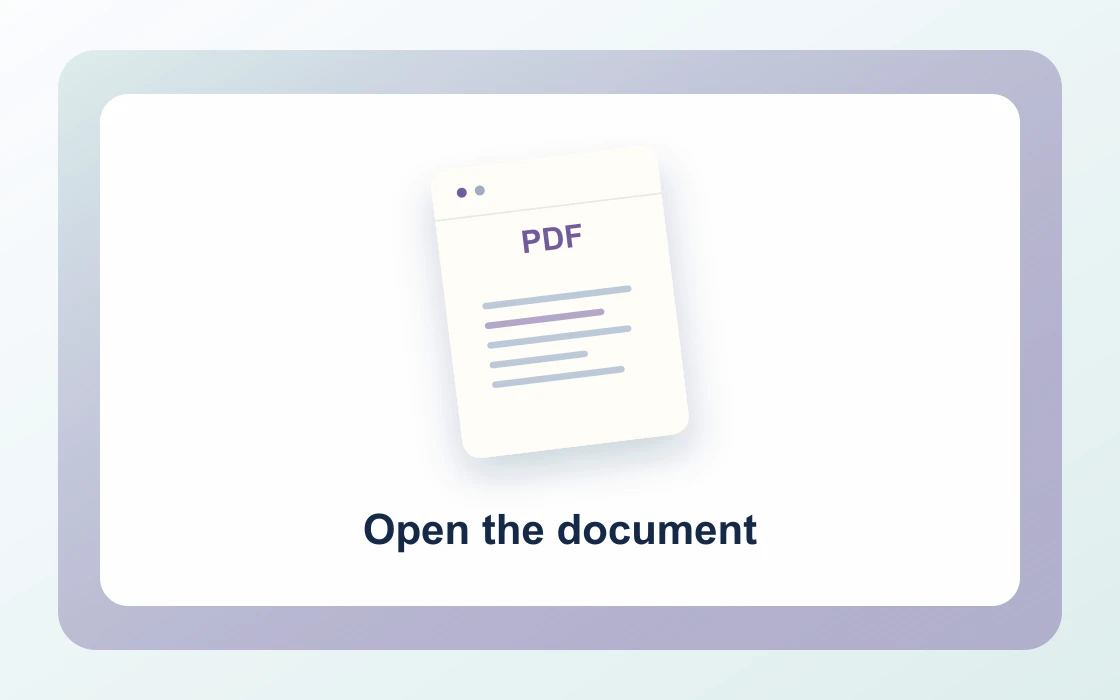
  1. Choose your PDF.

    Open the PDF you want to work on from your device.

    Open the document
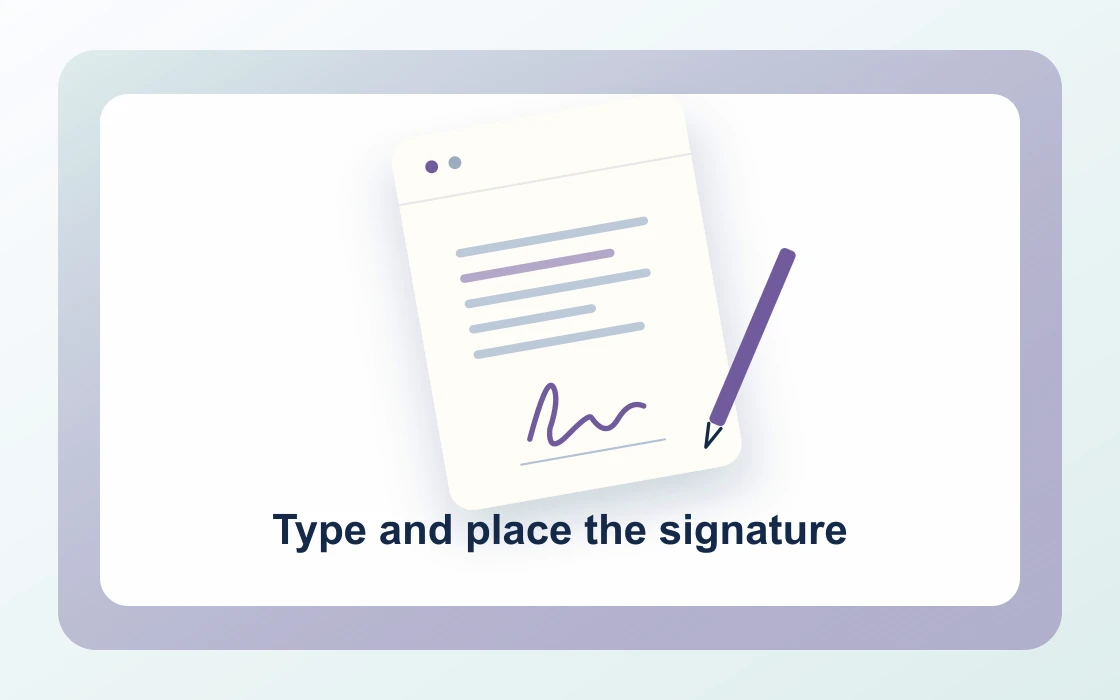
  2. Type and place the signature.

    Type a signature for a document you are allowed to sign. This adds a visual mark only.

    Type and place the signature
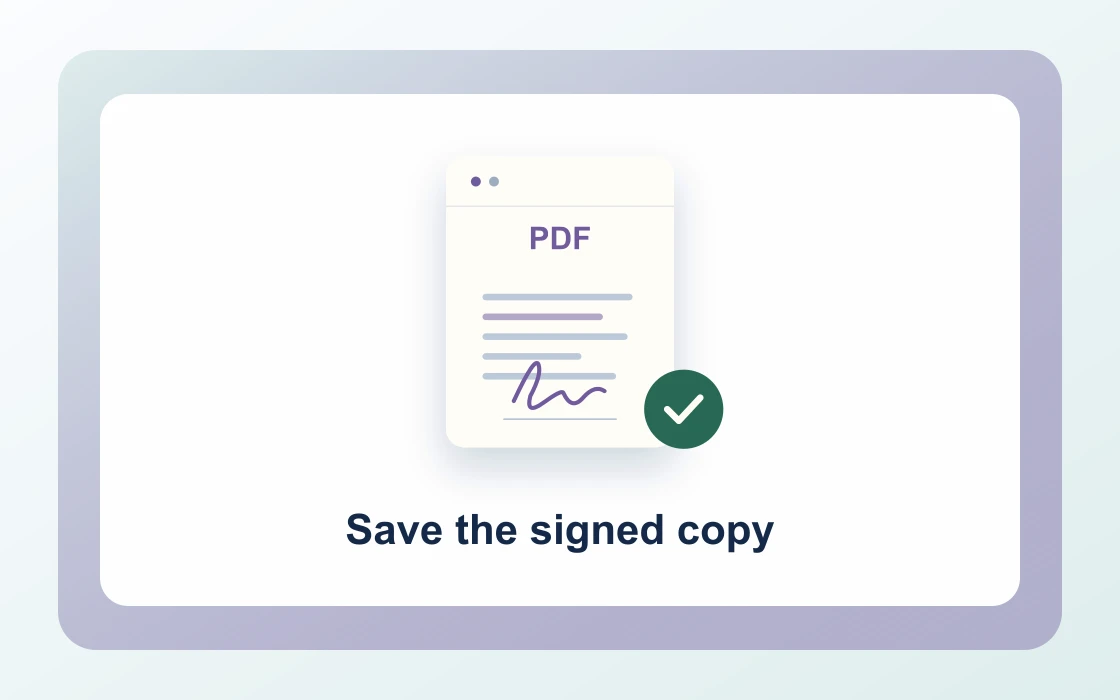
  3. Save the signed copy.

    Download the result and open it to check that it contains what you need.

    Save the signed copy
Visual Workflow Preview

Workflow example and result

See how digitally sign pdf free online works in practice: input Agreement.pdf and produce Typed signature added directly on your device with complete privacy.

Sign PDF · In-Memory Pipeline 100% Client-Side
Digitally Sign PDF Free Online example showing Agreement.pdf and the output, Typed signature added

Digitally Sign PDF Free Online — Fast & Legally Binding

Stamp typed signatures, legal signatory marks, and approval endorsements onto contracts in seconds without cloud uploads.

Instant Execution

Simple Way to Sign PDF Documents Online

Type your signatory name in our visual editor, adjust styling, and position your signature mark directly on agreement lines.

Download executed agreements immediately, ready for email delivery to partners, employers, and clients.

Sign PDF Preview
Vendor_Agreement.pdf
Sign
Signed_Agreement.pdf
Verified signature stamp positioned on signature lines
Flexible Placement

Target Specific Execution Pages with Ease

Place your signature on the execution page, or stamp approval initials across every sheet.

Compatible with leases, NDAs, independent contractor agreements, and sales proposals.

1Last_Page_OnlySignature Line
2All_Pages_InitialInitials
3Typographic_MarkCursive Script
Zero Server Retention

Private In-Browser Document Signing

Never upload executive contracts, IP agreements, or financial authorizations to cloud e-signature databases.

PDF Chassis executes signature placement strictly in local browser memory with zero cloud storage.

Confidential Leases & NDAs

Signatures and agreement texts are never transmitted to third-party databases.

  • Complies with ESIGN & eIDAS electronic signature standards
  • Clean typography rendered directly onto vector document canvas
  • Preserves original form fields, hyperlinks, and document integrity

Everything You Need to Sign PDF Documents

Sign employment offers, business agreements, and NDAs instantly with zero daily quota limits.

Immediate In-Browser Processing

Use Sign PDF directly in your web browser with zero software installations, extensions, or account sign-ups.

Works Seamlessly on Any Device

Enjoy full cross-platform compatibility whether you work on Mac, Windows, Linux, iPad, or mobile Safari on iPhone.

100% In-Browser Privacy

Unlike server-upload platforms, our WebAssembly engine runs exclusively in your browser memory. Files never leave your device.

Preserves Document Integrity

Each document keeps its original vector curves, embedded fonts, and text searchability without visual degradation.

Precision Controls & Flexibility

Fine-tune page ranges, orientations, and output settings with intuitive, instant controls before saving.

100% Free with No Daily Limits

Process your documents without hitting arbitrary daily usage limits, subscription paywalls, or forced email registrations.

Recommended reading

Sign PDF articles

See all Sign PDF articles
Edit4 min read

How to edit or sign a PDF copy

Learn how to edit or sign a PDF copy with form values, notes, page numbers, watermarks, or a visible signature.

Read guide
Edit4 min read

How to place a typed signature on a PDF

Learn how to place a typed signature on a PDF. Add a visible typed name when the recipient accepts that form of signature.

Read guide
Edit4 min read

How to choose the page and position for a PDF signature

Learn how to choose the page and position for a PDF signature. A signature can land on the wrong page when the signing block is not at the end.

Read guide
Edit4 min read

How to review a signed PDF before sending

Learn how to review a signed PDF before sending. Check the page, name, and visibility of the typed mark before sharing a signed copy.

Read guide
Edit4 min read

How to distinguish typed and digital PDF signatures

Learn how to distinguish typed and digital PDF signatures. A visible signature mark and a certificate-backed signature provide different kinds of evidence.

Read guide
By deviceiPhoneMacWindows

Sign PDF FAQ

How to sign PDF online free?

Open Digitally Sign PDF Free Online in PDF Chassis, select your document, type your signature name, select target pages and placement, and download the signed copy instantly.

How to digitally sign PDF documents without an account?

PDF Chassis requires no sign-up, login, or subscription. Simply choose your contract, add your signature overlay, and save the result locally.

How to sign PDF on iPhone free?

Open Safari on your iPhone, navigate to PDF Chassis Sign PDF, pick your agreement from the Files app, enter your signature, and save the executed document to Files.

How to sign PDF document on Mac free?

On macOS, open PDF Chassis in Safari or Chrome, drop your contract into the workspace, type your signature mark, and download your executed document.

How to sign PDF electronically with visual verification?

Type your formal signatory name in the tool; PDF Chassis formats it with high-resolution typographic marks placed exactly where required on your document.

How to fill and sign PDF online free?

Combine PDF Chassis form filling and signing tools to complete agreement fields and place your binding mark without paper or paid subscriptions.

Are my signature and financial contracts private?

Yes. PDF Chassis executes all signing logic entirely in local browser memory. Your signature graphics and agreement texts are never uploaded to any server.

Can I choose which pages receive the signature?

Yes. Specify the last signature page (e.g. page 4) or apply it to all pages depending on your agreement's execution requirements.

Does the tool add watermarks or branding to signed documents?

No. PDF Chassis never places promotional watermarks, trial stamps, or metadata badges onto your signed contracts.

Are signed PDF documents legal and accepted for business?

Yes. Electronic signatures on commercial contracts, NDAs, invoices, and purchase orders are recognized worldwide under ESIGN and eIDAS frameworks.

Ready when you are.

Use Sign PDF