Files stay on your device

Add PDF Page Number Free Online Tool

Add PDF Page Number Free Online Tool to insert clean pagination headers or footers with customizable margins, positions, and offsets directly on your device.

Add page numbers On this device

Opening tool…

Free to use No sign-up No daily quota

How to use Add page numbers

To add PDF Page Number Free Online Tool, choose a starting number and position for a report, packet, or handout.

Look at the first and last pages to confirm the sequence and that the numbers clear existing content.

  1. Choose your PDF.

    Open the PDF you want to work on from your device.

    Open the PDF
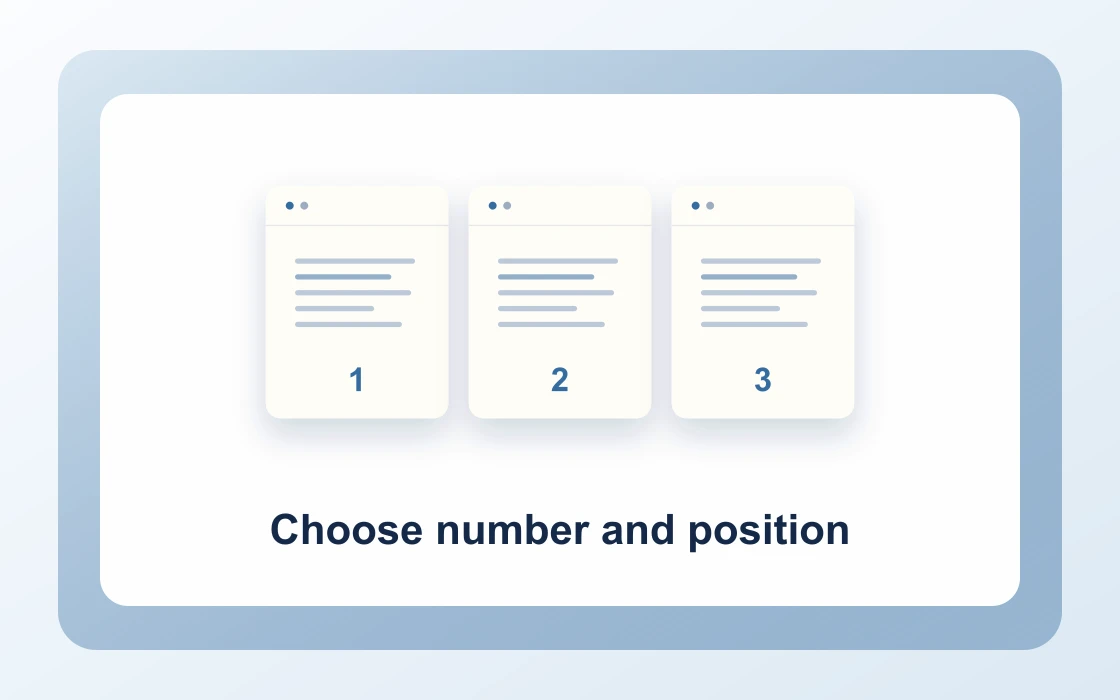
  2. Choose number and position.

    Set the starting number and position for the page numbers.

    Choose number and position
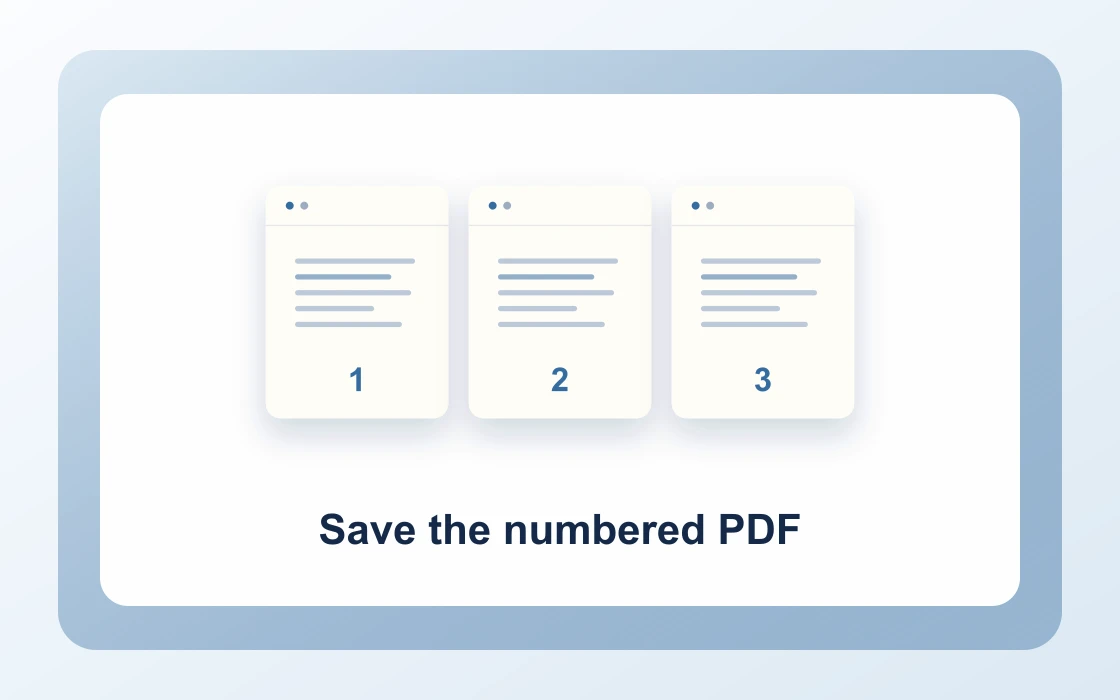
  3. Save the numbered PDF.

    Download the result and open it to check that it contains what you need.

    Save the numbered PDF
Visual Workflow Preview

Workflow example and result

See how add pdf page number free online tool works in practice: input Unnumbered report and produce Numbers at bottom directly on your device with complete privacy.

Add page numbers · In-Memory Pipeline 100% Client-Side
Add PDF Page Number Free Online Tool example showing Unnumbered report and the output, Numbers at bottom

Add PDF Page Number Free Online Tool — Clean Headers & Footers

Insert customizable page numbers, bates-style numbering, and chapter pagination into any PDF with precision margin controls.

Custom Placement

Simple Way to Number PDF Pages Online

Add clean, uniform page numbers to contracts, thesis manuscripts, reports, and legal bundles in seconds.

Choose from six standardized positions including bottom-center, bottom-right, or header alignments.

Add Page Numbers Preview
Unnumbered_Brief.pdf
Number
Paginated_Brief.pdf
Clean pagination stamped onto all pages or custom ranges
Margin Calibration

Position Numbers Exactly Where You Need

Set custom integer start numbers and offset margins so numbers never overlap existing footnotes or tables.

Preview your paginated output before saving to ensure professional layout fidelity.

1Bottom_CenterStandard
2Top_Right_HeaderAcademic
3Custom_Offset_5Bates
Confidential

Private In-Browser PDF Pagination

Don't risk transmitting proprietary legal briefs or financial audits to unverified cloud servers.

PDF Chassis injects pagination overlays directly inside client browser memory with zero network uploads.

Zero File Uploads

Documents are paginated locally in your browser sandbox.

  • Non-destructive vector overlay numbering
  • Custom start numbers and 6 position presets
  • Preserves existing text layers and bookmarks

Everything You Need to Number PDF Pages

Professional document pagination for legal briefs, theses, and reports with zero subscriptions.

Immediate In-Browser Processing

Use Add Page Numbers directly in your web browser with zero software installations, extensions, or account sign-ups.

Works Seamlessly on Any Device

Enjoy full cross-platform compatibility whether you work on Mac, Windows, Linux, iPad, or mobile Safari on iPhone.

100% In-Browser Privacy

Unlike server-upload platforms, our WebAssembly engine runs exclusively in your browser memory. Files never leave your device.

Preserves Document Integrity

Each document keeps its original vector curves, embedded fonts, and text searchability without visual degradation.

Precision Controls & Flexibility

Fine-tune page ranges, orientations, and output settings with intuitive, instant controls before saving.

100% Free with No Daily Limits

Process your documents without hitting arbitrary daily usage limits, subscription paywalls, or forced email registrations.

Recommended reading

Add page numbers articles

See all Add page numbers articles
Edit4 min read

How to add page numbers to a PDF report

Learn how to add page numbers to a PDF report. Give readers a reliable way to reference pages in a report.

Read guide
Edit4 min read

How to start PDF page numbers at a custom number

Learn how to start PDF page numbers at a custom number. A separate chapter may need to continue numbering from a previous file.

Read guide
Edit4 min read

How to choose a position for PDF page numbers

Learn how to choose a position for PDF page numbers. A page number can compete with an existing logo, footer, or signature.

Read guide
Edit4 min read

How to number a PDF before sharing

Learn how to number a PDF before sharing. A shared review copy needs consistent page references across the team.

Read guide
Edit4 min read

How to check existing numbers before paginating a PDF

Learn how to check existing numbers before paginating a PDF. Some PDFs have page numbers drawn into the content even when a viewer uses different labels.

Read guide
By deviceiPhoneMacWindows

Add page numbers FAQ

How to add PDF page number online?

Select your PDF document in our Add PDF Page Number Free Online Tool, configure your starting number and position (bottom center, top right, etc.), and download your paginated document.

Can I add PDF page number online free with no sign up?

Yes. PDF Chassis requires no email, registration, or credit card. All pagination is processed locally on your device.

Is it free to add PDF page numbers online?

Yes. Our tool is 100% free with no daily quotas, file limits, or subscription paywalls.

Can I choose custom starting numbers and positions?

Yes. You can set any integer start number (e.g. starting at page 5 or roman numerals offset) and place numbers at top-left, top-center, top-right, bottom-left, bottom-center, or bottom-right.

How does the add PDF page number tool handle margins?

The tool respects document bounding boxes and applies standard margin offsets so page numbers do not overlap body text, tables, or existing footers.

How to Add PDF Page Number on Mac free?

Open Safari or Chrome on macOS, visit PDF Chassis Add Page Numbers, select your document from Finder, customize footer placement, and download your numbered PDF.

How to Add PDF Page Number on iPhone free?

In Safari on iOS, choose your PDF from the Files app, select your preferred pagination layout, and download the numbered document directly to your device.

Does adding page numbers modify existing vector text?

No. Numbers are injected as non-destructive overlay text streams, leaving original fonts, graphics, forms, and hyperlinks unchanged.

Can I add page numbers to scanned PDF documents?

Yes. Scanned image pages and digital text PDFs alike receive crisp pagination overlays.

Are my legal documents uploaded to cloud servers when adding page numbers?

No. Everything runs strictly in client-side browser memory, keeping legal briefs, contracts, and financial audits 100% confidential.

Ready when you are.

Use Add page numbers