How to Watermark PDF on Mac free
Here is how to watermark pdf on mac free using fast in-browser utilities to apply custom text overlays and brand documents on macOS.
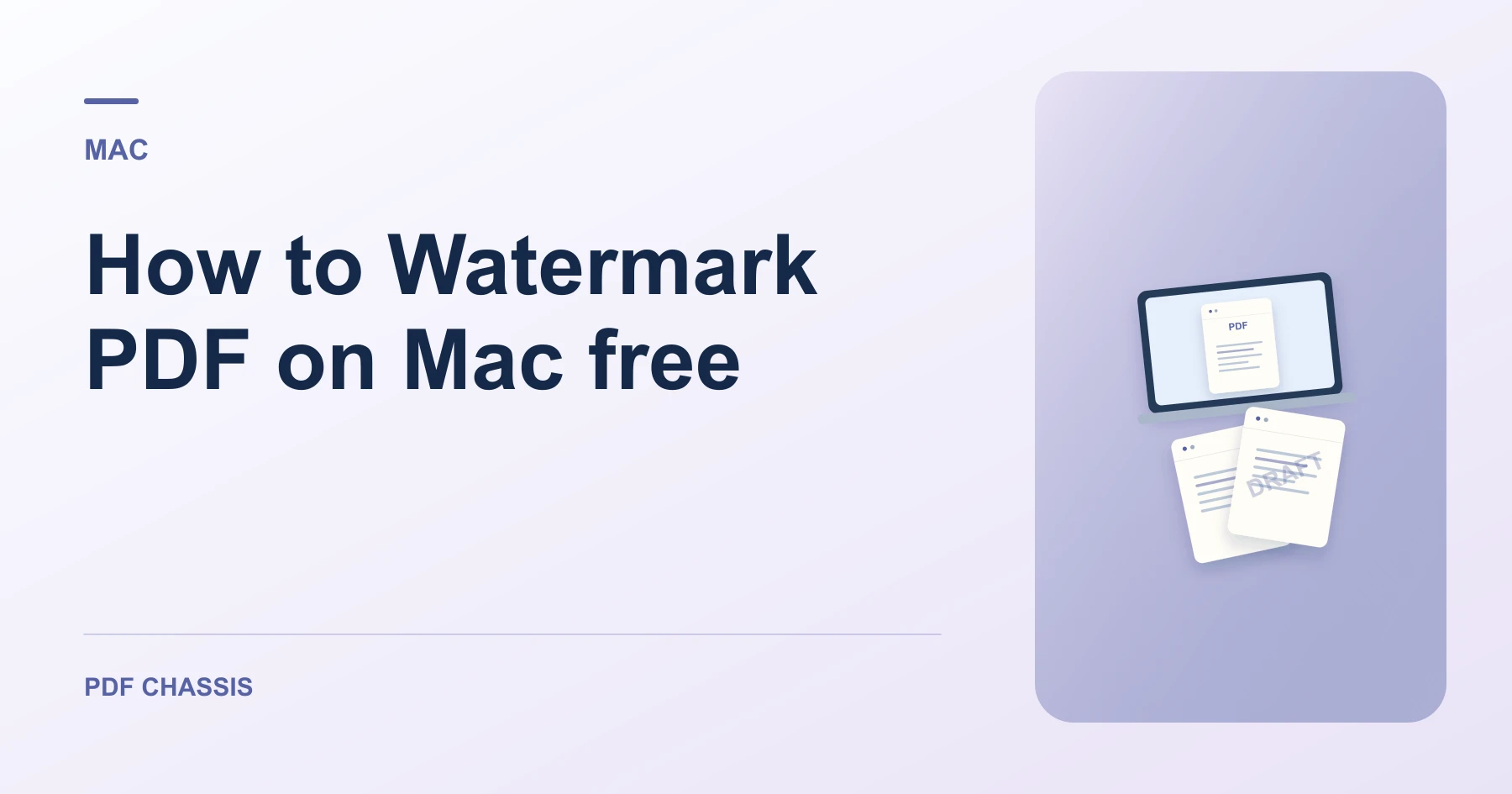
To discover how to watermark pdf on mac free, you can use PDF Chassis in Safari without buying commercial desktop editor licenses.
Mastering how to watermark pdf on mac free helps you protect confidential business plans and creative portfolios before emailing clients.
How to Watermark PDF on Mac free in Safari
Mac users can apply elegant diagonal watermarks without complex desktop software.
All document processing runs locally in browser memory with complete privacy.
For a related workflow, see How to add a draft watermark to a PDF.
- On your Mac, launch Safari or Chrome and open Watermark PDF.
- Click Choose PDF and select your document from Finder.
- Type your watermark text (e.g. CONFIDENTIAL) and choose opacity.
- Download the watermarked PDF directly to your Mac.

Frequently asked questions
Does this work on macOS Sonoma and Ventura?
Yes. Compatible with all modern versions of macOS in Safari, Chrome, and Firefox.
What if the result looks wrong?
If the mark disappears against a dark image or hides small type, adjust its opacity and try again.
Where can I find the result on Mac?
Download the watermarked PDF directly to your Mac.
Ready to try it?
Open Watermark PDFWatermark PDF