How to watermark PDF pages on Windows
Here’s how to watermark PDF pages on Windows with PDF Chassis. Put DRAFT across the proposal pages while leaving the cover alone.
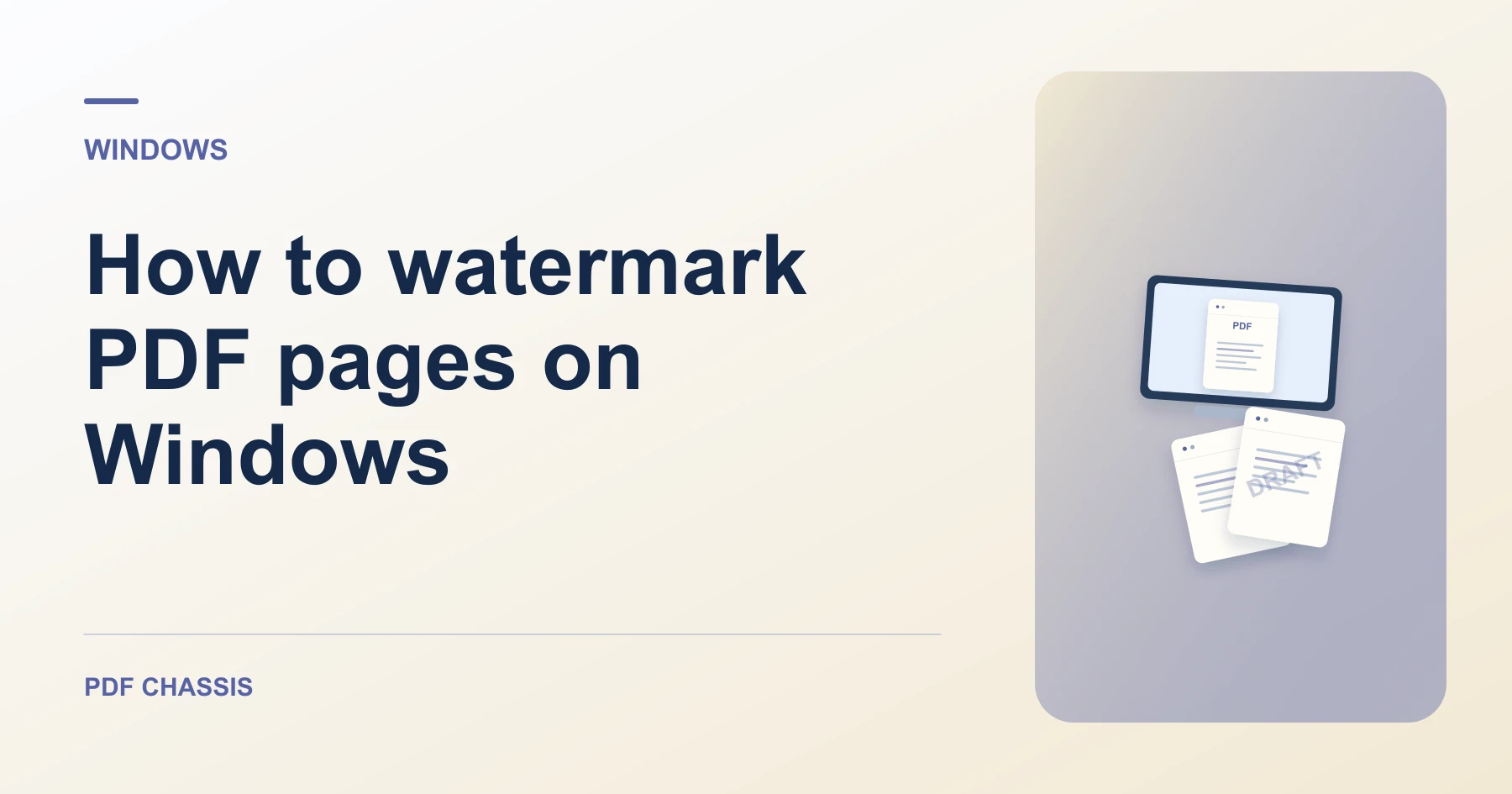
Learn how to watermark PDF pages on Windows in Microsoft Edge. Open Watermark PDF when you’re ready.
If you’re working out how to watermark PDF pages on Windows, use the example below to check what the tool returns. On Windows, keep a copy of the source where you can find it again.
How to watermark PDF pages on Windows with PDF Chassis
In your browser, open PDF Chassis and navigate to the watermark PDF pages tool in Microsoft Edge. Find the source in File Explorer. If a OneDrive file is online-only, download it before using the browser’s file chooser.
- In Microsoft Edge on your Windows, open PDF Chassis and select watermark PDF pages.
- Choose the PDF and enter the watermark text.
- Set its opacity and enter page positions if it should cover selected pages only.
- Apply the watermark and download the marked copy.
- Open the file from Edge’s downloads list or the download folder in File Explorer. Give the result a distinct name if you plan to share it.
Try an example on Windows
Mark only pages 2 and 3 of a draft. Open pages 1 through 4 in Edge to confirm the watermark stops where expected.
Check the mark on a light and a dark page. Make sure it remains readable and leaves the document text legible.

How to watermark PDF pages on Windows if the result looks wrong
If the mark disappears against a dark image or hides small type, adjust its opacity and try again.
In Edge, open the copy separately from the original and check both the marked and untouched pages.
For a related workflow, see How to add a draft watermark to a PDF.
Frequently asked questions
What should I check in the saved copy?
Check the mark on a light and a dark page. Make sure it remains readable and leaves the document text legible.
What if the result looks wrong?
If the mark disappears against a dark image or hides small type, adjust its opacity and try again.
Where can I find the result on Windows?
Open the file from Edge’s downloads list or the download folder in File Explorer. Give the result a distinct name if you plan to share it.
Ready to try it?
Open Watermark PDFWatermark PDF