How to sign PDF document on iPhone free
Learn how to sign pdf document on iphone free using Safari on iOS to execute agreements and sign documents directly on your mobile device.
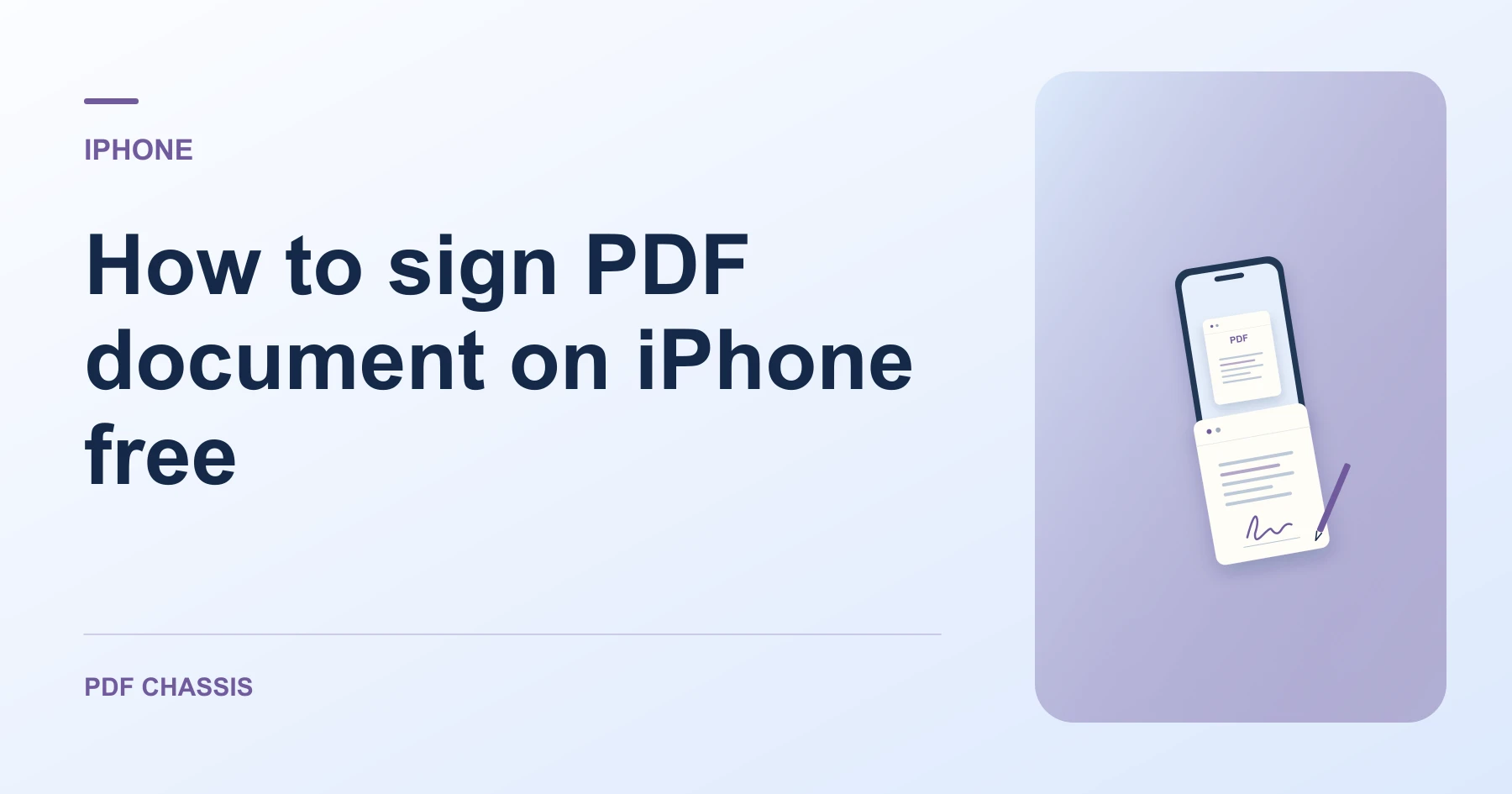
To discover how to sign pdf document on iphone free, open mobile Safari and select your contract from Files with zero app downloads or account walls.
Understanding how to sign pdf document on iphone free lets you sign rental agreements and job offers on the go with complete privacy.
How to sign PDF document on iPhone free in Safari
Sign agreements on mobile without paid app store subscriptions or cloud uploads.
The signed PDF is saved directly into your iOS Files app ready for emailing.
For a related workflow, see How to edit or sign a PDF copy.
- On your iPhone, open Safari and navigate to Sign PDF.
- Tap Choose PDF and select your agreement from the Files app.
- Type your signature name and select placement.
- Tap Sign PDF and save the signed file to your device.

Frequently asked questions
Does this require an iOS app?
No. The entire signing workflow runs directly in mobile Safari.
What if the result looks wrong?
A typed mark is a visible signature. Ask the recipient for their required process if they need a certificate or audit trail.
Where can I find the result on iPhone?
Tap Sign PDF and save the signed file to your device.
Ready to try it?
Open Sign PDFSign PDF