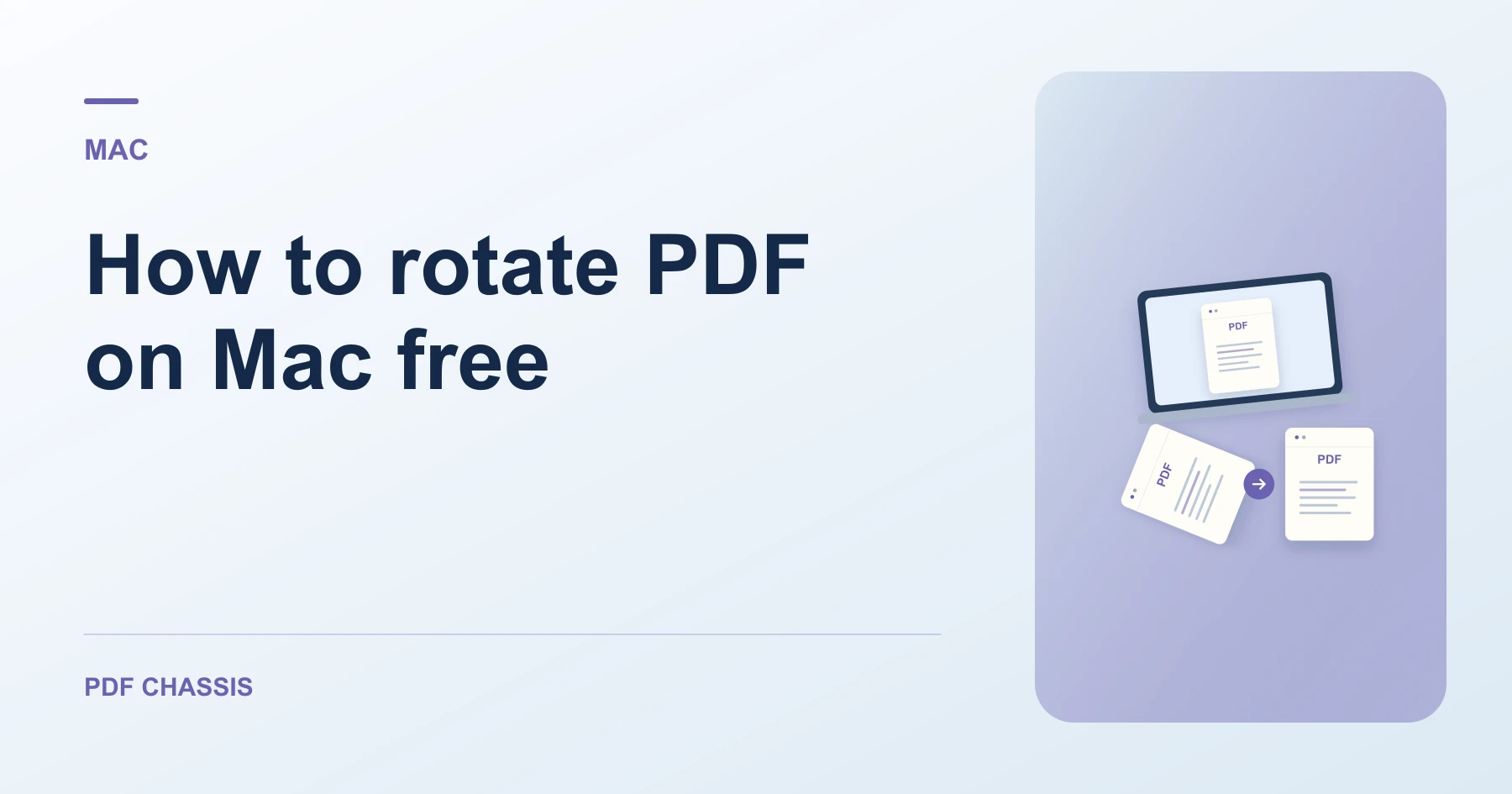
How to rotate PDF on Mac free
Here is how to rotate pdf on mac free using modern web browser utilities without paying for software licenses or uploading files to third parties.
If you want to know how to rotate pdf on mac free, you can use PDF Chassis directly in Safari or Chrome without purchasing Acrobat Pro.
Mastering how to rotate pdf on mac free lets you align landscape spreadsheets and scanned forms quickly with complete document confidentiality.
How to rotate PDF on Mac free in Safari or Chrome
macOS users can correct multi-page documents without relying on slow cloud conversion sites.
Documents stay on your local disk with zero remote data transmission.
For a related workflow, see How to rotate all pages in a PDF.
- On your Mac, launch Safari or Chrome and open Rotate PDF.
- Click Choose PDF and select your file from Finder.
- Select the rotation angle (90° clockwise, 180°, or 270°).
- Click Rotate PDF and download the saved copy to your Mac.

Frequently asked questions
Does this work in Safari on macOS?
Yes. The in-browser WebAssembly engine runs seamlessly in Safari, Chrome, and Firefox on Mac.
What if the result looks wrong?
A viewer can rotate its current view without saving the page orientation. Check the downloaded file instead.
Where can I find the result on Mac?
Click Rotate PDF and download the saved copy to your Mac.
Ready to try it?
Open Rotate PDFRotate PDF