How to number a PDF before sharing
A shared review copy needs consistent page references across the team. Here’s how to number a PDF before sharing and check the result.
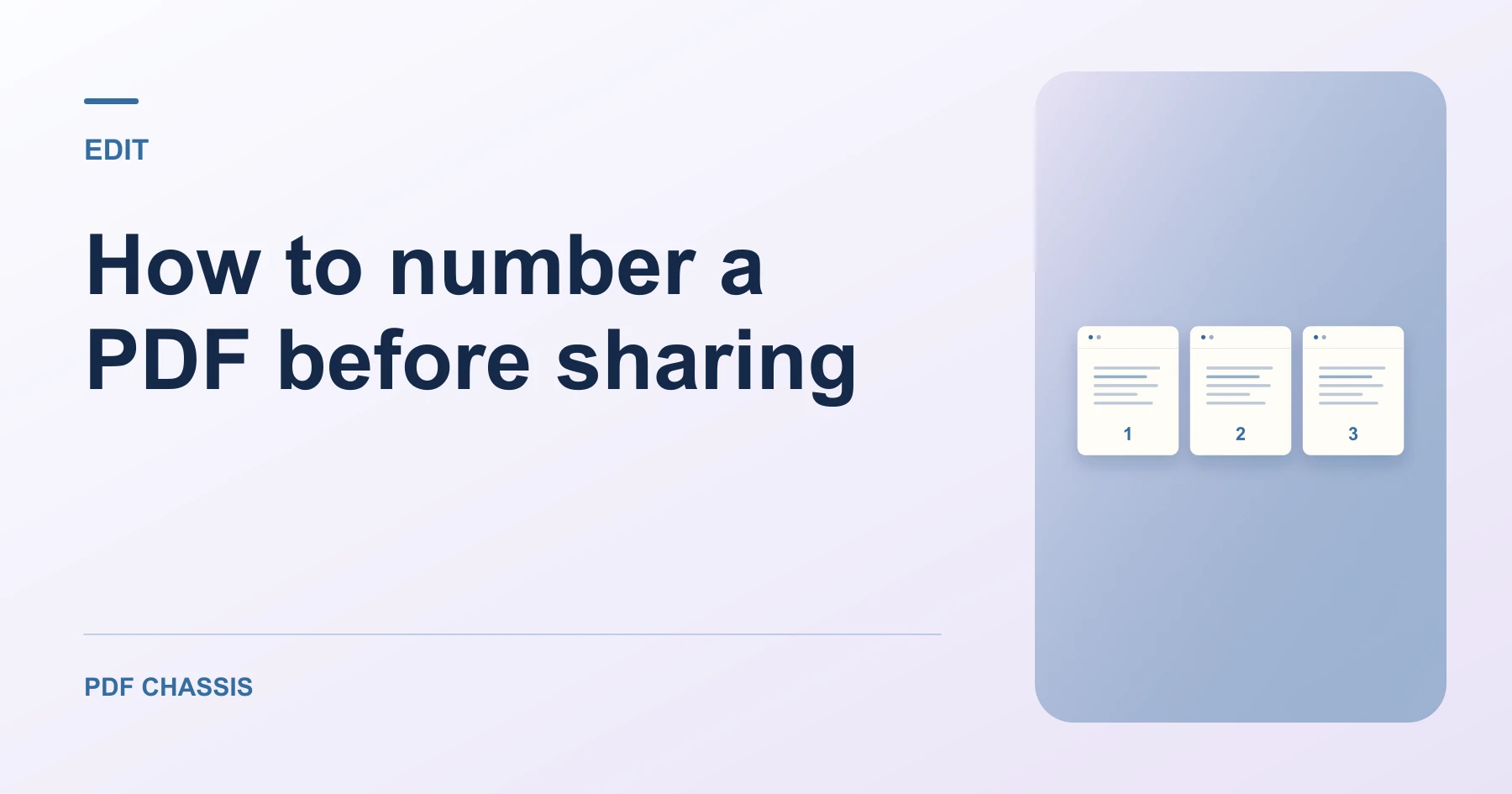
Learn how to number a PDF before sharing. Open Add page numbers when you’re ready.
When you number a PDF before sharing, use the example below to check what the tool returns. Keep the source available so you can check the exported result.
Steps to number a PDF before sharing
- Finalize the page order, then run Add page numbers on the assembled document.
- Use an agreed starting number and share the same copy with reviewers.
What to check
When you number a PDF before sharing, avoid numbering before the final reorder. The visible numbers remain on the pages if they move afterward.
For a related workflow, see How to add page numbers to a PDF report.

Frequently asked questions
What should I check before I share the result?
Avoid numbering before the final reorder. The visible numbers remain on the pages if they move afterward.
What if the result looks wrong?
If the number overlaps a footer, choose a different position and export again.
What will this workflow produce?
Review copy → Sequential page numbers. Open the first and last pages and check that the numbers fit within the margins.
Ready to try it?
Open Add page numbersAdd page numbers