Where to merge PDF files for free
If you are evaluating where to merge PDF files for free without hidden subscription paywalls or privacy risks, browser-based local tools offer the most reliable solution.
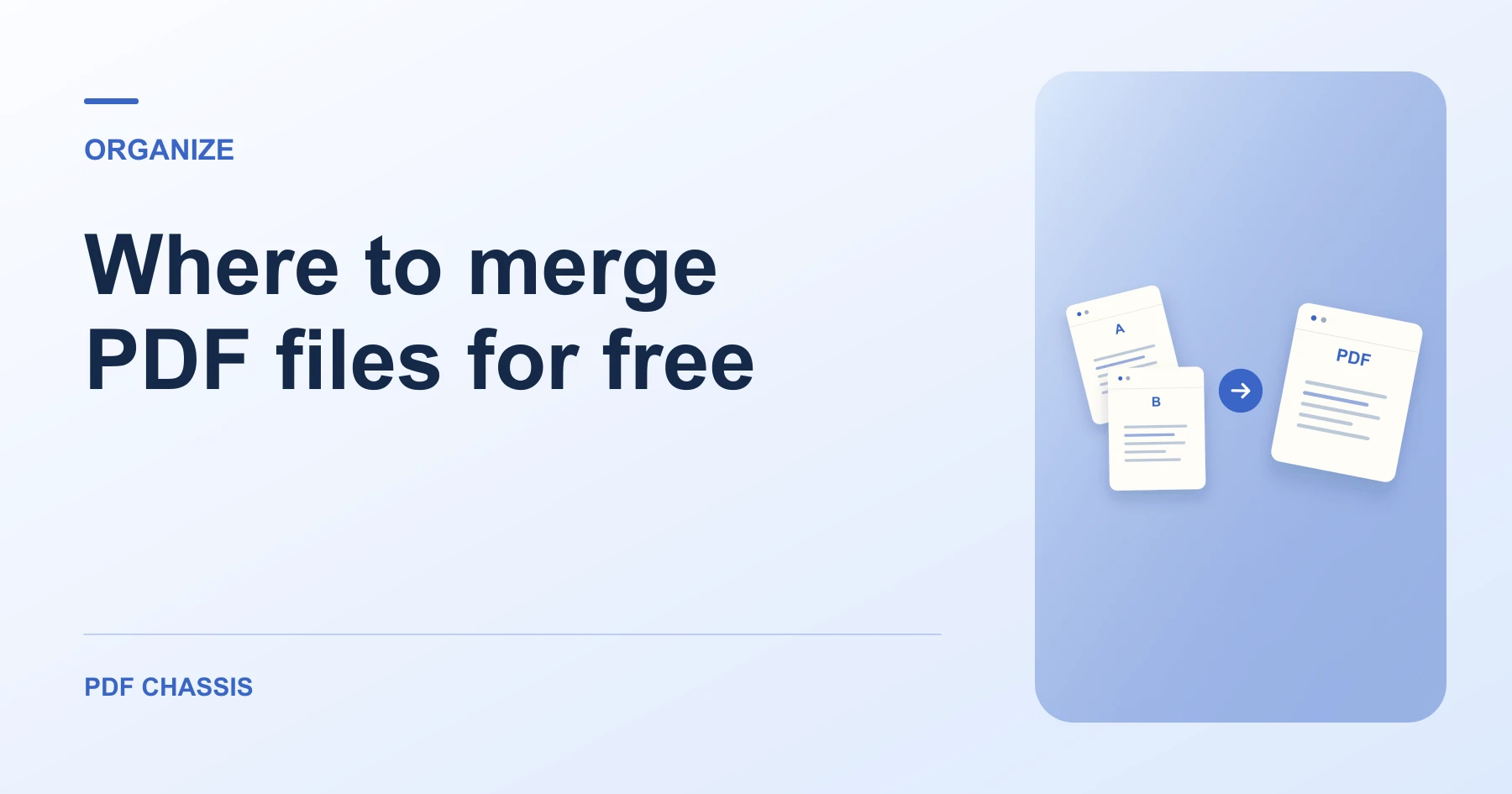
Decide where to merge PDF files for free based on document privacy, input size, and file-order controls. Open Merge PDF when you’re ready.
If you’re working out where to merge PDF files for free, use the example below to check what the tool returns. Keep the source available so you can check the exported result.
Where to merge PDF files for free without privacy compromises
Finding where to merge PDF files for free often leads to commercial web utilities that hide strict limitations behind a 'free' label. Many platforms permit only one or two free tasks before locking your document behind a paid monthly subscription.
Furthermore, standard cloud services transmit your files across the internet to remote servers. If you are combining sensitive legal affidavits, medical records, or tax returns, server uploads introduce unnecessary data exposure risks.
Client-side browser mergers vs. cloud upload portals
In-Browser (PDF Chassis):100% device processing, unlimited free tasks, zero server transmission
Cloud Mergers (Smallpdf, iLovePDF):Uploads to AWS servers, 2-3 free tasks per day, monthly paywalls
Adobe Acrobat Online:Requires account sign-in, cloud processing, paywalled pro tools
Offline Desktop Software:Heavy installations, software licenses, periodic update prompts
PDF Chassis eliminates third-party cloud risks by utilizing client-side WebAssembly. All parsing, font subsetting, and document concatenation occur inside your browser's private memory sandbox. Once loaded, the tool works seamlessly without consuming server bandwidth, enabling completely free and unlimited usage.

Platform recommendations for Mac, Windows, and mobile devices
On Mac: Use PDF Chassis in Safari or Chrome to merge documents with visual arrow ordering, or use Finder Quick Actions for basic concatenation.
On Windows: Merge reports and invoices directly in Edge or Chrome without downloading third-party executable programs that clutter your system.
On iOS & Android: Combine files directly from the Files app or Google Drive in mobile Safari and Chrome with zero app downloads.
For a related workflow, see How to merge PDF.
Frequently asked questions
What should I check in the saved copy?
Open the combined file and check that the report starts on page 2. Review any links or forms you need.
What if the result looks wrong?
If a section starts on the wrong page, change the source order and merge again.
What will this workflow produce?
PDFs on your device → Merged on your device. Open the combined file and check that the report starts on page 2. Review any links or forms you need.
Ready to try it?
Open Merge PDFMerge PDF