How do you merge PDF files for free?
How do you merge PDF files for free when you have multiple attachments? Learn how to order documents, verify section transitions, and download a combined copy without paying for software.
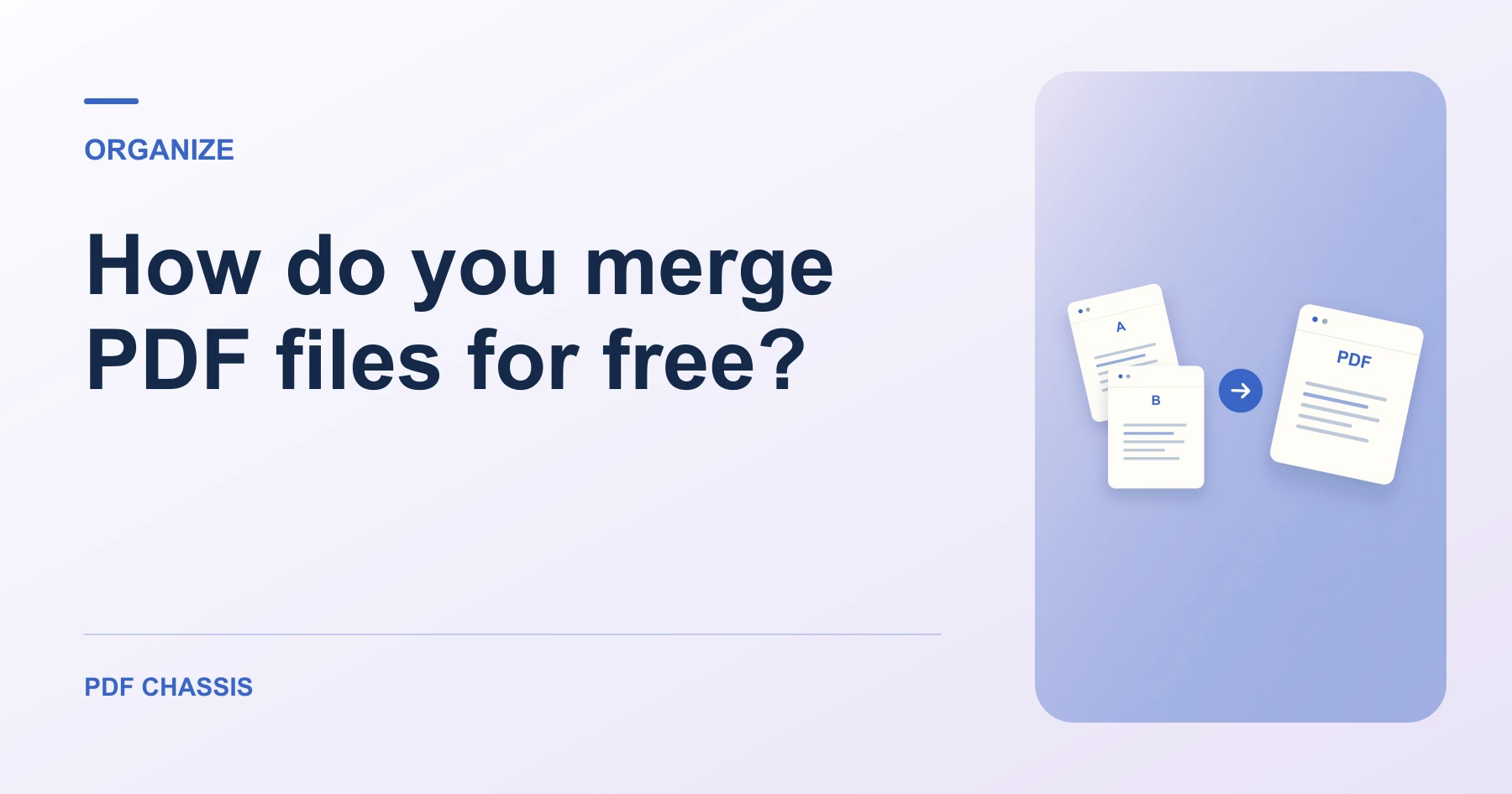
How do you merge PDF files for free? Open Merge PDF when you’re ready.
If you’re working out how do you merge PDF files for free, use the example below to check what the tool returns. Keep the source available so you can check the exported result.
How do you merge PDF files for free without hidden costs?
Users frequently ask: how do you merge PDF files for free without registering for an account, entering credit card information, or hitting a daily conversion ceiling? The answer lies in using modern, client-side web applications.
Because PDF Chassis runs on your device rather than rented cloud servers, there are zero server processing costs to pass along. You can combine 2, 5, or 20 documents as often as needed without daily quota interruptions.
- Gather all source PDFs into a single folder on your computer or device.
- Drag the documents into PDF Chassis Merge PDF.
- Use the up and down arrow buttons next to each file to arrange the sequence.
- Click Merge PDF to assemble the final unified file.
- Verify the combined document in your PDF reader before emailing or archiving.
Important tips when combining multiple documents
When you merge PDF files for free, keep these best practices in mind:
1. Always keep your original source documents intact in case you need to reorder or re-export individual sections later.
2. If your merged document exceeds an email attachment limit (such as Gmail's 25 MB limit), run the combined file through our Compress PDF tool to reduce file size while preserving legibility.
3. For documents requiring verified cryptographic signatures, retain the original signed files since merging alters the overall document container hash.
For a related workflow, see How to merge PDF.

Frequently asked questions
What should I check in the saved copy?
Open the combined file and check that the report starts on page 2. Review any links or forms you need.
What if the result looks wrong?
If a section starts on the wrong page, change the source order and merge again.
What will this workflow produce?
Three attachments → One ordered packet. Open the combined file and check that the report starts on page 2. Review any links or forms you need.
Ready to try it?
Open Merge PDFMerge PDF