How to remove duplicate PDF pages
Repeated pages can make a packet longer and hide where the next section begins. Here’s how to remove duplicate PDF pages and check the result.
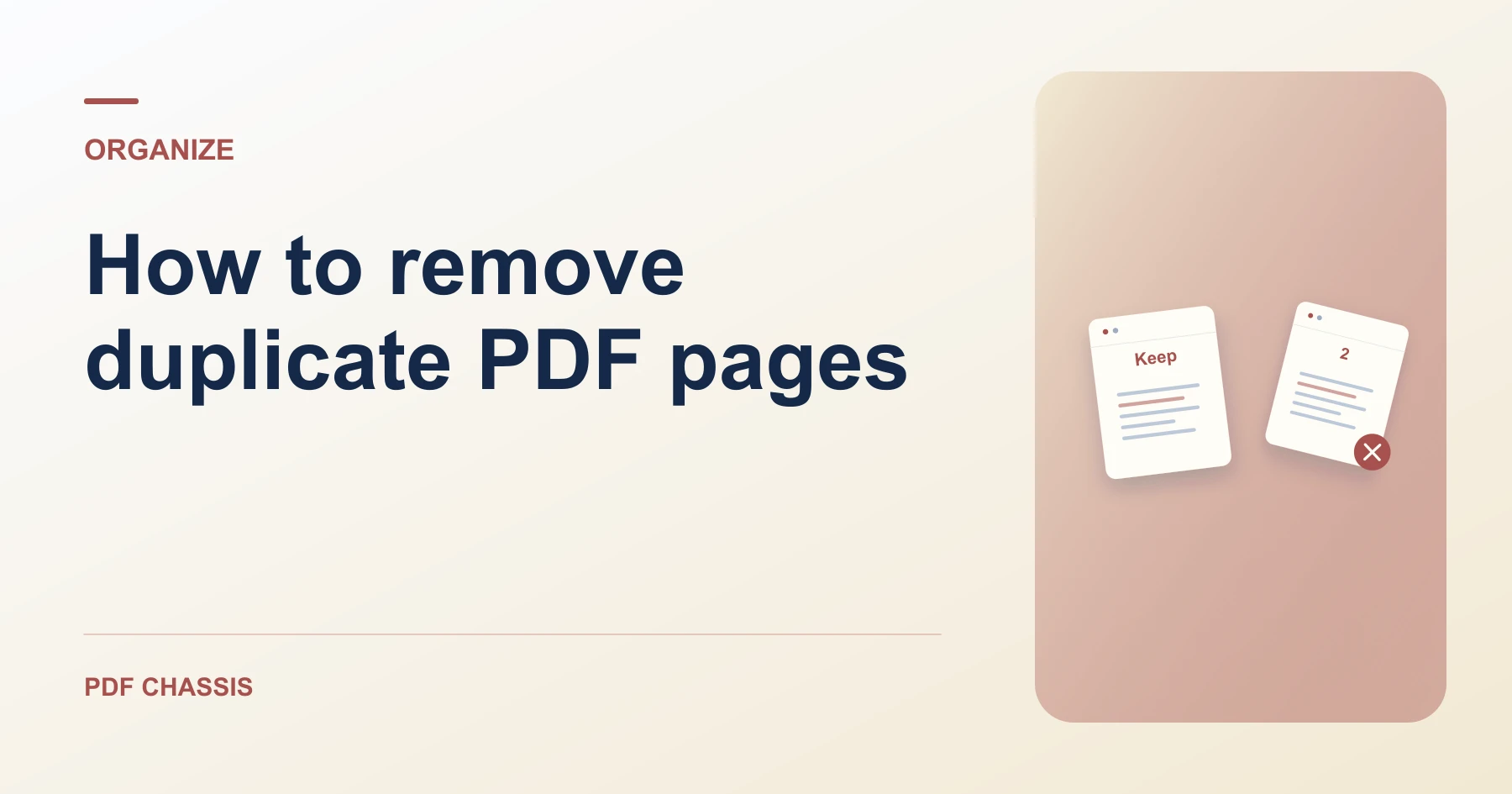
Learn how to remove duplicate PDF pages. Open Remove PDF pages when you’re ready.
When you remove duplicate PDF pages, use the example below to check what the tool returns. Keep the source available so you can check the exported result.
Steps to remove duplicate PDF pages
- Compare the two suspected duplicates at normal zoom.
- Enter the position of the extra copy, then download the updated PDF.
What to check
When you remove duplicate PDF pages, confirm that differing dates, initials, or annotations were not overlooked when deciding which page to remove.
For a related workflow, see How to remove a PDF page.

Frequently asked questions
What should I check before I share the result?
Confirm that differing dates, initials, or annotations were not overlooked when deciding which page to remove.
What if the result looks wrong?
Keep at least one page. If you are trying to keep a few pages from a long file, extraction may be quicker.
What will this workflow produce?
Repeated page 6 → One copy of each page. Check that the copy has four pages and that original page 8 is still last.
Ready to try it?
Open Remove PDF pagesRemove PDF pages