How to merge PDF files with Adobe Acrobat or free alternatives
Wondering how to merge PDF files with Adobe Acrobat without paying for a Pro license? Here is how Adobe compares to free in-browser alternatives.
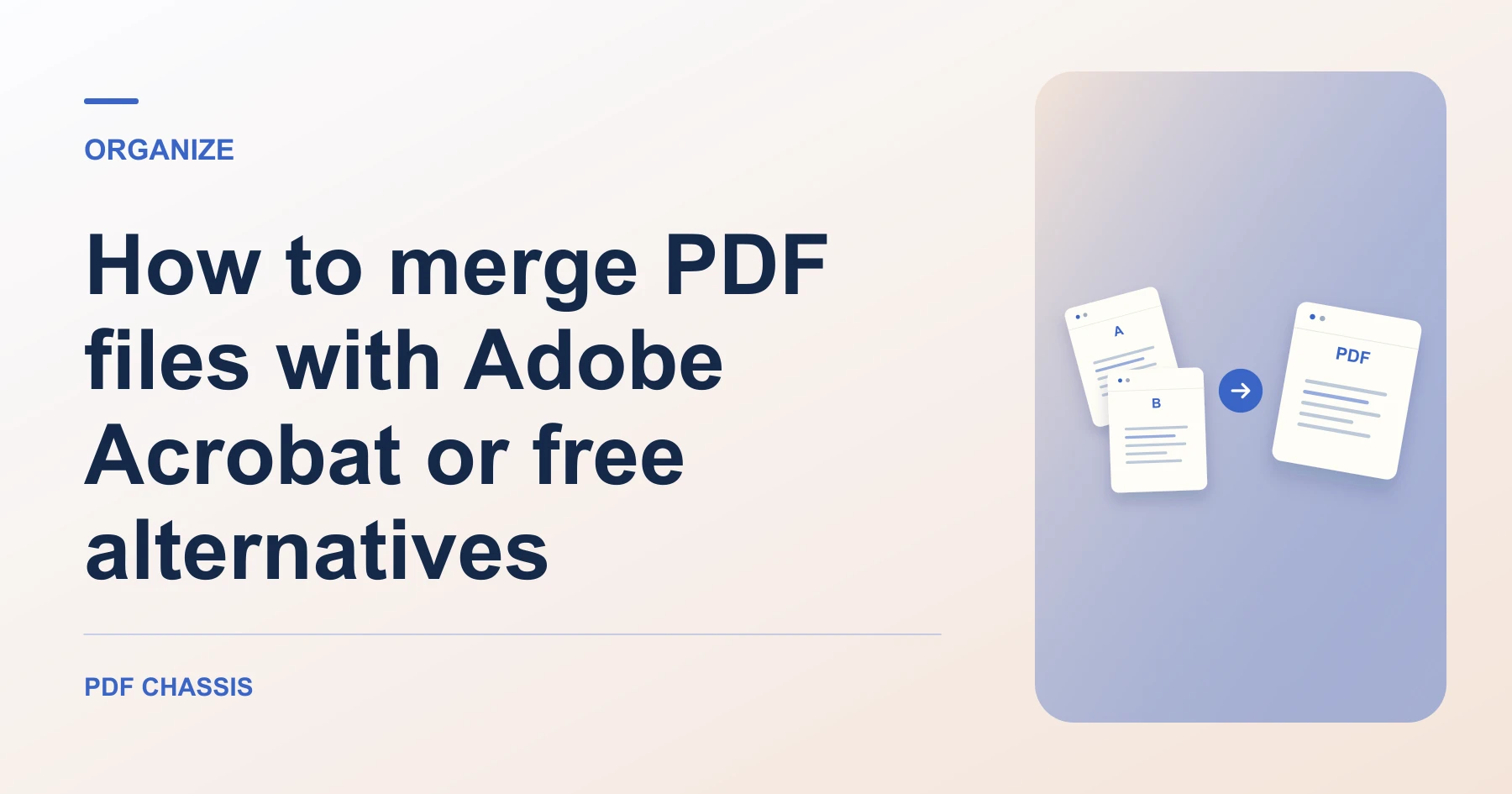
Learn how to merge PDF files with Adobe Acrobat or free browser alternatives without sign-in paywalls or subscriptions. Open Merge PDF when you’re ready.
If you’re working out how to merge PDF files with Adobe Acrobat, use the example below to check what the tool returns. Keep the source available so you can check the exported result.
How to merge PDF files with Adobe Acrobat vs. free alternatives
Adobe Acrobat DC allows merging multiple documents, but the feature requires an active Acrobat Pro subscription ($19.99/month). The free Adobe Acrobat Reader application does not permit document merging.
To combine documents without paid licenses or mandatory sign-ins, use the free PDF merger in PDF Chassis. It runs 100% in your browser using WebAssembly with zero cost and unlimited tasks.
For a related workflow, see How to merge PDF.
- Open PDF Chassis in any modern web browser.
- Add your source PDF files.
- Arrange the sequence using arrow controls.
- Download the combined master document instantly.

Frequently asked questions
What should I check in the saved copy?
Open the combined file and check that the report starts on page 2. Review any links or forms you need.
What if the result looks wrong?
If a section starts on the wrong page, change the source order and merge again.
What will this workflow produce?
Adobe Acrobat file → Free browser result. Open the combined file and check that the report starts on page 2. Review any links or forms you need.
Ready to try it?
Open Merge PDFMerge PDF