How to merge a PDF report and appendix
Attach reference material after the main report so a reviewer can read the document in one pass. Here’s how to merge a PDF report and appendix and check the result.
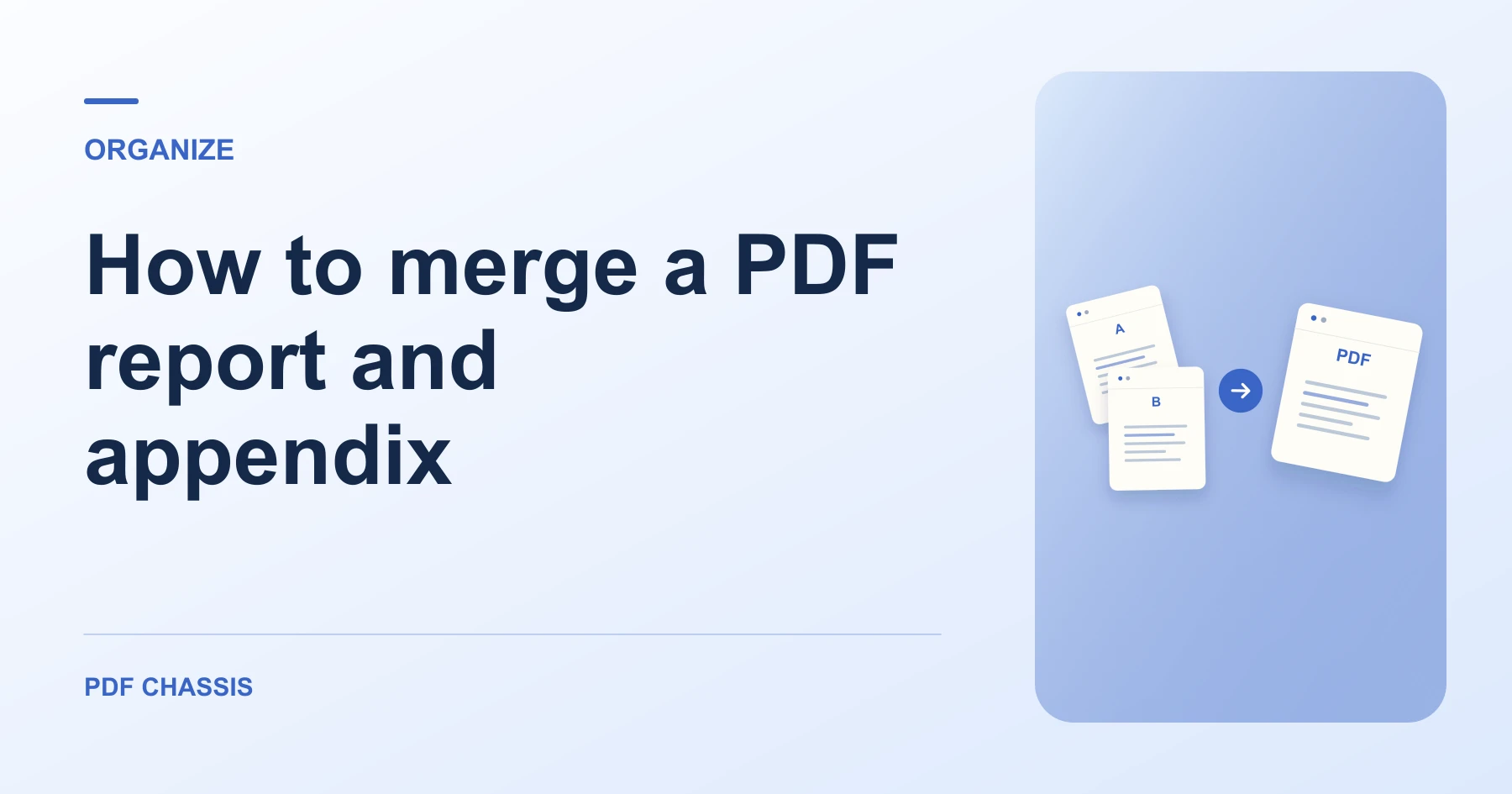
Learn how to merge a PDF report and appendix. Open Merge PDF when you’re ready.
When you merge a PDF report and appendix, use the example below to check what the tool returns. Keep the source available so you can check the exported result.
Steps to merge a PDF report and appendix
- Open both PDFs to check their final pages.
- Add the report first and the appendix second, then download the combined document.
What to check
When you merge a PDF report and appendix, make sure any printed cross-references still point to the intended section. Recheck bookmarks or form fields if the source PDFs relied on them.
For a related workflow, see How to merge PDF.

Frequently asked questions
What should I check before I share the result?
Make sure any printed cross-references still point to the intended section. Recheck bookmarks or form fields if the source PDFs relied on them.
What if the result looks wrong?
If a section starts on the wrong page, change the source order and merge again.
What will this workflow produce?
Report and appendix → Report followed by appendix. Open the combined file and check that the report starts on page 2. Review any links or forms you need.
Ready to try it?
Open Merge PDFMerge PDF