How to organize PDF pages online?
Wondering how to organize pdf pages online? Follow this step-by-step guide to reorder pages, remove unwanted sheets, and download a tidy PDF in your browser.
If you need to learn how to organize pdf pages online?, start by choosing your file and deciding which sequence best fits your readers.
Understanding how to organize pdf pages online? helps you build structured packets for applications or presentations without installing heavy desktop software.
Steps for how to organize PDF pages online?
Entering numeric ranges such as 1-3, 5, 4 reorganizes whole chapters instantly.
Your file is processed locally in browser memory with zero server uploads.
For a related workflow, see How to organize PDF pages.
- In your browser, open PDF Chassis and select Organize PDF.
- Choose your PDF file in the workspace.
- Type your custom sequence in the Order field (e.g. 3, 1-2, 4).
- Click Organize PDF to download your updated document.

Frequently asked questions
Can I repeat pages?
Yes. Sequences like 1, 2, 2, 3 duplicate page 2 in the output file.
What if the result looks wrong?
A repeated number produces a repeated page. To keep every page once, check the sequence before exporting.
What will this workflow produce?
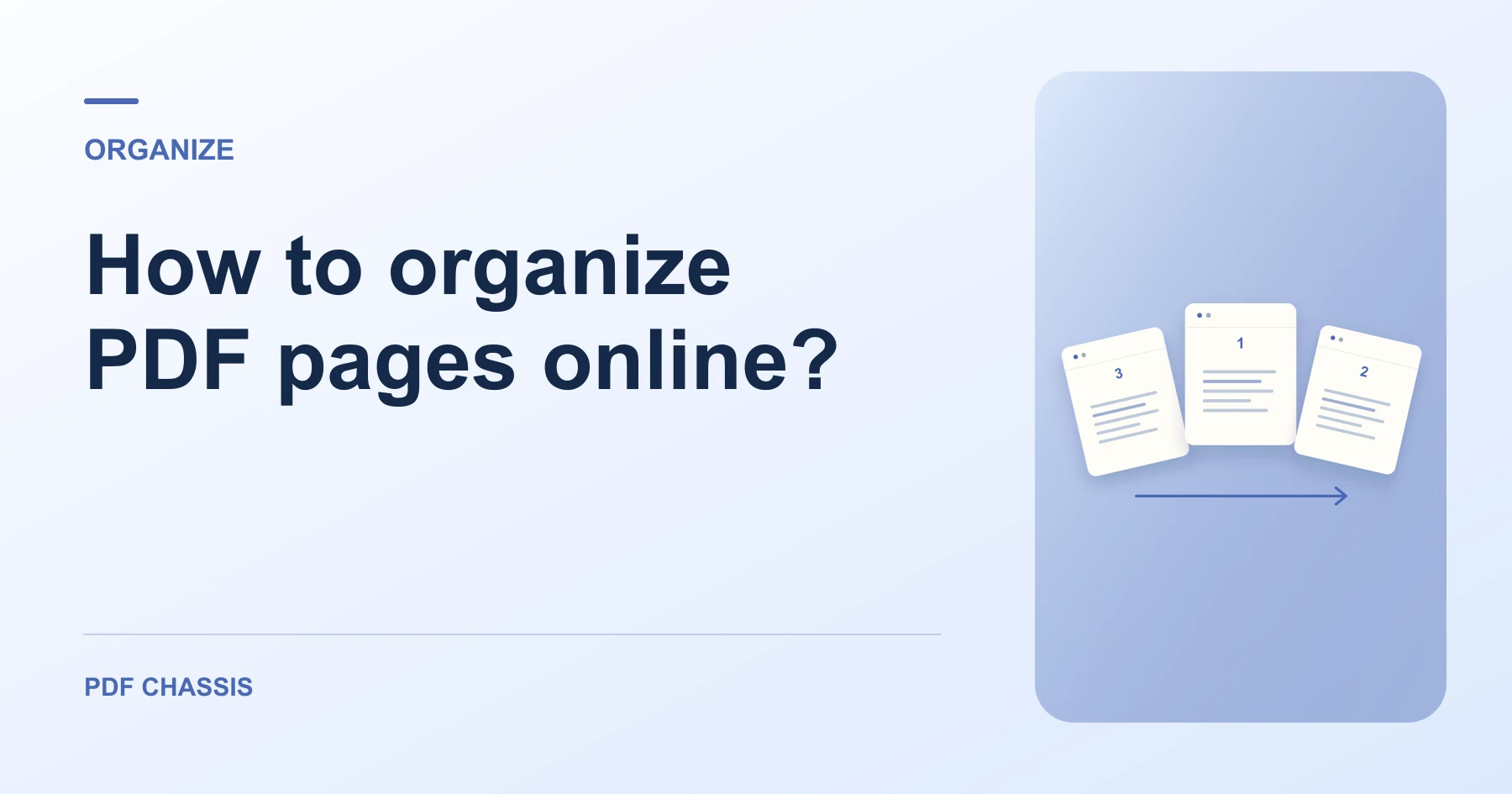
Pages 1, 2, 3 → Pages 3, 1, 2. Open the new copy and confirm the first page and the total page count.
Ready to try it?
Open Organize PDFOrganize PDF