How to mail merge a PDF document in 2026
Here’s how to mail merge a PDF document from data sources and combine individual records into one master file ready for printing or digital dispatch.
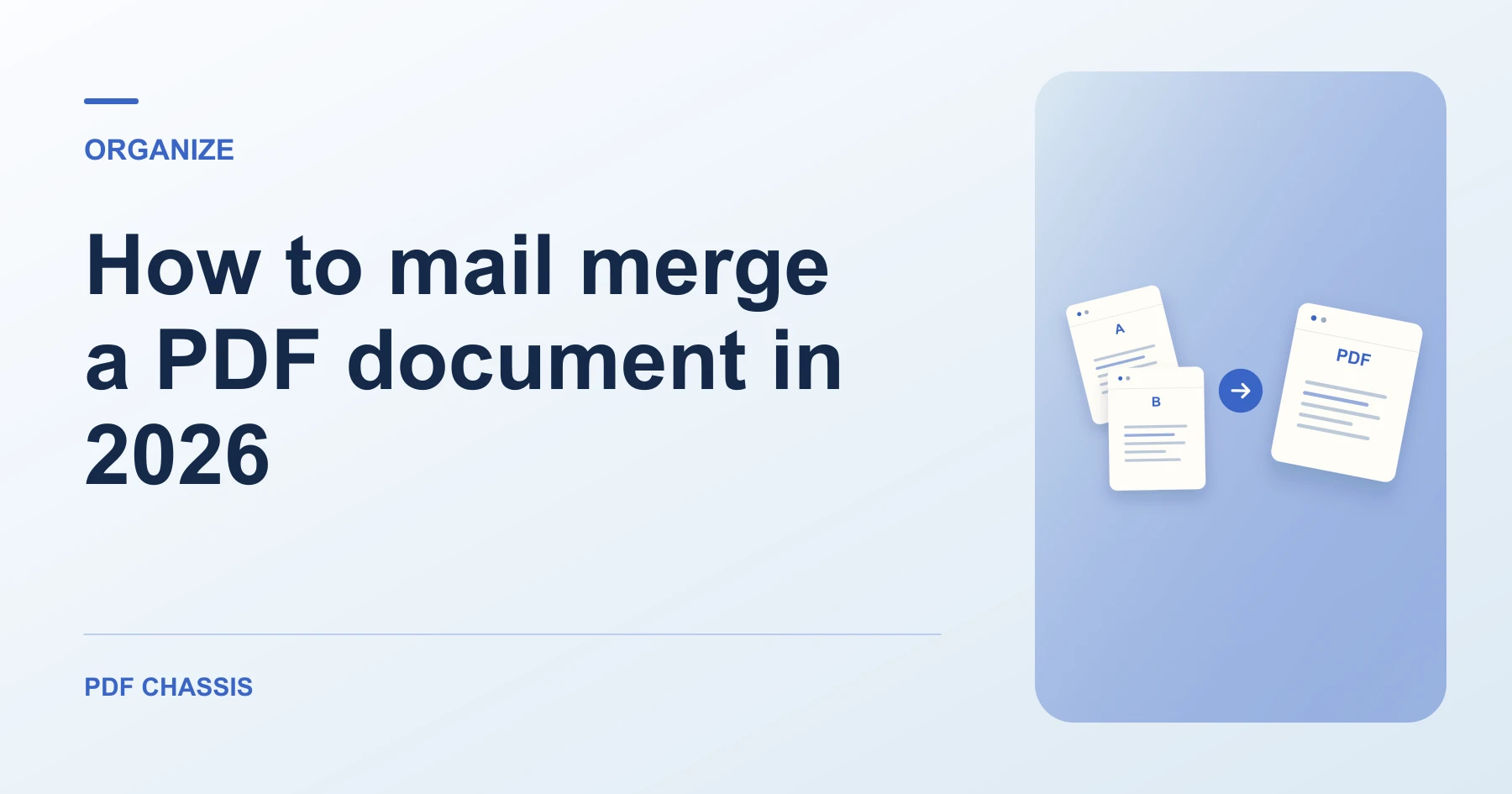
Learn how to mail merge a PDF document from spreadsheets and templates, combine personalized output files, and check document layout. Open Merge PDF when you’re ready.
If you’re working out how to mail merge a PDF document, use the example below to check what the tool returns. Keep the source available so you can check the exported result.
How to mail merge a PDF document from data templates
When preparing batch mail merges, managing dozens of individual files can be cumbersome. Using our free merge PDF tool lets you join all customer statements or invitations into one master print file without uploading confidential addresses to third-party cloud servers.
For a related workflow, see How to merge PDF.
- Export your personalized records or certificates from Word or Google Docs as individual PDFs.
- Open PDF Chassis Merge PDF and drop all exported personalized documents.
- Confirm the sequential order matching your mailing list.
- Select Merge PDF to download one unified document for bulk batch printing.

Frequently asked questions
What should I check in the saved copy?
Open the combined file and check that the report starts on page 2. Review any links or forms you need.
What if the result looks wrong?
If a section starts on the wrong page, change the source order and merge again.
What will this workflow produce?
Spreadsheet records → Merged PDF document. Open the combined file and check that the report starts on page 2. Review any links or forms you need.
Ready to try it?
Open Merge PDFMerge PDF