How to combine PDF files on Mac
Here’s how to combine PDF files on Mac smoothly. Choose between Finder Quick Actions for quick concatenation and PDF Chassis for visual file reordering.
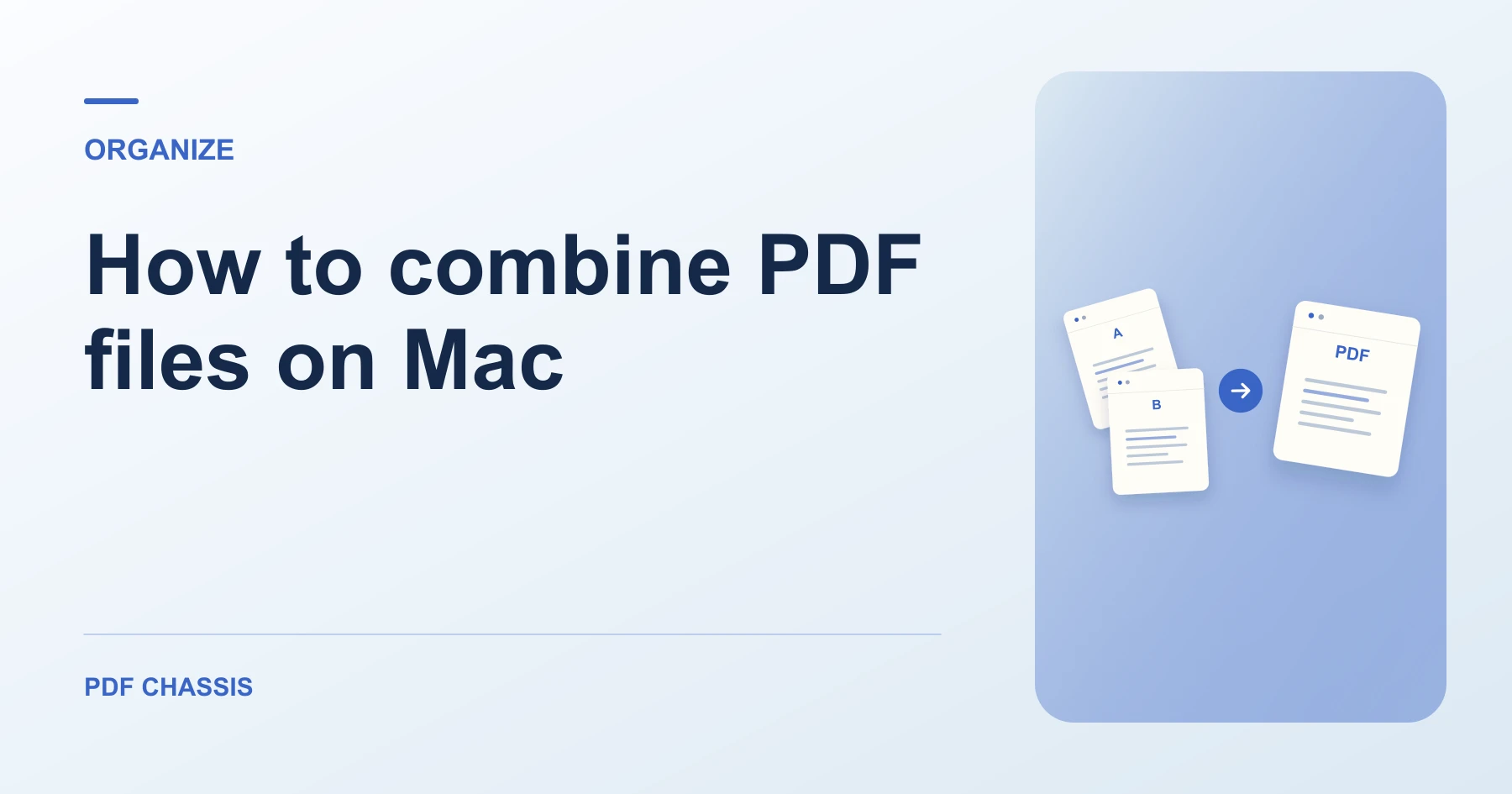
Learn how to combine PDF files on Mac using Finder Quick Actions, Preview, and in-browser tools with zero quality loss. Open Merge PDF when you’re ready.
If you’re working out how to combine PDF files on Mac, use the example below to check what the tool returns. Keep the source available so you can check the exported result.
How to combine PDF files on Mac with Finder and Preview
While macOS provides native Finder Quick Actions, it orders files based on Finder sort order (such as file name or date modified) rather than your custom intended sequence.
To arrange documents visually with tactile arrow controls, open Merge PDF on Mac in Safari or Chrome. Everything executes locally in browser memory without sending private files to remote servers.
- In macOS Finder, select two or more PDF files while holding the Command key.
- Right-click and select Quick Actions > Create PDF. Finder immediately generates a combined file.
- Open the new file in Preview and inspect page order.
Verifying fonts and bookmarks on macOS
Preview can sometimes strip embedded interactive bookmarks during export. When using PDF Chassis in your browser, all vector font subsets, hyperlinks, and page dimensions are preserved perfectly.
For a related workflow, see How to merge PDF.

Frequently asked questions
What should I check in the saved copy?
Open the combined file and check that the report starts on page 2. Review any links or forms you need.
What if the result looks wrong?
If a section starts on the wrong page, change the source order and merge again.
What will this workflow produce?
Finder selection → Combined Mac PDF. Open the combined file and check that the report starts on page 2. Review any links or forms you need.
Ready to try it?
Open Merge PDFMerge PDF