How to add text to PDF on Mac free
Here is how to add text to pdf on mac free using modern web browser utilities to insert notes, labels, and headers directly on macOS.
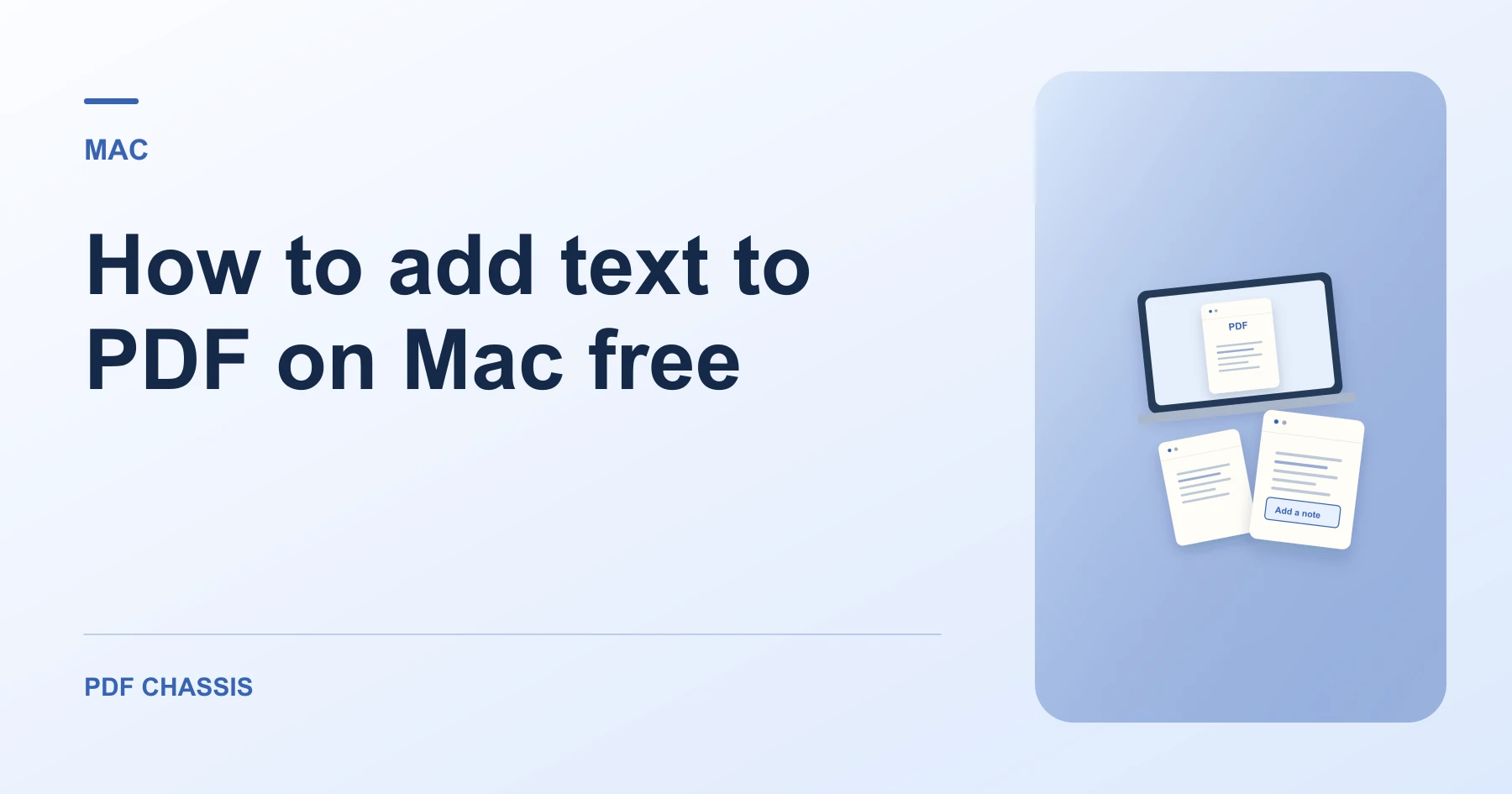
To understand how to add text to pdf on mac free, you can use PDF Chassis in Safari without purchasing expensive desktop PDF editor licenses.
Mastering how to add text to pdf on mac free helps you insert remarks and dates onto contracts quickly with complete local privacy.
How to add text to PDF on Mac free in Safari
Mac users can add remarks and reference codes without complex software installations.
All processing runs locally in browser memory with complete confidentiality.
For a related workflow, see How to place a note on a PDF page.
- On your Mac, launch Safari or Chrome and open Add Text to PDF.
- Click Choose PDF and pick your file from Finder.
- Type your custom text note and pick a placement position.
- Download the annotated PDF directly to your Mac.

Frequently asked questions
Does this work in Safari on Mac?
Yes. The client-side WebAssembly engine runs seamlessly in Safari and Chrome on macOS.
What if the result looks wrong?
The tool adds a text overlay. To replace wording in the original document, edit the source document and export it again.
Where can I find the result on Mac?
Download the annotated PDF directly to your Mac.
Ready to try it?
Open Add text to PDFAdd text to PDF