How to Watermark PDF online?
Here is how to watermark pdf online to protect intellectual property, brand documents, and apply custom status stamps in seconds with zero uploads.
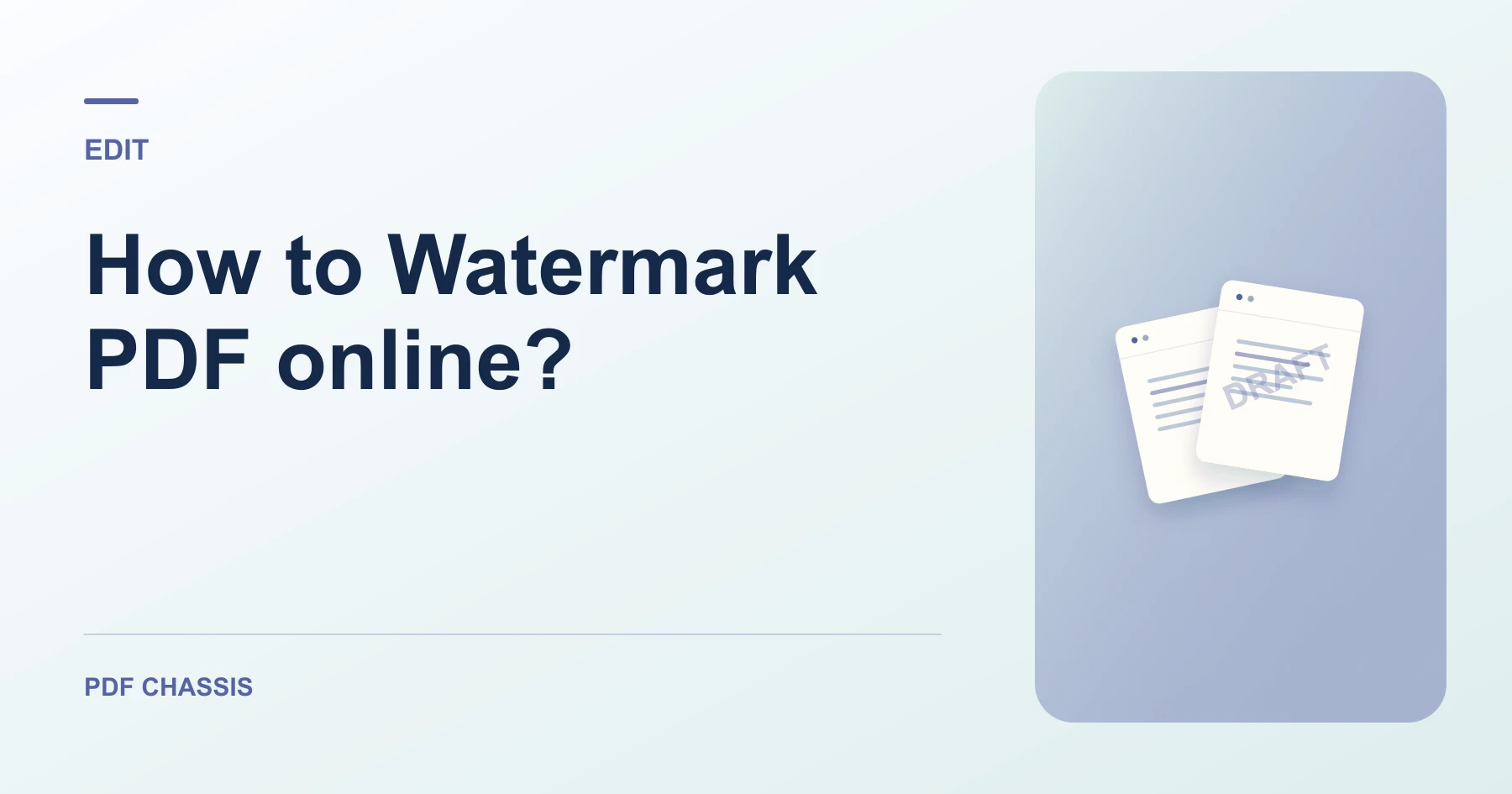
If you need to learn how to watermark pdf online?, using an in-browser tool lets you stamp draft and confidential labels without desktop software.
Knowing how to watermark pdf online? ensures your proprietary presentations, contracts, and creative drafts are branded and secured before distribution.
Steps for how to Watermark PDF online?
The watermark is rendered as a clean semi-transparent diagonal vector overlay.
Original text layers remain selectable and searchable underneath the watermark.
For a related workflow, see How to add a draft watermark to a PDF.
- In your browser, open PDF Chassis and select Watermark PDF.
- Choose your PDF document in the workspace.
- Type your watermark text (e.g. DRAFT or CONFIDENTIAL) and set opacity.
- Click Watermark PDF and save your stamped document.

Frequently asked questions
Can I customize the watermark text?
Yes. You can type any custom word, company name, date, or status code.
What if the result looks wrong?
If the mark disappears against a dark image or hides small type, adjust its opacity and try again.
What will this workflow produce?
Proprietary draft → Watermarked PDF document. Check the mark on a light and a dark page. Make sure it remains readable and leaves the document text legible.
Ready to try it?
Open Watermark PDFWatermark PDF