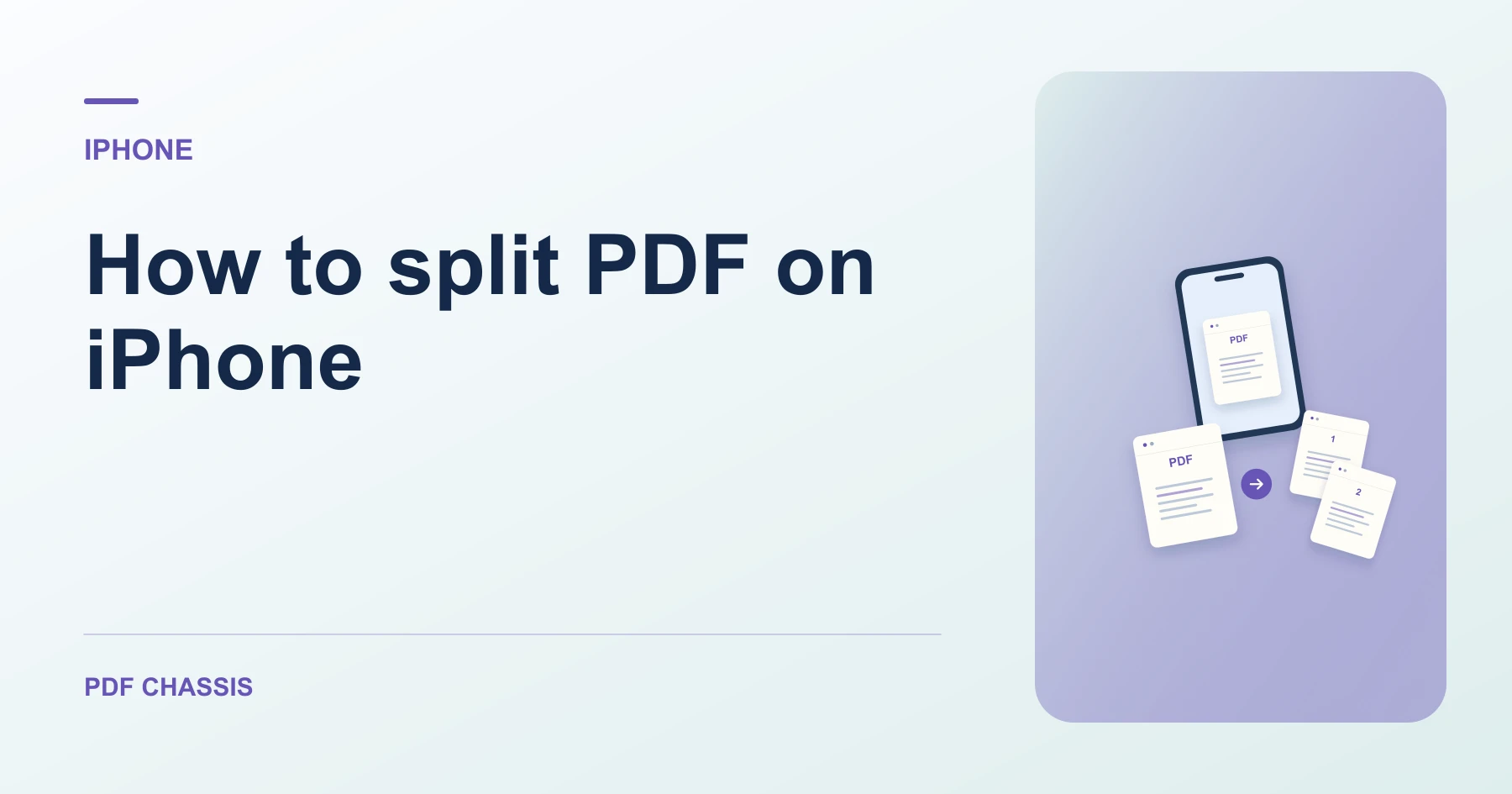
How to split PDF on iPhone
Here’s how to split PDF on iPhone with PDF Chassis. A 12-page report cut after pages 3 and 7 produces PDFs containing pages 1–3, 4–7, and 8–12.
Learn how to split PDF on iPhone in Safari. Open Split PDF when you’re ready.
If you’re working out how to split PDF on iPhone, use the example below to check what the tool returns. On iPhone, keep a copy of the source where you can find it again.
How to split PDF on iPhone with PDF Chassis
In your browser, open PDF Chassis and navigate to the split PDF tool in Safari. Save the source to Files first if it is attached to a message. In Safari, use the file chooser and browse to the saved copy.
- In Safari on your iPhone, open PDF Chassis and select split PDF.
- Choose PDF File and open the report.
- In the page canvas, set cuts after pages 3 and 7, or enter those section boundaries as separate custom ranges.
- Run the split and review the three listed outputs. Download the ZIP for all parts.
- Use Safari’s downloads list to open the result. If you need to send it from another app, open its saved copy in Files.
Try an example on iPhone
You only need one chapter from an attachment. Download that part directly, then open it from Files.
Open each part and check its first and last page. The expected lengths are 3, 4, and 5 pages.

How to split PDF on iPhone if the result looks wrong
If a section starts too early or too late, use the viewer’s physical page positions and move the cut one page.
For one part, use its individual PDF download. For the ZIP, tap the archive in Files to open its extracted folder.
For a related workflow, see How to Split PDF Files for Free.
Frequently asked questions
What should I check in the saved copy?
Open each part and check its first and last page. The expected lengths are 3, 4, and 5 pages.
What if the result looks wrong?
If a section starts too early or too late, use the viewer’s physical page positions and move the cut one page.
Where can I find the result on iPhone?
Use Safari’s downloads list to open the result. If you need to send it from another app, open its saved copy in Files.
Ready to try it?
Open Split PDFSplit PDF