How to convert Word to PDF on iPhone free?
Learn How to convert word to pdf on iPhone free using Safari to create clean PDF documents on mobile without app downloads.
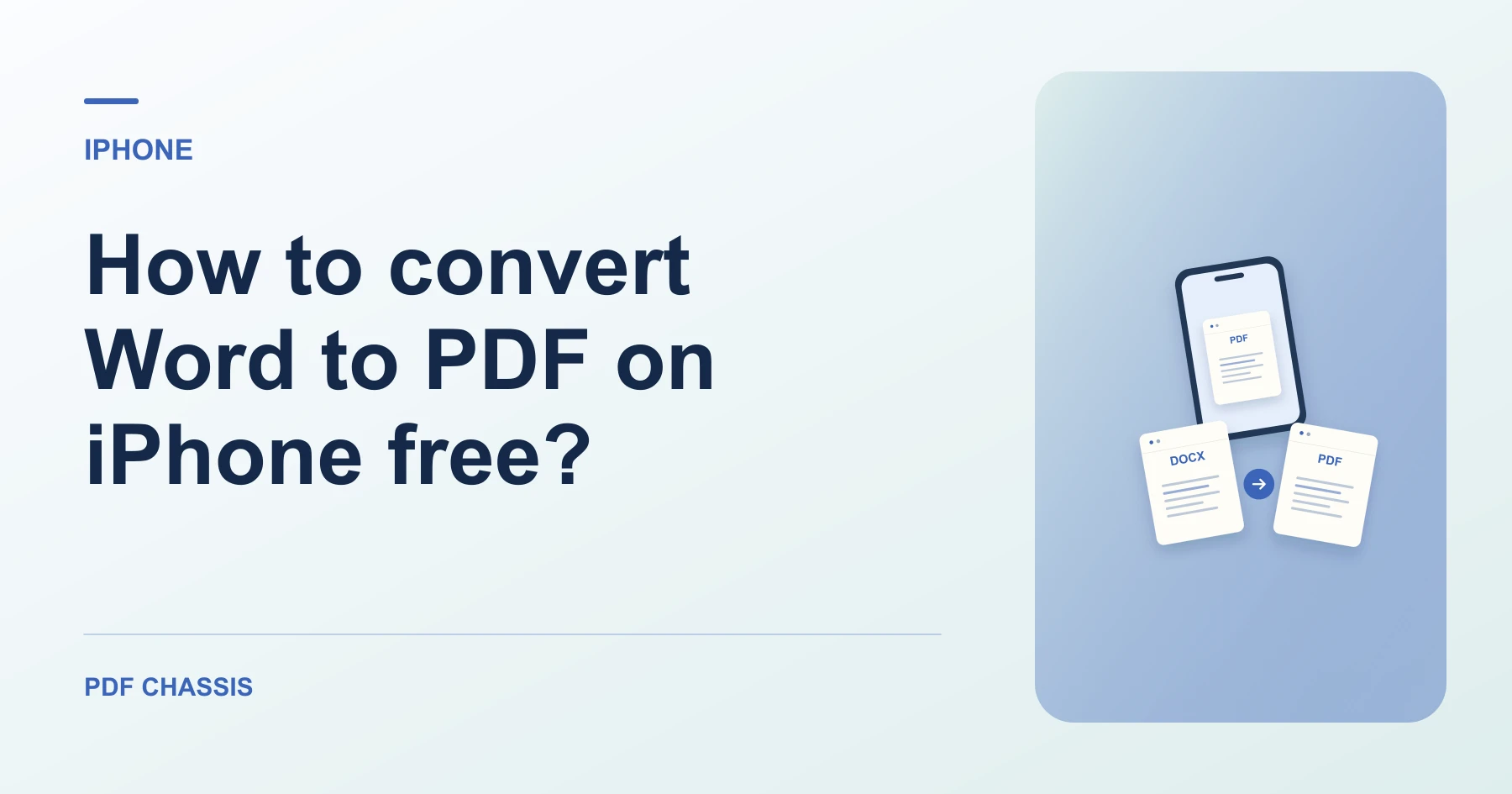
To learn How to convert word to pdf on iPhone free, open Safari and select your Word document from the Files app.
Practicing How to convert word to pdf on iPhone free lets you submit assignments or sign documents directly from your phone.
Steps for How to convert Word to PDF on iPhone free
The converted file saves right into your Files Downloads folder.
Zero data is transferred to external cloud servers.
For a related workflow, see Which PDF conversion should I use?.
- In Safari on your iPhone, open PDF Chassis and select Word to PDF.
- Select your DOCX file from Files or iCloud Drive.
- Download the finished PDF file back to your device.

Frequently asked questions
What should I check in the saved copy?
Compare page breaks, headings, tables, and links against the source.
What if the result looks wrong?
Complex Word layouts can change during browser conversion. Try the native export if exact formatting matters.
Where can I find the result on iPhone?
Download the finished PDF file back to your device.
Ready to try it?
Open Word to PDFWord to PDF