How to convert PDF to Word on Mac free?
Here is how to convert pdf to word on mac free so you can edit contracts, assignments, and resumes in Pages or Microsoft Word.
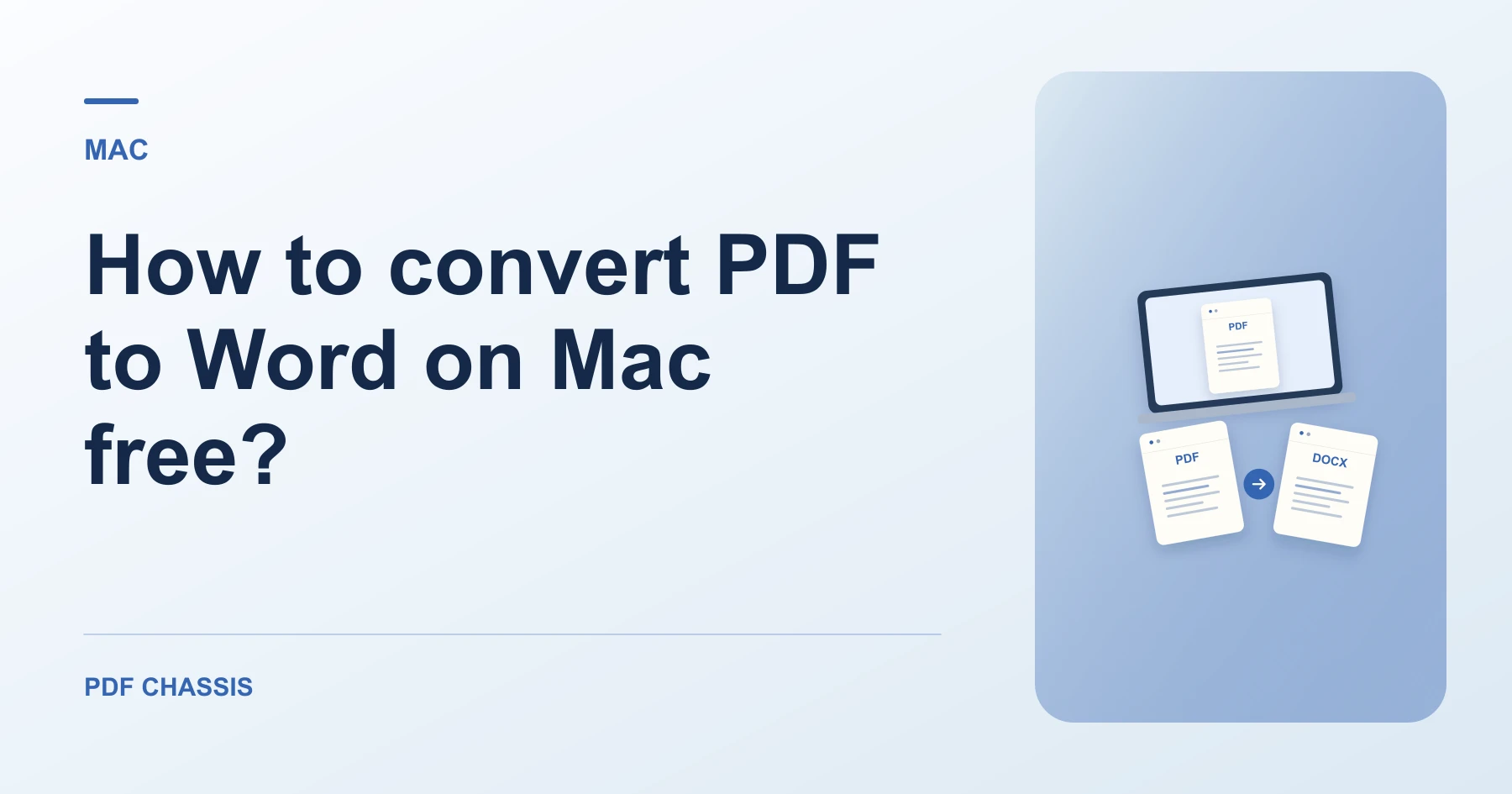
Users wanting how to convert pdf to word on mac free can convert documents in Safari without purchasing expensive Adobe suites.
Following how to convert pdf to word on mac free yields clean DOCX documents ready for immediate editing in Pages or Word for Mac.
Steps for how to convert PDF to Word on Mac free
All paragraphs retain their natural reading flow.
Files are saved straight to your Mac's Downloads folder.
For a related workflow, see How to convert selectable PDF text to Word.
- In Safari on your Mac, open PDF Chassis and select PDF to Word.
- Drop your PDF into PDF Chassis PDF to Word.
- Open the downloaded DOCX file directly in Pages or Word.

Frequently asked questions
What should I check in the saved copy?
Check page breaks and reading order. Expect to rebuild complex formatting or tables where needed.
What if the result looks wrong?
A scan may return little or no text. Run text recognition separately or ask for the original document.
Where can I find the result on Mac?
Open the downloaded DOCX file directly in Pages or Word.
Ready to try it?
Open PDF to WordPDF to Word