How to convert PDF to Word on iPhone free?
Discover How to convert pdf to word on iPhone free using Safari. Extract editable Word documents into your iPhone Files app.
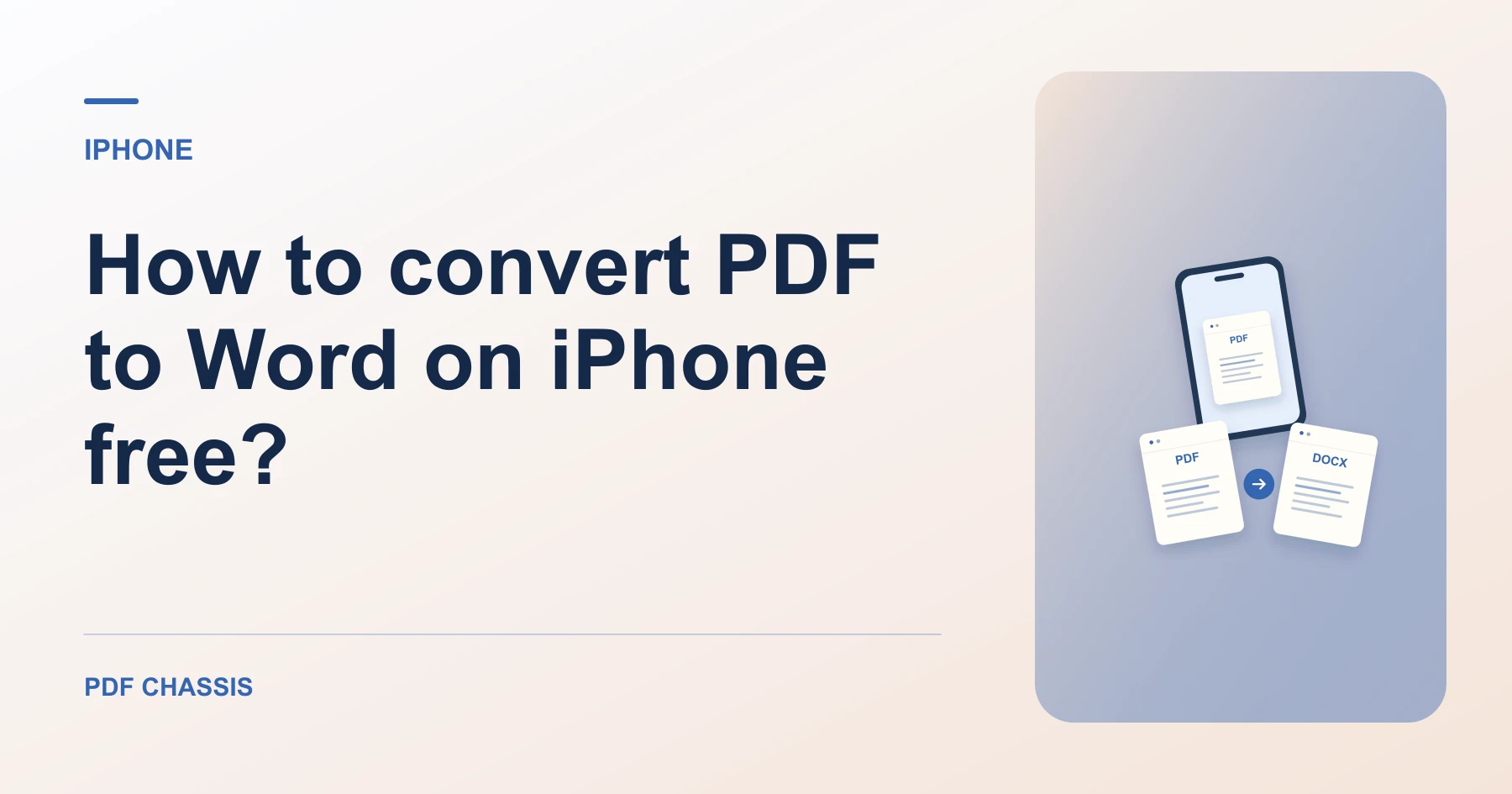
To learn How to convert pdf to word on iPhone free, select your document in Safari and download the resulting DOCX file.
Understanding How to convert pdf to word on iPhone free allows updating resumes and signing agreements on the go from your phone.
Steps for How to convert PDF to Word on iPhone free
Mobile editing is smooth and intuitive in iOS Pages.
Zero personal data is uploaded to remote servers.
For a related workflow, see How to convert selectable PDF text to Word.
- In Safari on your iPhone, open PDF Chassis and select PDF to Word.
- Choose the PDF file from your Files app.
- Download the DOCX file and open it in Microsoft Word or Pages.

Frequently asked questions
What should I check in the saved copy?
Check page breaks and reading order. Expect to rebuild complex formatting or tables where needed.
What if the result looks wrong?
A scan may return little or no text. Run text recognition separately or ask for the original document.
Where can I find the result on iPhone?
Download the DOCX file and open it in Microsoft Word or Pages.
Ready to try it?
Open PDF to WordPDF to Word