How to convert PDF to JPG on Mac free?
Here is how to convert pdf to jpg on mac free to extract presentation slides or report pages as images without buying Acrobat Pro.
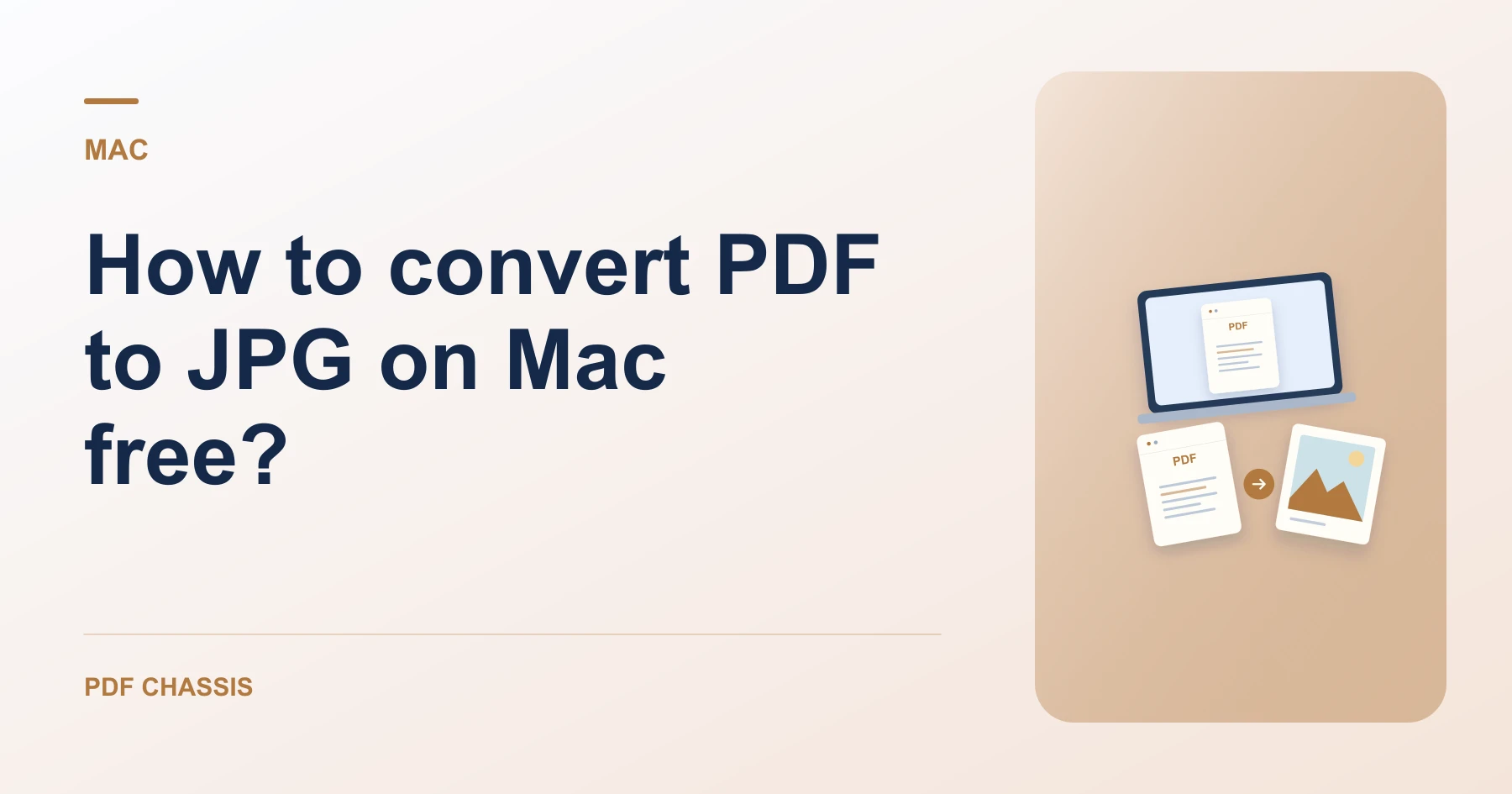
If you are exploring how to convert pdf to jpg on mac free, you can process documents right in Safari without installing external apps.
Following how to convert pdf to jpg on mac free keeps your sensitive financial and personal records completely safe on your Mac.
Steps for how to convert PDF to JPG on Mac free
Extracted images can be opened immediately in Preview or shared via AirDrop.
Vector typography renders with clean, crisp edges.
For a related workflow, see How to export one PDF page as a JPG.
- In Safari on your Mac, open PDF Chassis and select PDF to JPG.
- Drop your PDF file into the converter window.
- Download the JPG directly to your Downloads folder.

Frequently asked questions
What should I check in the saved copy?
Open the extracted JPGs and check that they show the intended pages at a readable size.
What if the result looks wrong?
The resulting JPG is an image. Keep the PDF if you still need selectable text, links, or forms.
Where can I find the result on Mac?
Download the JPG directly to your Downloads folder.
Ready to try it?
Open PDF to JPGPDF to JPG