How to compress PDF on Mac
Here’s how to compress PDF on Mac with PDF Chassis. For a scanned attachment, check both the file size and the smallest text before you send the new copy.
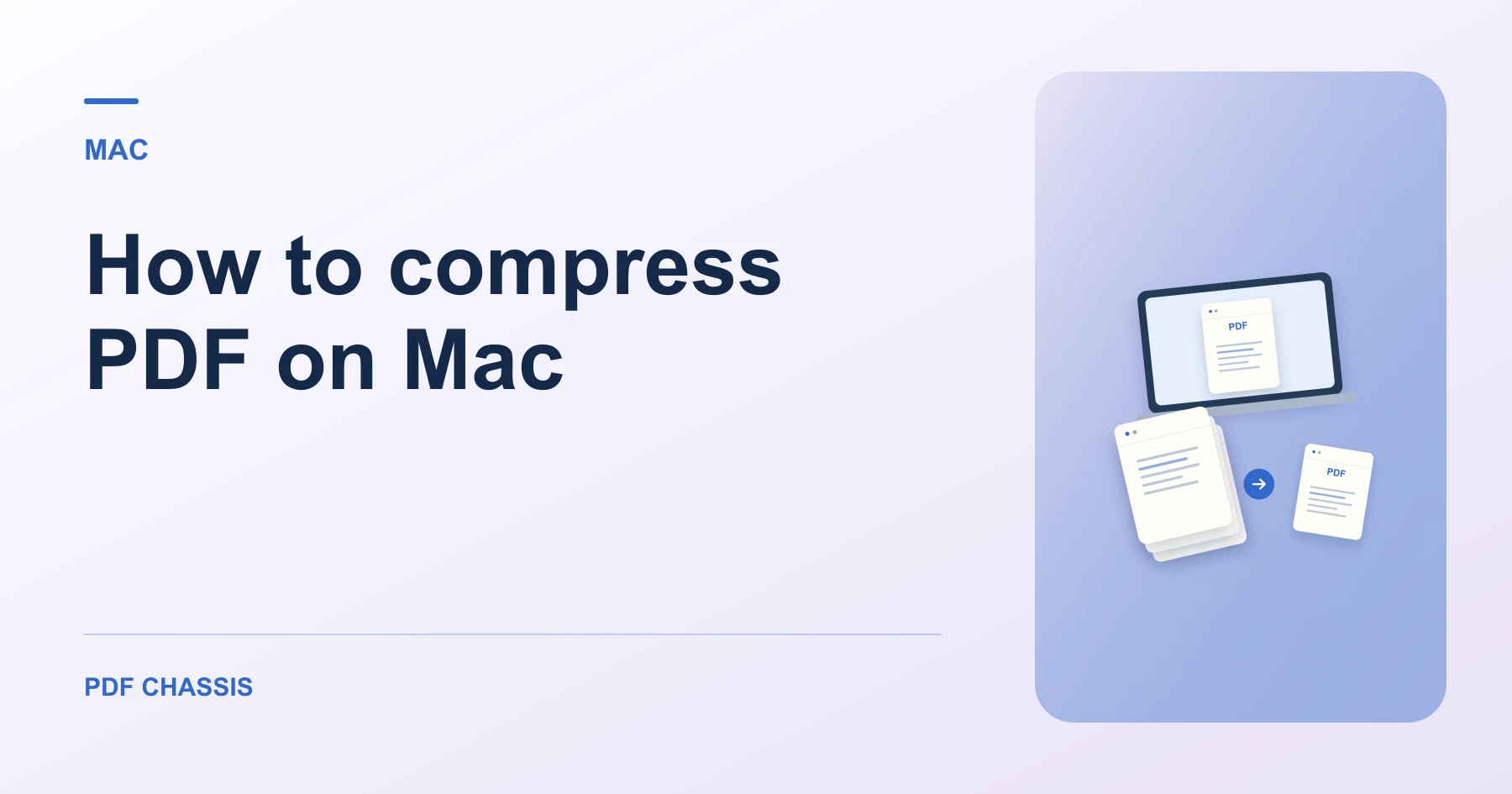
Learn how to compress PDF on Mac in Safari. Open Compress PDF when you’re ready.
If you’re working out how to compress PDF on Mac, use the example below to check what the tool returns. On Mac, keep a copy of the source where you can find it again.
How to compress PDF on Mac with PDF Chassis
In your browser, open PDF Chassis and navigate to the compress PDF tool in Safari. Find the source in Finder. For an iCloud file, let the download finish before selecting the PDF in your browser.
- In Safari on your Mac, open PDF Chassis and select compress PDF.
- Choose PDF File and select the source.
- Start with Lossless if the original image quality matters. Try Basic if the file is still above your limit.
- Run the compressor, compare the original and result, then save the smaller copy when available.
- Find the result in Safari’s downloads list or in Finder. Open it under a different filename so you can compare it with the source.
Try an example on Mac
A slide deck exported from Keynote contains full-page photos. Compare the same slide in Preview after testing Lossless and Basic.
Open the two copies at the same zoom. Check the downloaded PDF’s actual size before attaching it.

How to compress PDF on Mac if the result looks wrong
A PDF that is already optimized may come back at its original size. Try Target size for a strict upload limit and verify the result.
If you need an offline method, use Preview’s PDF size controls. Save under a new name and inspect photos after using the Reduce File Size filter.
For a related workflow, see How to compress PDF online for free.
Frequently asked questions
What should I check in the saved copy?
Open the two copies at the same zoom. Check the downloaded PDF’s actual size before attaching it.
What if the result looks wrong?
A PDF that is already optimized may come back at its original size. Try Target size for a strict upload limit and verify the result.
Where can I find the result on Mac?
Find the result in Safari’s downloads list or in Finder. Open it under a different filename so you can compare it with the source.
Ready to try it?
Open Compress PDFCompress PDF