How to change HTML to PDF?
Learn how to change html to pdf ? to turn HTML markup, receipt templates, and web snippets into clean printable PDF documents.
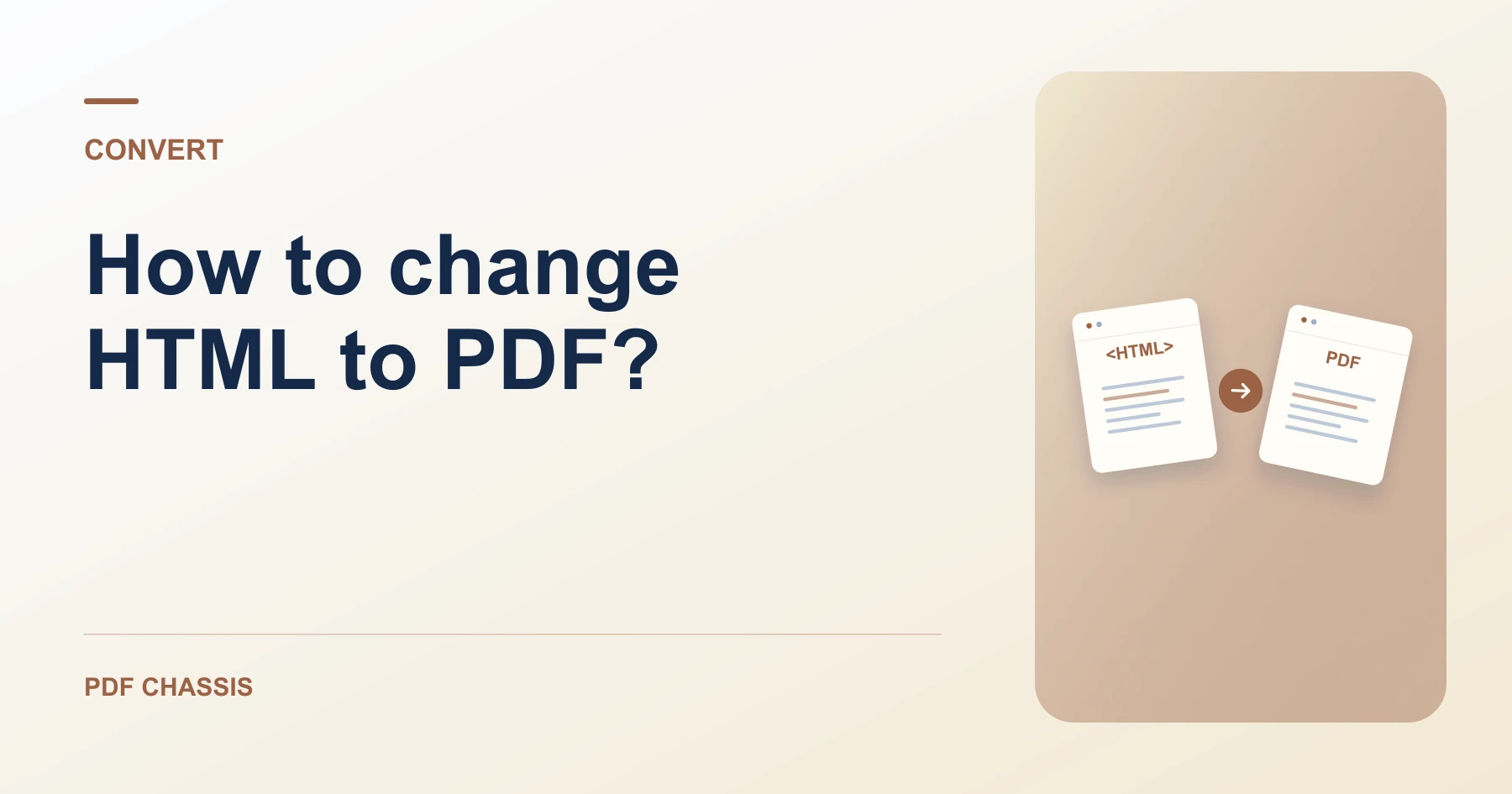
When learning how to change html to pdf ?, pasting your markup into an isolated sandbox creates clean documents without script execution.
Knowing how to change html to pdf ? allows developers to generate invoices, receipts, and documentation from raw code templates.
Steps for how to change HTML to PDF?
Markup tags like h1, p, and table are converted into clean document elements.
Scripts and remote trackers are blocked for security.
For a related workflow, see How to convert an HTML snippet to PDF.
- In your browser, open PDF Chassis and select HTML to PDF.
- Paste your HTML code or upload an .html file.
- Select A4 or Letter page sizing and orientation.
- Download the compiled PDF file immediately.

Frequently asked questions
What should I check in the saved copy?
Check text and page breaks. Compare any important layout or media with the original.
What if the result looks wrong?
Complex web styling and interactive elements may not carry over. Use the browser’s print dialog if you need to print the rendered web page.
What will this workflow produce?
HTML markup → Printable PDF. Check text and page breaks. Compare any important layout or media with the original.
Ready to try it?
Open HTML to PDFHTML to PDF