How to Add PDF Page Number online?
Need to know how to add pdf page number online? Follow this simple guide to number pages, set custom start indices, and format legal and academic documents.
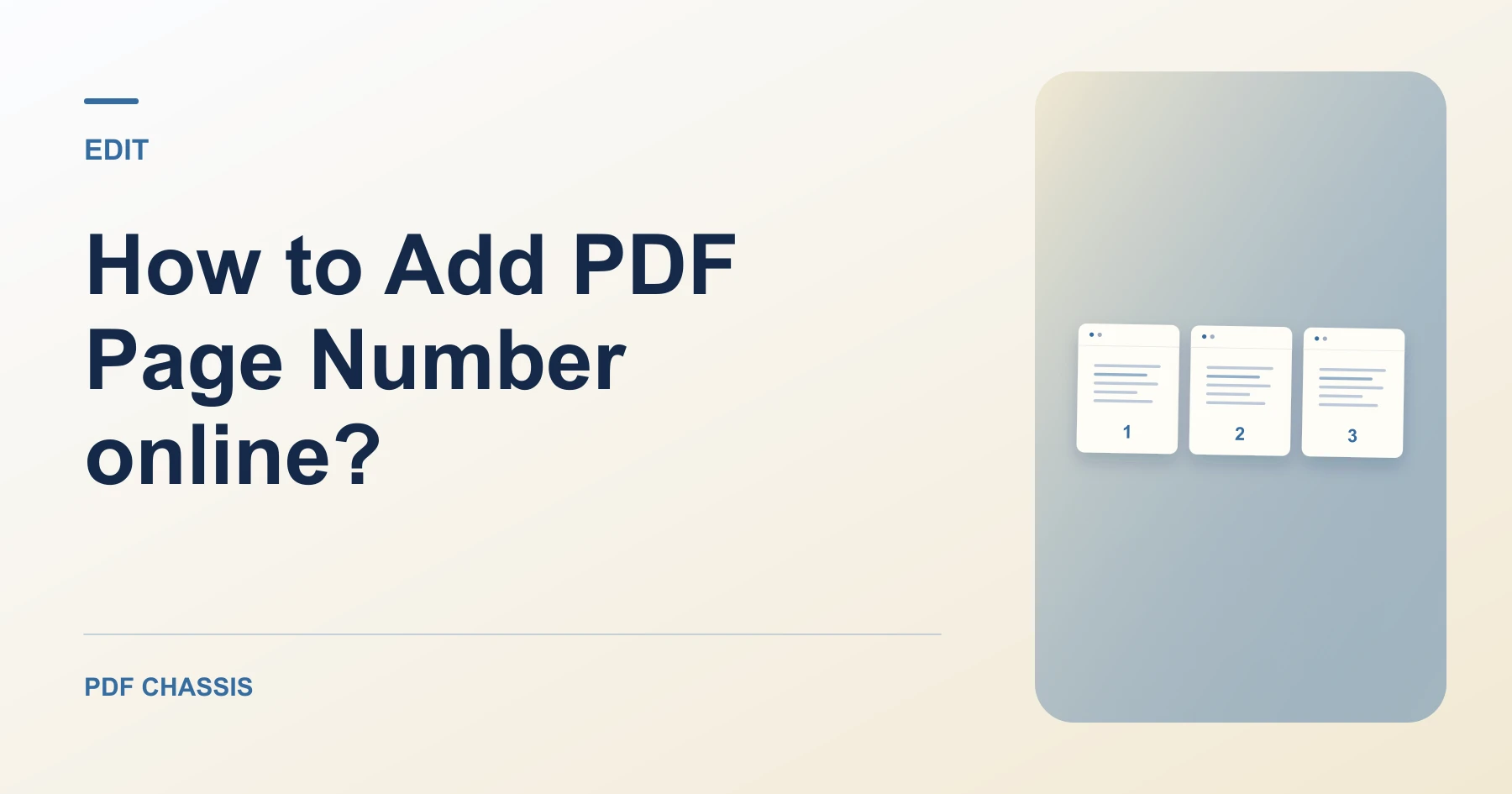
If you are looking for how to add pdf page number online?, using a client-side browser tool lets you paginate documents cleanly without desktop software.
Learning how to add pdf page number online? helps you prepare standardized legal bundles, university dissertations, and corporate reports.
Steps for how to Add PDF Page Number online?
Numbers are injected as non-destructive vector text overlays.
Existing layout geometry and fonts are preserved with zero quality degradation.
For a related workflow, see How to add page numbers to a PDF report.
- In your browser, open PDF Chassis and select Add Page Numbers.
- Choose your PDF file in the workspace.
- Configure starting number, margin offsets, and position.
- Click Add Page Numbers and save your paginated document.

Frequently asked questions
Can I start numbering from a specific number?
Yes. You can enter any start number, such as 5 or 10, for multi-part documents.
What if the result looks wrong?
If the number overlaps a footer, choose a different position and export again.
What will this workflow produce?
Unnumbered brief → Paginated PDF document. Open the first and last pages and check that the numbers fit within the margins.
Ready to try it?
Open Add page numbersAdd page numbers