How to rotate PDF online?
Wondering how to rotate pdf online? Follow this step-by-step guide to reorient pages by 90 or 180 degrees directly in your browser with complete privacy.
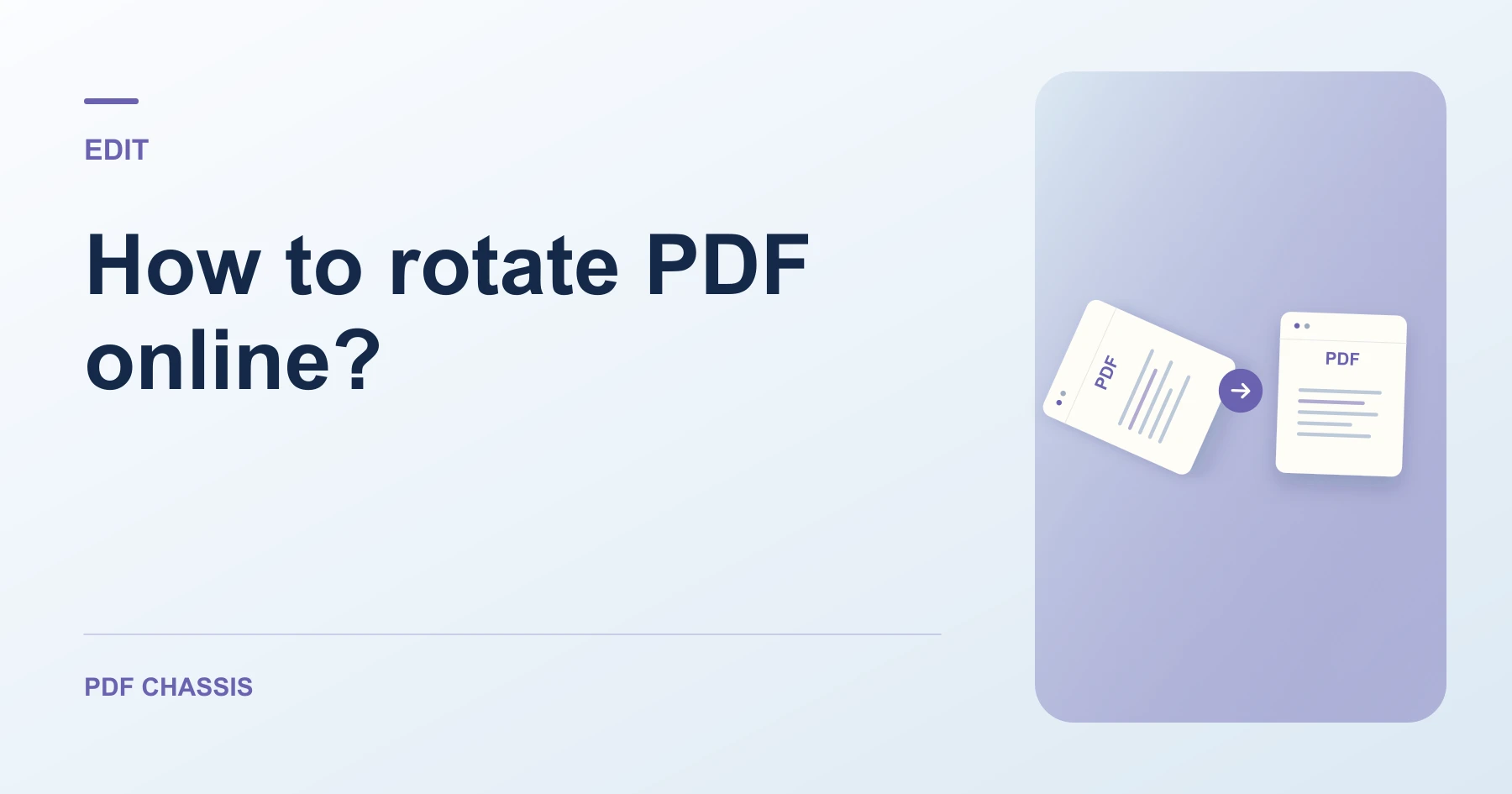
If you need to know how to rotate pdf online?, opening a browser tool lets you turn pages upright in seconds without installing heavy desktop utilities.
Understanding how to rotate pdf online? ensures your contracts, scanned receipts, and portfolios are oriented properly for easy reading and printing.
Steps for how to rotate PDF online?
The tool adjusts internal orientation flags without rasterizing page graphics or vector text.
All processing runs 100% locally in browser WebAssembly with zero server uploads.
For a related workflow, see How to rotate all pages in a PDF.
- In your browser, open PDF Chassis and select Rotate PDF.
- Choose your PDF file in the workspace.
- Select your rotation angle (90°, 180°, or 270°) and optional page numbers.
- Click Rotate PDF to download your upright document.

Frequently asked questions
Can I rotate individual pages?
Yes. Enter specific page numbers such as 1, 3-5 to rotate only those sheets.
What if the result looks wrong?
A viewer can rotate its current view without saving the page orientation. Check the downloaded file instead.
What will this workflow produce?
Sideways PDF → Rotated upright PDF. Close and reopen the downloaded PDF. Page 4 should remain upright after reopening.
Ready to try it?
Open Rotate PDFRotate PDF