How to extract PDF into individual pages
Here’s how to extract PDF into individual pages when you want each selected page as a separate file. Use Extract mode in Split PDF.
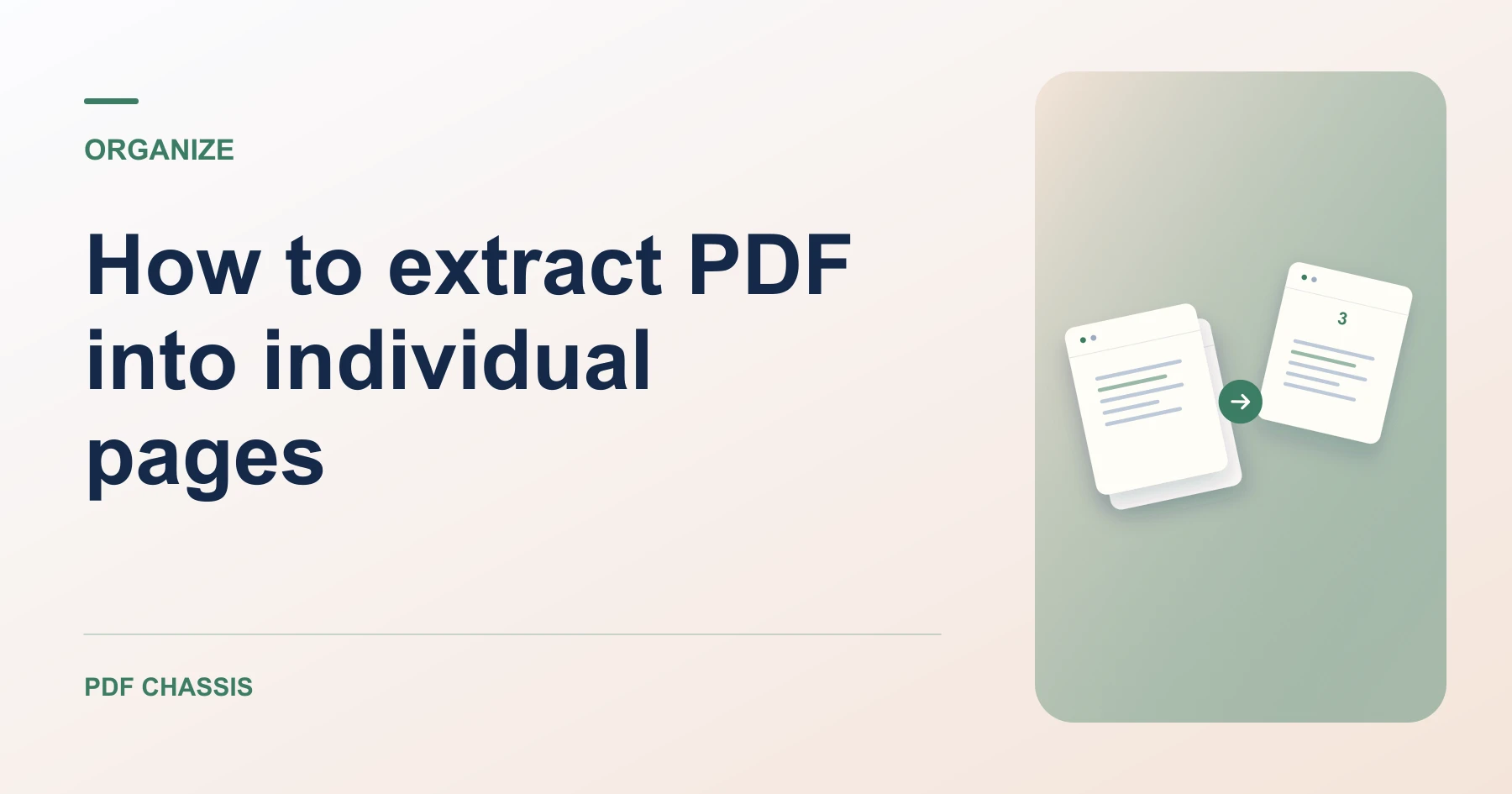
Learn how to extract PDF into individual pages using Split PDF, then verify each page in the ZIP. Open Split PDF when you’re ready.
If you’re working out how to extract PDF into individual pages, use the example below to check what the tool returns. Keep the source available so you can check the exported result.
How to extract PDF into individual pages in Split PDF
Open Split PDF when you’re ready to try this workflow.
Open Split PDF, choose Extract, and select the pages you want. Leave Merge selected pages into one PDF unchecked, then run the tool. With multiple outputs, download a ZIP or choose individual PDFs from the result.
Check each individual file before sharing
When learning how to extract PDF into individual pages, start with a numbered sample. Select pages 2 and 9 and check that the two saved files each contain one page with the correct number.

Save every page separately
For one PDF per page across the whole document, use Fixed Interval and set it to one page. For all your selections together, use the separate Extract PDF pages tool.
For a related workflow, see How to extract PDF pages.
Frequently asked questions
What should I check in the saved copy?
The new PDF has two pages. Confirm the totals page appears before the summary.
What if the result looks wrong?
For one output per page, use Split PDF’s Extract mode and leave Merge selected pages into one PDF unchecked.
What will this workflow produce?
Pages 2 and 9 → Two one-page PDFs. The new PDF has two pages. Confirm the totals page appears before the summary.
Ready to try it?
Open Split PDFSplit PDF