How to convert HTML to PDF on iPhone free?
Discover How to convert html to pdf on iPhone free using Safari to transform markup snippets into PDF files saved in Files.
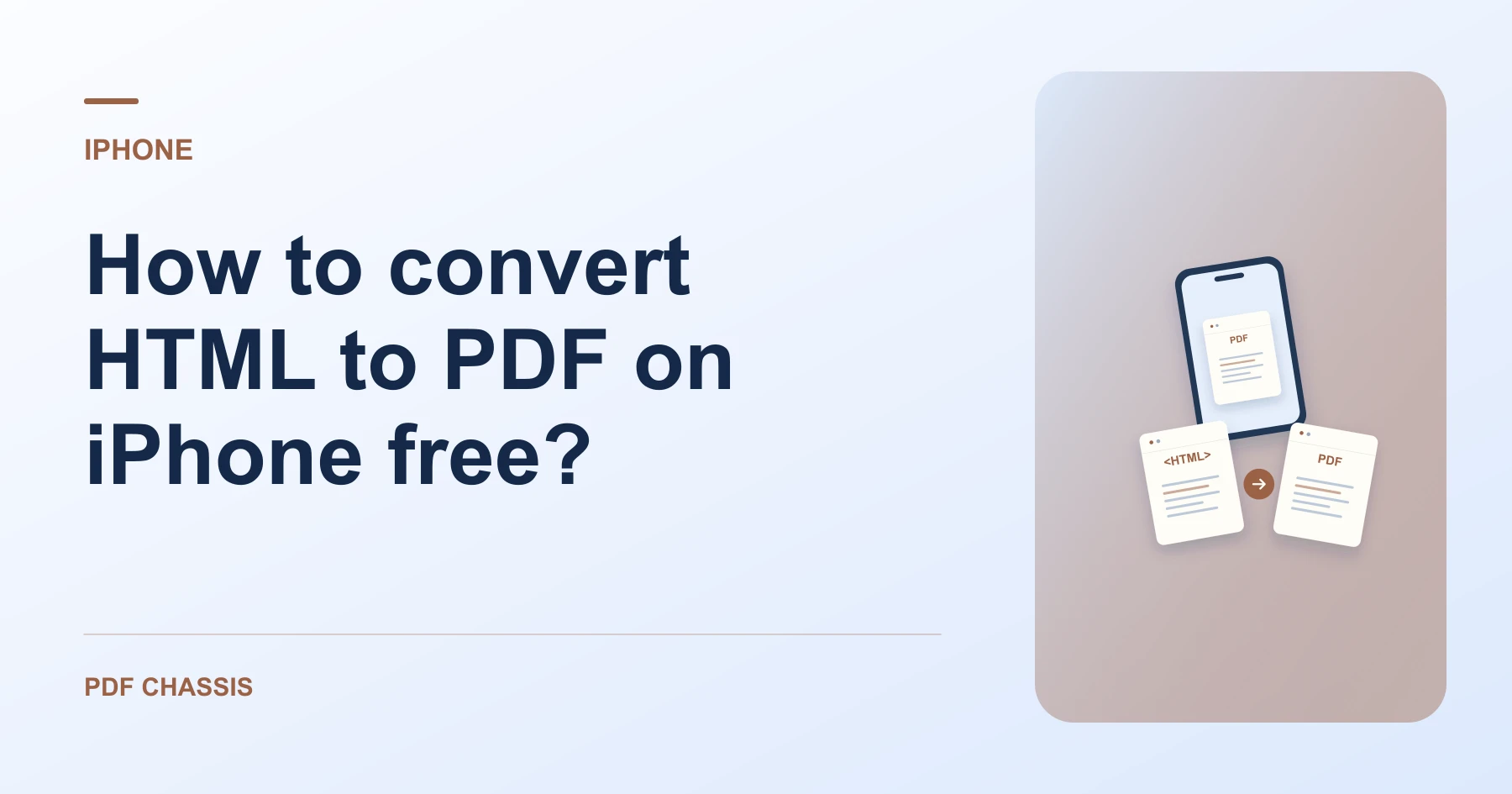
To understand How to convert html to pdf on iPhone free, paste your HTML markup into Safari and export a formatted PDF document.
Learning How to convert html to pdf on iPhone free enables saving web receipts and invoice snippets on the go from your phone.
Steps for How to convert HTML to PDF on iPhone free
The PDF can be emailed or printed via AirPrint immediately.
Zero data leaves your mobile device.
For a related workflow, see How to convert an HTML snippet to PDF.
- In Safari on your iPhone, open PDF Chassis and select HTML to PDF.
- Paste your HTML code into the workspace.
- Tap Generate PDF and save the result in Files.

Frequently asked questions
What should I check in the saved copy?
Check text and page breaks. Compare any important layout or media with the original.
What if the result looks wrong?
Complex web styling and interactive elements may not carry over. Use the browser’s print dialog if you need to print the rendered web page.
Where can I find the result on iPhone?
Tap Generate PDF and save the result in Files.
Ready to try it?
Open HTML to PDFHTML to PDF