How to convert a PDF to Word?
Learn how to convert a pdf to word? to turn non-editable documents into standard Microsoft Word DOCX files you can modify freely.
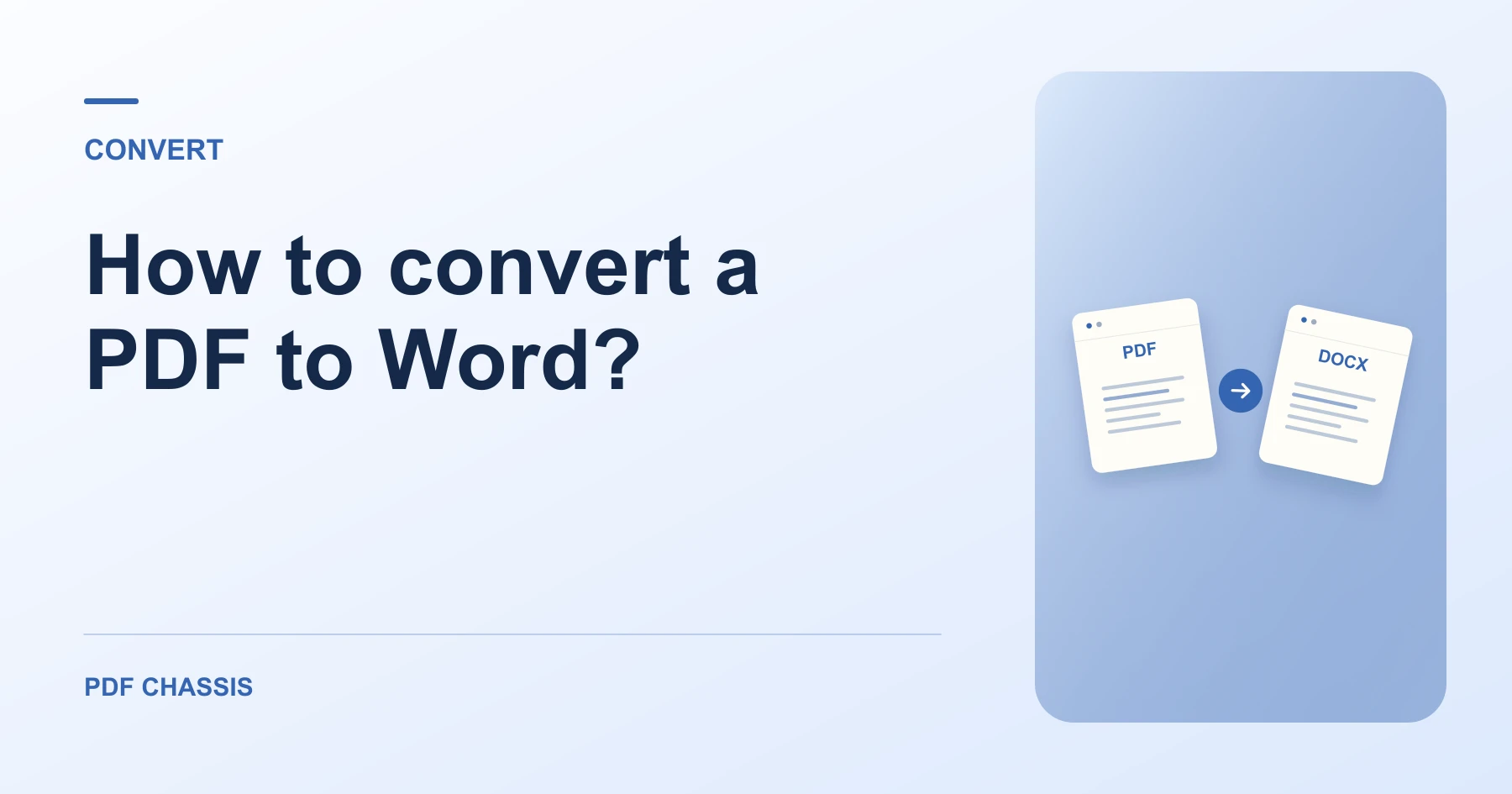
If you are searching how to convert a pdf to word?, make sure your PDF contains selectable digital text for accurate extraction.
Knowing how to convert a pdf to word? enables editing resumes, revision of business agreements, and updating older documents easily.
Steps for how to convert a PDF to Word?
Text flows into editable paragraph blocks with preserved font sizes.
You can revise copy, update dates, and save a new version.
For a related workflow, see How to convert selectable PDF text to Word.
- In your browser, open PDF Chassis and select PDF to Word.
- Choose your PDF file in the workspace.
- Click PDF to Word to extract paragraphs into DOCX.
- Open the downloaded DOCX file in Word or Pages.

Frequently asked questions
What should I check in the saved copy?
Check page breaks and reading order. Expect to rebuild complex formatting or tables where needed.
What if the result looks wrong?
A scan may return little or no text. Run text recognition separately or ask for the original document.
What will this workflow produce?
PDF Contract → Editable DOCX. Check page breaks and reading order. Expect to rebuild complex formatting or tables where needed.
Ready to try it?
Open PDF to WordPDF to Word