How to convert a JPG to PDF?
Find out How to convert a jpg to pdf? by selecting your image, choosing standard page margins, and downloading the converted PDF in seconds.
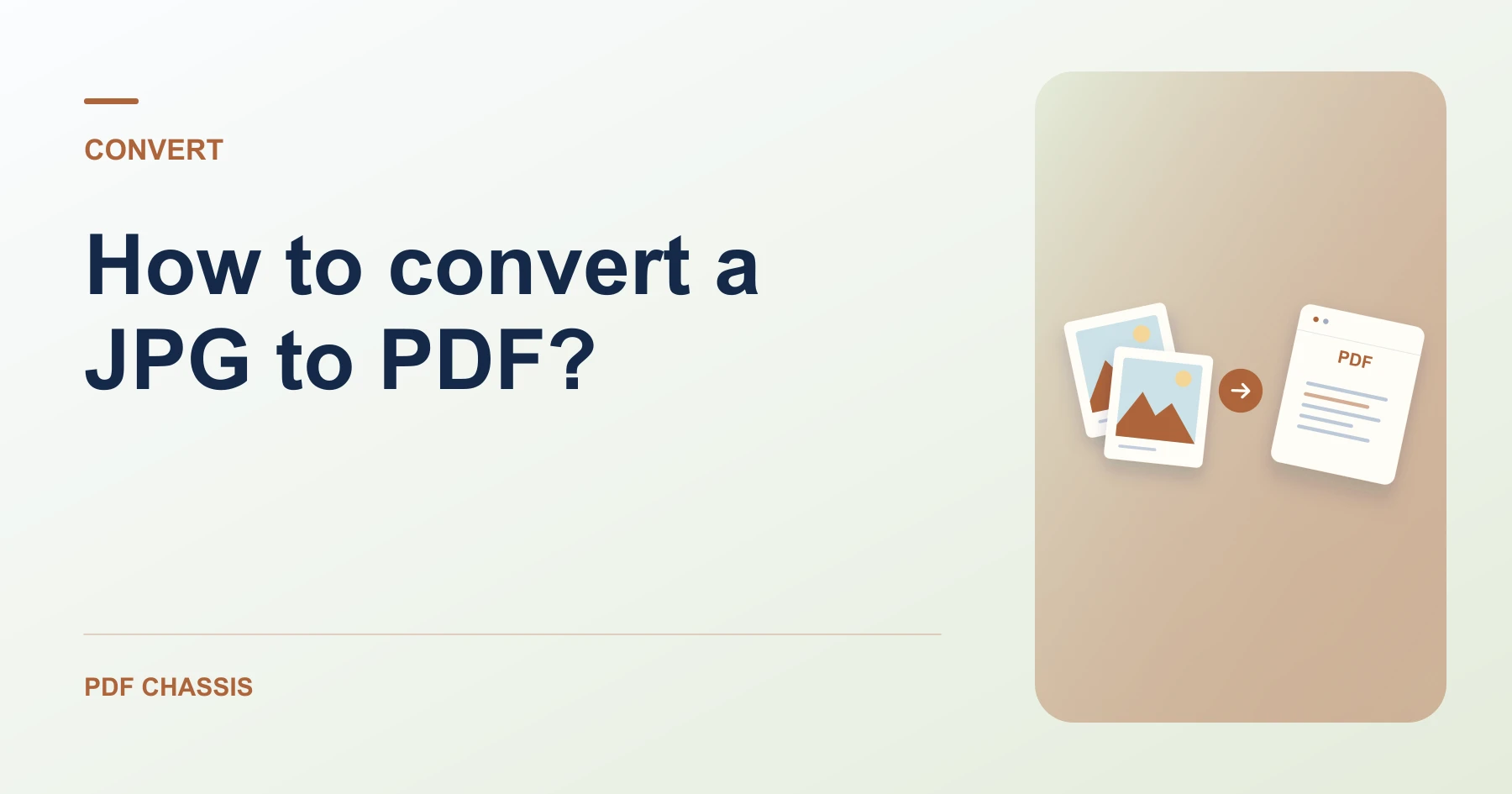
If you are wondering How to convert a jpg to pdf?, start by dragging your photo into the browser workspace to check its orientation.
Understanding How to convert a jpg to pdf? makes submitting photo IDs, scanned invoices, or certificates hassle-free on any portal.
Steps for How to convert a JPG to PDF?
Choosing Match image preserves the exact aspect ratio of the camera.
Standard sizes add neat white borders ideal for printing.
For a related workflow, see How to convert one JPG to PDF.
- In your browser, open PDF Chassis and select JPG to PDF.
- Select your JPG image in the converter.
- Choose Match image or standard A4/Letter page size.
- Click Convert to PDF and download your file.
%22%20stroke%3D%22%23e2e8f0%22%20stroke-width%3D%221%22%2F%3E%0A%20%20%20%20%0A%20%20%20%20%3C!--%20Connector%20flow%20--%3E%0A%20%20%20%20%3Cline%20x1%3D%22322%22%20y1%3D%22100%22%20x2%3D%22418%22%20y2%3D%22100%22%20stroke%3D%22%23cbd5e1%22%20stroke-width%3D%222%22%20stroke-dasharray%3D%224%204%22%2F%3E%0A%20%20%20%20%3Ccircle%20cx%3D%22370%22%20cy%3D%22100%22%20r%3D%2218%22%20fill%3D%22%23ffffff%22%20stroke%3D%22%23cbd5e1%22%20stroke-width%3D%221.5%22%2F%3E%0A%20%20%20%20%3Ccircle%20cx%3D%22370%22%20cy%3D%22100%22%20r%3D%2213%22%20fill%3D%22%23eff6ff%22%2F%3E%0A%20%20%20%20%3Cpath%20d%3D%22M366%20100h8m-3-3%203%203-3%203%22%20fill%3D%22none%22%20stroke%3D%22%232563eb%22%20stroke-width%3D%222%22%20stroke-linecap%3D%22round%22%20stroke-linejoin%3D%22round%22%2F%3E%0A%20%20%20%20%0A%20%20%20%20%3C!--%20Input%20Card%20--%3E%0A%20%20%20%20%3Cg%20transform%3D%22translate(28%2C%2026)%22%3E%0A%20%20%20%20%20%20%3Cg%20filter%3D%22url(%23wfCardShadow)%22%3E%0A%20%20%20%20%20%20%20%20%3Crect%20width%3D%22284%22%20height%3D%22148%22%20rx%3D%2214%22%20fill%3D%22%23ffffff%22%20stroke%3D%22%23e2e8f0%22%20stroke-width%3D%221%22%2F%3E%0A%20%20%20%20%20%20%3C%2Fg%3E%0A%20%20%20%20%20%20%3Crect%20x%3D%2218%22%20y%3D%2216%22%20width%3D%2286%22%20height%3D%2222%22%20rx%3D%2211%22%20fill%3D%22%23eff6ff%22%2F%3E%0A%20%20%20%20%20%20%3Ctext%20x%3D%2261%22%20y%3D%2231%22%20text-anchor%3D%22middle%22%20fill%3D%22%232563eb%22%20font-family%3D%22system-ui%2C%20-apple-system%2C%20sans-serif%22%20font-size%3D%2210%22%20font-weight%3D%22700%22%20letter-spacing%3D%220.05em%22%3EINPUT%20FILE%3C%2Ftext%3E%0A%20%20%20%20%20%20%0A%20%20%20%20%20%20%3Cg%20transform%3D%22translate(18%2C%2050)%22%3E%0A%20%20%20%20%20%20%20%20%3Crect%20width%3D%2236%22%20height%3D%2244%22%20rx%3D%226%22%20fill%3D%22%23f1f5f9%22%20stroke%3D%22%23cbd5e1%22%20stroke-width%3D%221.2%22%2F%3E%0A%20%20%20%20%20%20%20%20%3Cpath%20d%3D%22M22%200v12h12%22%20fill%3D%22none%22%20stroke%3D%22%23cbd5e1%22%20stroke-width%3D%221.2%22%2F%3E%0A%20%20%20%20%20%20%20%20%3Cpath%20d%3D%22M8%2020h18M8%2026h14M8%2032h10%22%20stroke%3D%22%2394a3b8%22%20stroke-width%3D%221.5%22%20stroke-linecap%3D%22round%22%2F%3E%0A%20%20%20%20%20%20%3C%2Fg%3E%0A%20%20%20%20%20%20%0A%20%20%20%20%20%20%3Ctext%20x%3D%2266%22%20y%3D%2268%22%20fill%3D%22%230f172a%22%20font-family%3D%22system-ui%2C%20-apple-system%2C%20sans-serif%22%20font-size%3D%2214%22%20font-weight%3D%22650%22%3EPhoto.jpg%3C%2Ftext%3E%0A%20%20%20%20%20%20%3Ctext%20x%3D%2266%22%20y%3D%2286%22%20fill%3D%22%2364748b%22%20font-family%3D%22system-ui%2C%20-apple-system%2C%20sans-serif%22%20font-size%3D%2211.5%22%3EOriginal%20document%20%C2%B7%20Ready%3C%2Ftext%3E%0A%20%20%20%20%20%20%0A%20%20%20%20%20%20%3Cline%20x1%3D%2218%22%20y1%3D%22108%22%20x2%3D%22266%22%20y2%3D%22108%22%20stroke%3D%22%23f1f5f9%22%20stroke-width%3D%221%22%2F%3E%0A%20%20%20%20%20%20%3Ccircle%20cx%3D%2226%22%20cy%3D%22128%22%20r%3D%223.5%22%20fill%3D%22%233b82f6%22%2F%3E%0A%20%20%20%20%20%20%3Ctext%20x%3D%2236%22%20y%3D%22132%22%20fill%3D%22%2364748b%22%20font-family%3D%22system-ui%2C%20-apple-system%2C%20sans-serif%22%20font-size%3D%2211%22%3EIn-memory%20local%20buffer%3C%2Ftext%3E%0A%20%20%20%20%3C%2Fg%3E%0A%0A%20%20%20%20%3C!--%20Output%20Card%20--%3E%0A%20%20%20%20%3Cg%20transform%3D%22translate(428%2C%2026)%22%3E%0A%20%20%20%20%20%20%3Cg%20filter%3D%22url(%23wfCardShadow)%22%3E%0A%20%20%20%20%20%20%20%20%3Crect%20width%3D%22284%22%20height%3D%22148%22%20rx%3D%2214%22%20fill%3D%22%23ffffff%22%20stroke%3D%22%23e2e8f0%22%20stroke-width%3D%221%22%2F%3E%0A%20%20%20%20%20%20%3C%2Fg%3E%0A%20%20%20%20%20%20%3Crect%20x%3D%2218%22%20y%3D%2216%22%20width%3D%22118%22%20height%3D%2222%22%20rx%3D%2211%22%20fill%3D%22%23f0fdf4%22%2F%3E%0A%20%20%20%20%20%20%3Ctext%20x%3D%2277%22%20y%3D%2231%22%20text-anchor%3D%22middle%22%20fill%3D%22%2316a34a%22%20font-family%3D%22system-ui%2C%20-apple-system%2C%20sans-serif%22%20font-size%3D%2210%22%20font-weight%3D%22700%22%20letter-spacing%3D%220.05em%22%3EPROCESSED%20RESULT%3C%2Ftext%3E%0A%20%20%20%20%20%20%0A%20%20%20%20%20%20%3Cg%20transform%3D%22translate(18%2C%2050)%22%3E%0A%20%20%20%20%20%20%20%20%3Crect%20width%3D%2236%22%20height%3D%2244%22%20rx%3D%226%22%20fill%3D%22%23f0fdf4%22%20stroke%3D%22%2386efac%22%20stroke-width%3D%221.2%22%2F%3E%0A%20%20%20%20%20%20%20%20%3Cpath%20d%3D%22M22%200v12h12%22%20fill%3D%22none%22%20stroke%3D%22%2386efac%22%20stroke-width%3D%221.2%22%2F%3E%0A%20%20%20%20%20%20%20%20%3Cpath%20d%3D%22M8%2022l6%206%2012-12%22%20fill%3D%22none%22%20stroke%3D%22%2316a34a%22%20stroke-width%3D%222%22%20stroke-linecap%3D%22round%22%20stroke-linejoin%3D%22round%22%2F%3E%0A%20%20%20%20%20%20%3C%2Fg%3E%0A%20%20%20%20%20%20%0A%20%20%20%20%20%20%3Ctext%20x%3D%2266%22%20y%3D%2268%22%20fill%3D%22%230f172a%22%20font-family%3D%22system-ui%2C%20-apple-system%2C%20sans-serif%22%20font-size%3D%2214%22%20font-weight%3D%22650%22%3EConverted.pdf%3C%2Ftext%3E%0A%20%20%20%20%20%20%3Ctext%20x%3D%2266%22%20y%3D%2286%22%20fill%3D%22%2316a34a%22%20font-family%3D%22system-ui%2C%20-apple-system%2C%20sans-serif%22%20font-size%3D%2211.5%22%3EProcessed%20copy%20%C2%B7%20100%25%20vector%3C%2Ftext%3E%0A%20%20%20%20%20%20%0A%20%20%20%20%20%20%3Cline%20x1%3D%2218%22%20y1%3D%22108%22%20x2%3D%22266%22%20y2%3D%22108%22%20stroke%3D%22%23f1f5f9%22%20stroke-width%3D%221%22%2F%3E%0A%20%20%20%20%20%20%3Ccircle%20cx%3D%2226%22%20cy%3D%22128%22%20r%3D%223.5%22%20fill%3D%22%2310b981%22%2F%3E%0A%20%20%20%20%20%20%3Ctext%20x%3D%2236%22%20y%3D%22132%22%20fill%3D%22%23059669%22%20font-family%3D%22system-ui%2C%20-apple-system%2C%20sans-serif%22%20font-size%3D%2211%22%3EDirect%20device%20download%3C%2Ftext%3E%0A%20%20%20%20%3C%2Fg%3E%0A%20%20%3C%2Fsvg%3E)
Frequently asked questions
What should I check in the saved copy?
Check the margins, image orientation, and page size before submitting the file.
What if the result looks wrong?
If an image looks clipped, try a standard page size and check its orientation in the source viewer.
What will this workflow produce?
Photo.jpg → Converted.pdf. Check the margins, image orientation, and page size before submitting the file.
JPG to PDF