How to change Word to PDF?
Learn how to change word to pdf? to prepare essays, contracts, and resumes for sharing and printing with consistent page layout.
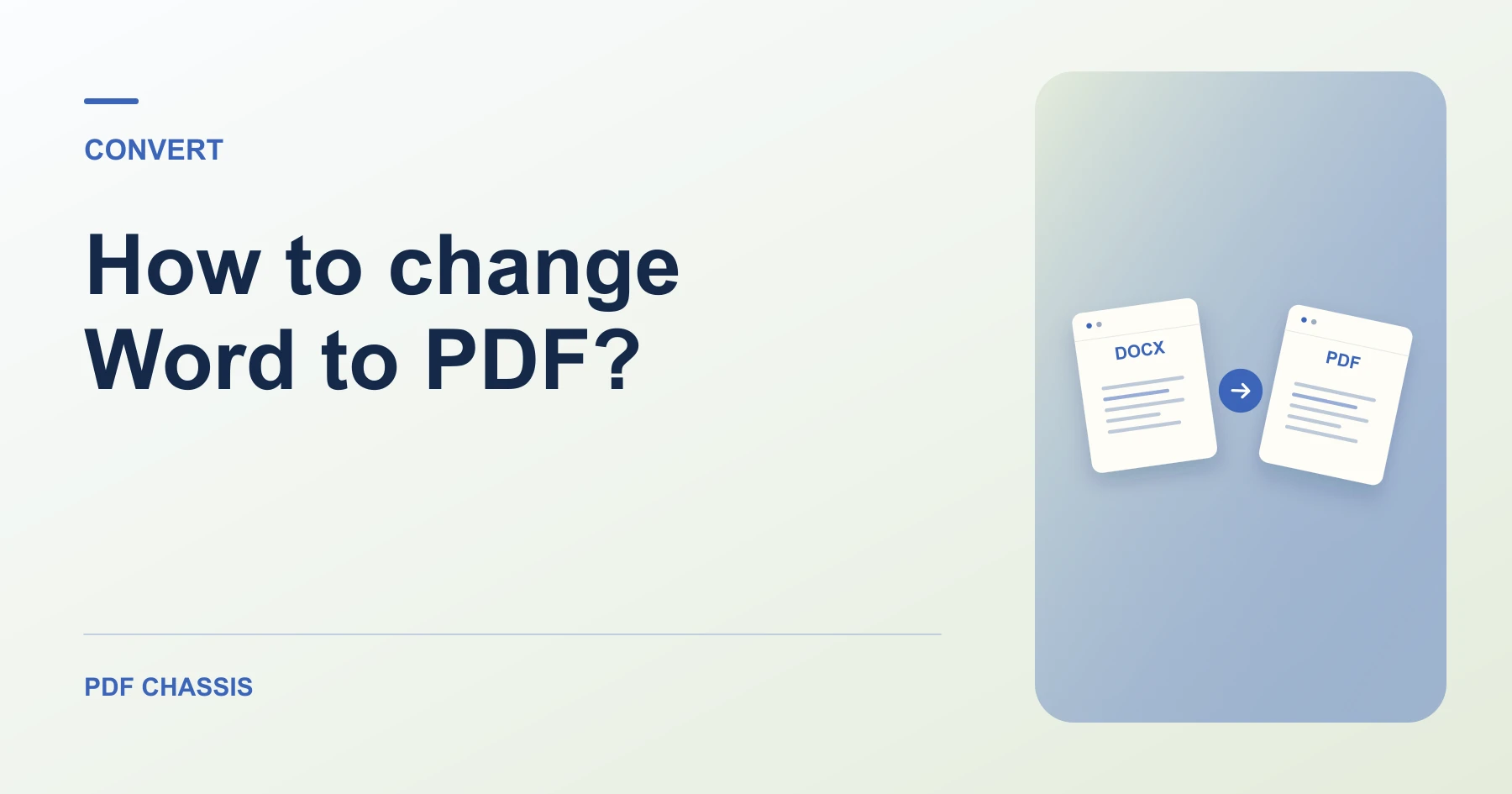
If you are wondering how to change word to pdf?, all you need is your DOCX document and a modern web browser.
Knowing how to change word to pdf? ensures that formatting, page breaks, and fonts display identically on every recipient's device.
Steps for how to change Word to PDF?
PDF locks page typography so documents look professional.
No desktop office software is required.
For a related workflow, see Which PDF conversion should I use?.
- In your browser, open PDF Chassis and select Word to PDF.
- Choose your DOCX document in Word to PDF.
- Let the browser compile the document pages.
- Download the finished PDF file instantly.

Frequently asked questions
What should I check in the saved copy?
Compare page breaks, headings, tables, and links against the source.
What if the result looks wrong?
Complex Word layouts can change during browser conversion. Try the native export if exact formatting matters.
What will this workflow produce?
Document.docx → Document.pdf. Compare page breaks, headings, tables, and links against the source.
Ready to try it?
Open Word to PDFWord to PDF