How to change PDF to Word?
Find out how to change pdf to word so you can modify text, correct typos, and repurpose content without retyping whole pages.
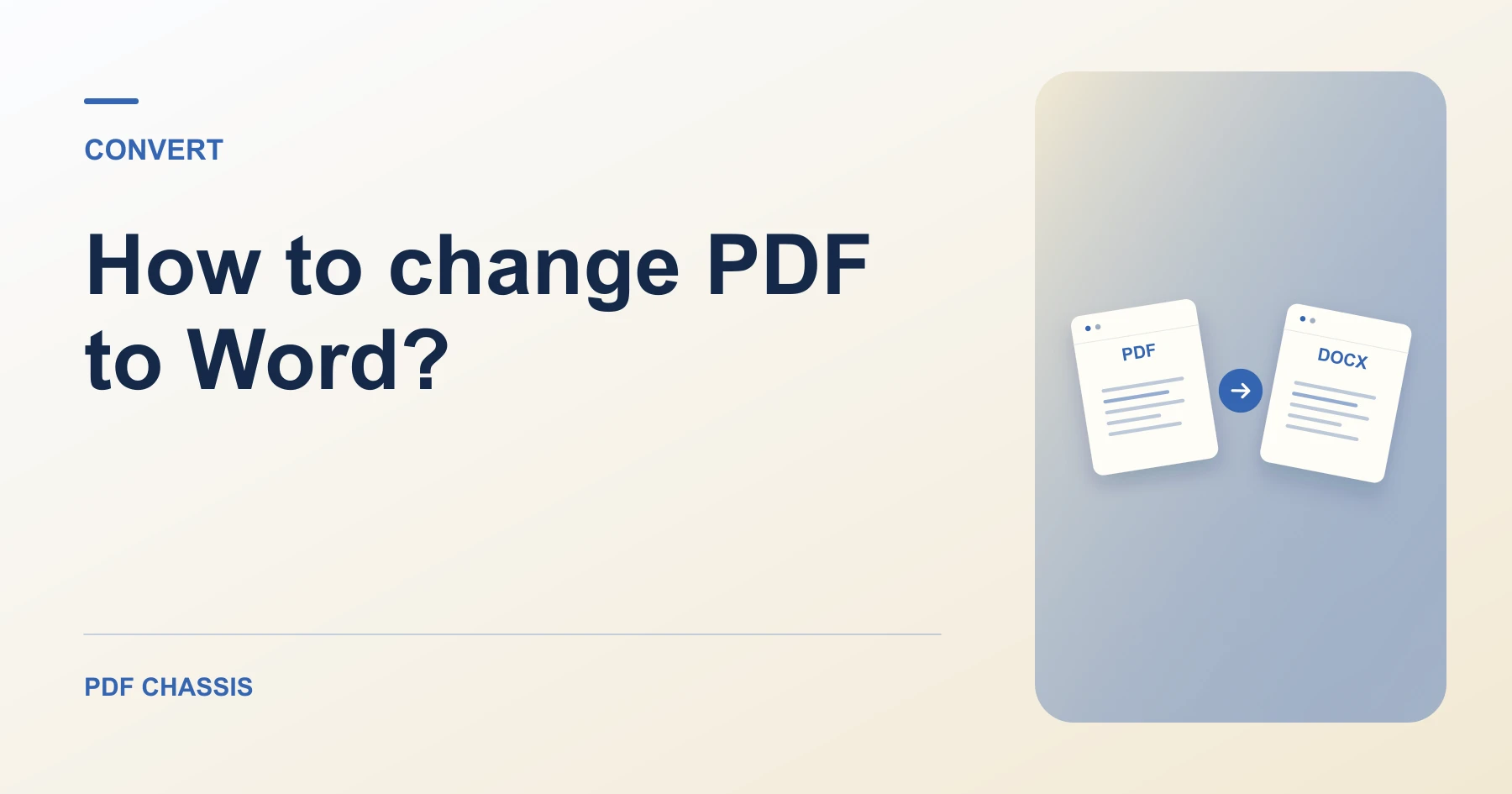
When discovering how to change pdf to word, you can quickly unlock static documents and edit them in your preferred text processor.
Applying how to change pdf to word in your browser preserves paragraph structure while keeping company documents completely private.
Steps for how to change PDF to Word
Formatting is structured cleanly into headings and paragraphs.
You can save the revised file back to PDF when finished.
For a related workflow, see How to convert selectable PDF text to Word.
- In your browser, open PDF Chassis and select PDF to Word.
- Select your PDF document in the converter.
- Click Convert to Word to extract all text layers.
- Download and edit the resulting Word file.

Frequently asked questions
What should I check in the saved copy?
Check page breaks and reading order. Expect to rebuild complex formatting or tables where needed.
What if the result looks wrong?
A scan may return little or no text. Run text recognition separately or ask for the original document.
What will this workflow produce?
Original PDF → Editable Word Copy. Check page breaks and reading order. Expect to rebuild complex formatting or tables where needed.
Ready to try it?
Open PDF to WordPDF to Word