How to change PDF to JPG?
Wondering how to change pdf to jpg? Follow this quick tutorial to turn document pages, graphics, and charts into standalone JPG pictures.
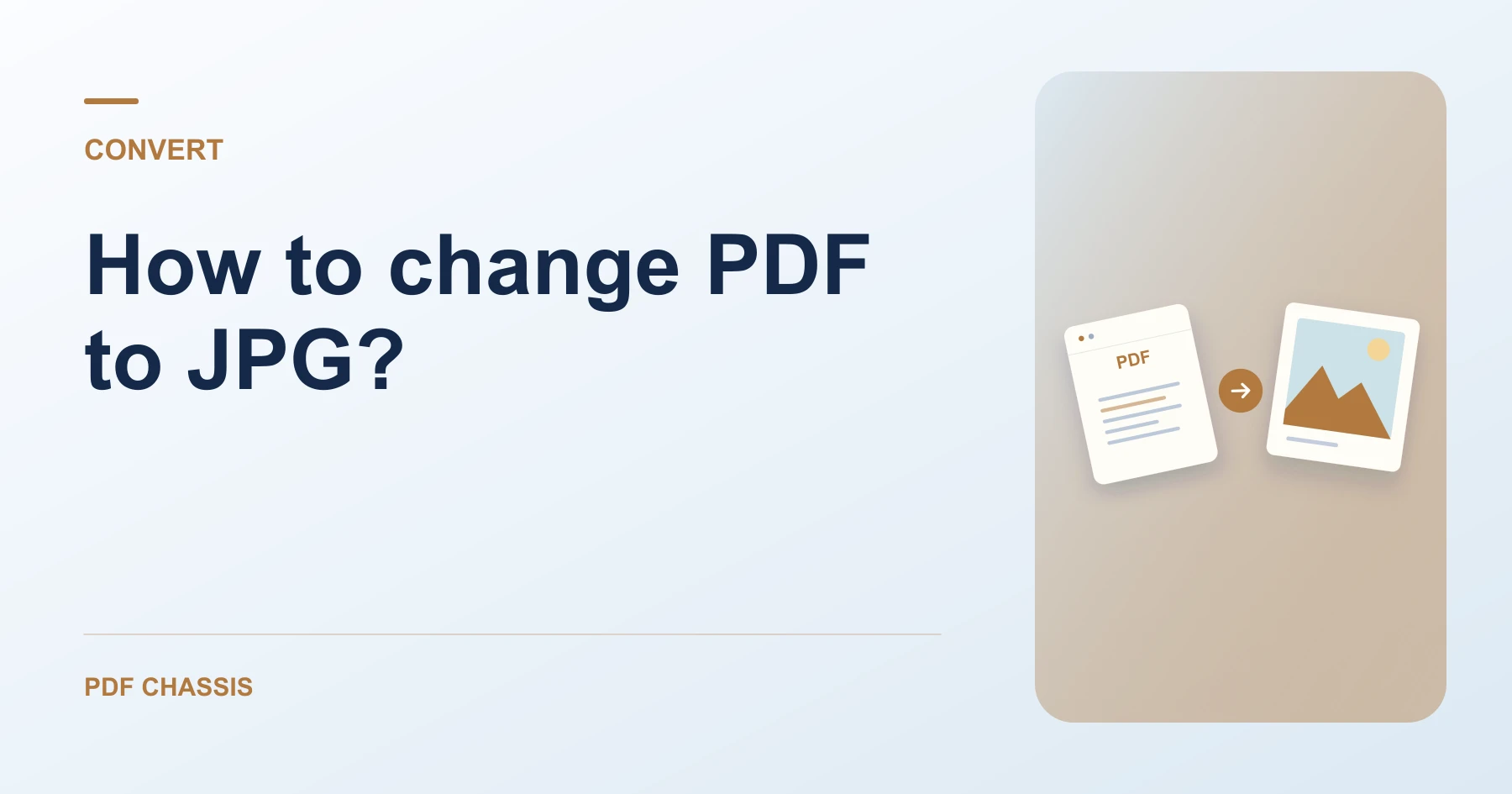
If you are figuring out how to change pdf to jpg?, start by uploading your document and choosing which pages you want to render.
Mastering how to change pdf to jpg? is essential when you need to embed slides, flyers, or certificates into websites and presentations.
Steps for how to change PDF to JPG?
Single-page exports download directly as high-resolution JPG files.
Multiple pages are neatly packaged into an easily extractable ZIP archive.
For a related workflow, see How to export one PDF page as a JPG.
- In your browser, open PDF Chassis and select PDF to JPG.
- Select your PDF document in the workspace.
- Enter page numbers to export, or leave blank for all pages.
- Click PDF to JPG and download your image or ZIP.
%22%20stroke%3D%22%23e2e8f0%22%20stroke-width%3D%221%22%2F%3E%0A%20%20%20%20%0A%20%20%20%20%3C!--%20Connector%20flow%20--%3E%0A%20%20%20%20%3Cline%20x1%3D%22322%22%20y1%3D%22100%22%20x2%3D%22418%22%20y2%3D%22100%22%20stroke%3D%22%23cbd5e1%22%20stroke-width%3D%222%22%20stroke-dasharray%3D%224%204%22%2F%3E%0A%20%20%20%20%3Ccircle%20cx%3D%22370%22%20cy%3D%22100%22%20r%3D%2218%22%20fill%3D%22%23ffffff%22%20stroke%3D%22%23cbd5e1%22%20stroke-width%3D%221.5%22%2F%3E%0A%20%20%20%20%3Ccircle%20cx%3D%22370%22%20cy%3D%22100%22%20r%3D%2213%22%20fill%3D%22%23eff6ff%22%2F%3E%0A%20%20%20%20%3Cpath%20d%3D%22M366%20100h8m-3-3%203%203-3%203%22%20fill%3D%22none%22%20stroke%3D%22%232563eb%22%20stroke-width%3D%222%22%20stroke-linecap%3D%22round%22%20stroke-linejoin%3D%22round%22%2F%3E%0A%20%20%20%20%0A%20%20%20%20%3C!--%20Input%20Card%20--%3E%0A%20%20%20%20%3Cg%20transform%3D%22translate(28%2C%2026)%22%3E%0A%20%20%20%20%20%20%3Cg%20filter%3D%22url(%23wfCardShadow)%22%3E%0A%20%20%20%20%20%20%20%20%3Crect%20width%3D%22284%22%20height%3D%22148%22%20rx%3D%2214%22%20fill%3D%22%23ffffff%22%20stroke%3D%22%23e2e8f0%22%20stroke-width%3D%221%22%2F%3E%0A%20%20%20%20%20%20%3C%2Fg%3E%0A%20%20%20%20%20%20%3Crect%20x%3D%2218%22%20y%3D%2216%22%20width%3D%2286%22%20height%3D%2222%22%20rx%3D%2211%22%20fill%3D%22%23eff6ff%22%2F%3E%0A%20%20%20%20%20%20%3Ctext%20x%3D%2261%22%20y%3D%2231%22%20text-anchor%3D%22middle%22%20fill%3D%22%232563eb%22%20font-family%3D%22system-ui%2C%20-apple-system%2C%20sans-serif%22%20font-size%3D%2210%22%20font-weight%3D%22700%22%20letter-spacing%3D%220.05em%22%3EINPUT%20FILE%3C%2Ftext%3E%0A%20%20%20%20%20%20%0A%20%20%20%20%20%20%3Cg%20transform%3D%22translate(18%2C%2050)%22%3E%0A%20%20%20%20%20%20%20%20%3Crect%20width%3D%2236%22%20height%3D%2244%22%20rx%3D%226%22%20fill%3D%22%23f1f5f9%22%20stroke%3D%22%23cbd5e1%22%20stroke-width%3D%221.2%22%2F%3E%0A%20%20%20%20%20%20%20%20%3Cpath%20d%3D%22M22%200v12h12%22%20fill%3D%22none%22%20stroke%3D%22%23cbd5e1%22%20stroke-width%3D%221.2%22%2F%3E%0A%20%20%20%20%20%20%20%20%3Cpath%20d%3D%22M8%2020h18M8%2026h14M8%2032h10%22%20stroke%3D%22%2394a3b8%22%20stroke-width%3D%221.5%22%20stroke-linecap%3D%22round%22%2F%3E%0A%20%20%20%20%20%20%3C%2Fg%3E%0A%20%20%20%20%20%20%0A%20%20%20%20%20%20%3Ctext%20x%3D%2266%22%20y%3D%2268%22%20fill%3D%22%230f172a%22%20font-family%3D%22system-ui%2C%20-apple-system%2C%20sans-serif%22%20font-size%3D%2214%22%20font-weight%3D%22650%22%3EPDF%20Page%201%3C%2Ftext%3E%0A%20%20%20%20%20%20%3Ctext%20x%3D%2266%22%20y%3D%2286%22%20fill%3D%22%2364748b%22%20font-family%3D%22system-ui%2C%20-apple-system%2C%20sans-serif%22%20font-size%3D%2211.5%22%3EOriginal%20document%20%C2%B7%20Ready%3C%2Ftext%3E%0A%20%20%20%20%20%20%0A%20%20%20%20%20%20%3Cline%20x1%3D%2218%22%20y1%3D%22108%22%20x2%3D%22266%22%20y2%3D%22108%22%20stroke%3D%22%23f1f5f9%22%20stroke-width%3D%221%22%2F%3E%0A%20%20%20%20%20%20%3Ccircle%20cx%3D%2226%22%20cy%3D%22128%22%20r%3D%223.5%22%20fill%3D%22%233b82f6%22%2F%3E%0A%20%20%20%20%20%20%3Ctext%20x%3D%2236%22%20y%3D%22132%22%20fill%3D%22%2364748b%22%20font-family%3D%22system-ui%2C%20-apple-system%2C%20sans-serif%22%20font-size%3D%2211%22%3EIn-memory%20local%20buffer%3C%2Ftext%3E%0A%20%20%20%20%3C%2Fg%3E%0A%0A%20%20%20%20%3C!--%20Output%20Card%20--%3E%0A%20%20%20%20%3Cg%20transform%3D%22translate(428%2C%2026)%22%3E%0A%20%20%20%20%20%20%3Cg%20filter%3D%22url(%23wfCardShadow)%22%3E%0A%20%20%20%20%20%20%20%20%3Crect%20width%3D%22284%22%20height%3D%22148%22%20rx%3D%2214%22%20fill%3D%22%23ffffff%22%20stroke%3D%22%23e2e8f0%22%20stroke-width%3D%221%22%2F%3E%0A%20%20%20%20%20%20%3C%2Fg%3E%0A%20%20%20%20%20%20%3Crect%20x%3D%2218%22%20y%3D%2216%22%20width%3D%22118%22%20height%3D%2222%22%20rx%3D%2211%22%20fill%3D%22%23f0fdf4%22%2F%3E%0A%20%20%20%20%20%20%3Ctext%20x%3D%2277%22%20y%3D%2231%22%20text-anchor%3D%22middle%22%20fill%3D%22%2316a34a%22%20font-family%3D%22system-ui%2C%20-apple-system%2C%20sans-serif%22%20font-size%3D%2210%22%20font-weight%3D%22700%22%20letter-spacing%3D%220.05em%22%3EPROCESSED%20RESULT%3C%2Ftext%3E%0A%20%20%20%20%20%20%0A%20%20%20%20%20%20%3Cg%20transform%3D%22translate(18%2C%2050)%22%3E%0A%20%20%20%20%20%20%20%20%3Crect%20width%3D%2236%22%20height%3D%2244%22%20rx%3D%226%22%20fill%3D%22%23f0fdf4%22%20stroke%3D%22%2386efac%22%20stroke-width%3D%221.2%22%2F%3E%0A%20%20%20%20%20%20%20%20%3Cpath%20d%3D%22M22%200v12h12%22%20fill%3D%22none%22%20stroke%3D%22%2386efac%22%20stroke-width%3D%221.2%22%2F%3E%0A%20%20%20%20%20%20%20%20%3Cpath%20d%3D%22M8%2022l6%206%2012-12%22%20fill%3D%22none%22%20stroke%3D%22%2316a34a%22%20stroke-width%3D%222%22%20stroke-linecap%3D%22round%22%20stroke-linejoin%3D%22round%22%2F%3E%0A%20%20%20%20%20%20%3C%2Fg%3E%0A%20%20%20%20%20%20%0A%20%20%20%20%20%20%3Ctext%20x%3D%2266%22%20y%3D%2268%22%20fill%3D%22%230f172a%22%20font-family%3D%22system-ui%2C%20-apple-system%2C%20sans-serif%22%20font-size%3D%2214%22%20font-weight%3D%22650%22%3EPage-01.jpg%3C%2Ftext%3E%0A%20%20%20%20%20%20%3Ctext%20x%3D%2266%22%20y%3D%2286%22%20fill%3D%22%2316a34a%22%20font-family%3D%22system-ui%2C%20-apple-system%2C%20sans-serif%22%20font-size%3D%2211.5%22%3EProcessed%20copy%20%C2%B7%20100%25%20vector%3C%2Ftext%3E%0A%20%20%20%20%20%20%0A%20%20%20%20%20%20%3Cline%20x1%3D%2218%22%20y1%3D%22108%22%20x2%3D%22266%22%20y2%3D%22108%22%20stroke%3D%22%23f1f5f9%22%20stroke-width%3D%221%22%2F%3E%0A%20%20%20%20%20%20%3Ccircle%20cx%3D%2226%22%20cy%3D%22128%22%20r%3D%223.5%22%20fill%3D%22%2310b981%22%2F%3E%0A%20%20%20%20%20%20%3Ctext%20x%3D%2236%22%20y%3D%22132%22%20fill%3D%22%23059669%22%20font-family%3D%22system-ui%2C%20-apple-system%2C%20sans-serif%22%20font-size%3D%2211%22%3EDirect%20device%20download%3C%2Ftext%3E%0A%20%20%20%20%3C%2Fg%3E%0A%20%20%3C%2Fsvg%3E)
Frequently asked questions
What should I check in the saved copy?
Open the extracted JPGs and check that they show the intended pages at a readable size.
What if the result looks wrong?
The resulting JPG is an image. Keep the PDF if you still need selectable text, links, or forms.
What will this workflow produce?
PDF Page 1 → Page-01.jpg. Open the extracted JPGs and check that they show the intended pages at a readable size.
PDF to JPG